Every autumn or spring the same ritual starts in Swiss schools: a slip goes into the school bag, only some of the slips come back, a teacher writes names into a grid, and a parent who works shifts writes back that Tuesday does not work. Add the annual assessment meeting (the Standortgespräch), enrolment talks and the occasional consultation with school social work, and parent teacher meeting booking becomes a small project that costs more hours than it should. Many schools then reach for a public poll link, where every parent sees who booked which time. That solves the scheduling and creates a data-protection problem.
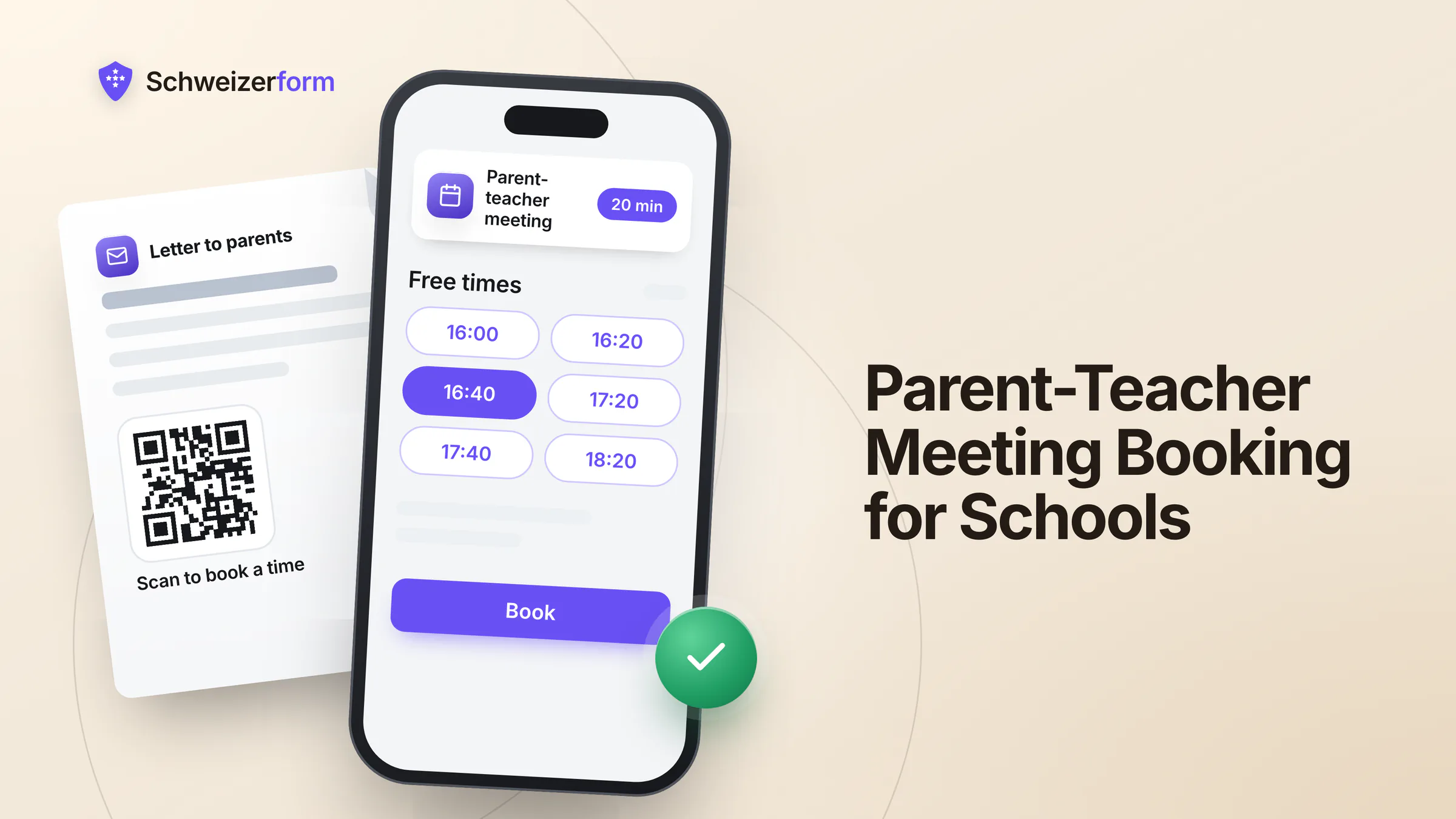
Schweizerform's Appointments module lets a school publish a booking page per teacher or per class: short meetings, a few questions at booking, a link and a QR code for the parent letter, and four languages. Parents book from their phone without an account and see free times only, never each other's bookings. What they write is encrypted in their browser; the time and the service name are not, and this page says where that matters. For the wider picture of forms in schools, see forms for educational institutions.
Who this page is for
Heads of primary and secondary schools, school secretaries, class teachers, school social workers, heads of music schools and day-care centres (Kitas), and whoever looks after the school website. It is written for small and mid-sized schools in all four language regions, public and private. It is not for schools that already run a school-information system with a parents' portal and are happy with it.
Why paper slips and poll links stop working
A meeting week looks simple on paper: twenty families, twenty minutes each, two afternoons. In practice the teacher compiles the grid by hand, chases missing slips, moves families around when two siblings need to be in two classes at the same hour, and answers the question “can we do Thursday instead?” by e-mail, one family at a time.
- The paper slip is lost, returned late or never leaves the school bag, so the teacher does not know who is coming
- E-mail ping-pong takes several messages per family, each one naming the child
- A shared poll or spreadsheet shows every parent who booked which slot, and sometimes the child's name and a remark
- Interpreters for families who need one are arranged at the last minute, because nobody asked early
- A cancellation is noticed when the teacher sits in an empty classroom
Public schools: cantonal law, not the nDSG
A public school is part of a municipality or a canton, so as a rule cantonal data protection law and cantonal school law apply to it, not the federal nFADP (nDSG). Private schools, and music schools and Kitas run by associations or companies, as a rule fall under the nDSG. The cantonal rules differ in detail; some cantons set conditions for external digital tools. Data on children deserves extra care under every regime, and staff of public schools are as a rule also bound by official secrecy (Art. 320 SCC). Ask the cantonal data protection officer or your school authority before you start. More on the principles in appointment booking and data protection.
How online parent-teacher meeting scheduling works with Schweizerform
One booking page per teacher or per class is the simplest model. Each page has its own services, rules and link, and each page counts toward the shared forms pool of your plan: three forms on Free, 50 on Pro. A template for parent-teacher meetings is included, with the services and questions already in four languages; you adapt it and assign the teacher.
- 1
Create the booking page and the service
Start from the “parent-teacher meeting” template or a blank page. A service is a meeting of 15 to 30 minutes, with an optional buffer after it and a place: the classroom, a phone call or the text of an online link that you type yourself.
- 2
Enter the teacher's hours for the meeting weeks
Weekly hours with up to five time ranges per weekday, blocked time for staff meetings, and the slot step (15, 30 or 60 minutes) that matches the length. Set how far ahead parents may book. On Pro and Business, a schedule opens and closes the page automatically, so it is bookable only in the meeting weeks; on Free you publish and unpublish it by hand.
- 3
Ask the questions that prepare the meeting
The child's name and class, whether an interpreter is needed, and the topics the parents would like to cover. Whatever parents answer is encrypted in their browser before it leaves the device. Ask only what you will use.
- 4
Publish and put the QR code on the parent letter
Print the QR code and the short link on the letter, add the link to the class newsletter and, on Pro and Business, embed the page on the school website. Link, QR code and website embed are described in their own article.
- 5
Unlock the bookings and prepare
The teacher opens the calendar, enters the Vault key, and sees names and answers in their own browser. A day or week view shows who comes when; on Pro and Business the page can ask the teacher to confirm each request.
What the parent sees
No account and no password. The parent chooses the service, a day and a time (shown in Swiss time), answers the questions and books. The confirmation page offers a calendar file and a private link to cancel or move the appointment until the cut-off, 24 hours by default. On Pro and Business a parent can also tick an option to receive a confirmation and a reminder by e-mail.
Where schools use Schweizerform
Annual assessment meetings (Standortgespräche)
The yearly meeting between teacher, parents and often the pupil is the core case: 20 to 30 minutes per family, a fixed number of afternoons, a class of about twenty. A booking page per class teacher, with the service “Assessment meeting” and the meeting weeks as the only open period, replaces the grid. The question “Which topics would you like to discuss?” gives the teacher a head start. What the meeting must cover is set by your canton and your school; the booking page only fixes the time.
Enrolment talks and school entry
Before school entry or a change of school, many schools invite the family for a short talk. A service “Enrolment talk” of 30 minutes, with the language of the family as a question, gets the right person into the room. For the papers that go with it, a document request is better than a stack of copies; see below.
School social work and special-needs consultations
This is where the design matters most. A parent who books a consultation with school social work or the learning-support team reveals something just by booking. The time and the service name are readable by the server and appear in e-mails and calendar feeds, so use a neutral name such as “Consultation” and switch on the option that hides the service name in mails and calendar feeds. Ask only for the name, the child's class and how to reach the parent. The reason belongs in the conversation, not in the form. Some schools will prefer to take these appointments by telephone only, which is a perfectly good decision.
Music schools and Kitas
A music school books trial lessons and progress talks with the teacher of each instrument; a Kita books development talks and trial days with the group leader. Both work with the same model: a page per person, a short service, a QR code on the notice board. A Kita that wants several group leaders in one page needs several staff profiles, which is a Business matter (see the section on plans).
Excursion consents and health information for camps
A normal form handles the consent for a school trip or a camp. A parent confirms the outing, adds the emergency number and writes down allergies and medication; all of it is encrypted in the browser, so only people holding the Vault key can read it. Collect the health details only for the camp, use them for that purpose and delete them afterwards: deletion is a manual action, and automatic deletion after a set number of days is a Business feature. A guide to retention periods helps to fix the rule.
Enrolment papers as a document request
For the papers around enrolment (a copy of the residence confirmation, the vaccination record if your canton asks for it, a photo), the Documents module creates a personal link for each family with a checklist and a due date; the school sends the link itself. The family uploads the files in their browser and comes back with the same link to add the rest; the secretary reviews each item. Item names are readable by the server, so name them by document type and never by anything that reveals a situation. How to build such a list is covered in document request checklists.
Contact groups per class and the client page
The Contacts module keeps a group per class, encrypted in the browser, and sends a personal booking link to a group as a mail-merge file or a draft in your own mail program. Contacts hold five people on Free, 100 on Pro and 2,500 on Business, so a class group of twenty families needs Pro. On Pro and Business, each family can also have a client page: one personal link that shows only what is still open for them, for example the booking link and the consent form. Anyone holding that link sees what is open, so it is not a login; the background is in the client page instead of a portal.
A knowledge test for staff
The Assessments module suits a short knowledge test for staff, for instance a data-protection refresher for teaching and secretarial staff at the start of the school year or a first-aid quiz before camp season. Scoring runs in the browser and the result is stored inside the encrypted answers. Correct answers ship to the browser with the form, so it is not for exams that decide anything about a person; see staff training tests.
Who sees what: what is encrypted and what is not
We can see the questions you ask, never the answers people give. For a booking page that sentence needs a precise second half: the appointment has to be readable by the server so that free slots, the calendar and the e-mails can work.
| Data | State | Who can read it |
|---|---|---|
| Parent's name, e-mail, phone, the child's name, interpreter answer and topics | Encrypted in the parent's browser | Holders of the Vault key after unlocking; Schweizerform cannot read it |
| Appointment time and status | Readable by the server | Needed for free slots, the calendar and e-mails |
| Service name and teacher name | Readable by the server | Choose neutral service names; the service name can be hidden in mails and calendar feeds |
| Other parents' bookings | Not shown on the public page | A parent sees free times only, not who booked what |
| Parent's e-mail for confirmations and reminders (opt-in, Pro and Business) | Stored readable, short-lived | Used only for booking mails and deleted one day after the appointment |
| Uploaded files and original file names in a document request | Encrypted in the parent's browser | Holders of the Vault key |
| Item names and due date of a document request | Readable by the server | Whoever holds the request link sees item names, file names and progress, never file contents |
Neutral names for sensitive services
A service called “Consultation with school social work” tells the server, and anyone who sees a confirmation mail or a calendar feed, that this family asked for help; “Consultation” does not. The same applies to the item names of a document request.
Features that matter for a school
- A booking page per teacher or class with up to 30 services, 5 to 480 minutes, buffers and a place per service, on every plan
- Weekly hours, absences, blocked time, minimum notice and how far ahead parents may book, on every plan
- Closed days for school holidays and teacher training days, Pro and Business; you enter the days yourself, there is no built-in holiday calendar
- Questions at booking with encrypted answers, up to 15 questions on Free and up to 100 on Pro
- Confirm automatically, or “I confirm each request”, Pro and Business
- E-mail confirmation and a reminder 1, 24 or 48 hours before, only if the parent opts in, Pro and Business (30 client e-mails per day on Pro, 1,000 on Business)
- Link and QR code on every plan; embed on the school website on Pro and Business
- The booking page in German, French, Italian and English, including service names and confirmation texts
- Day, week and month calendar, a private one-way calendar link, bookings as CSV, and a booking added by hand when a parent calls
- Cancel and reschedule through a private link until the cut-off, with no account for the parent
One teacher or the whole school: staff profiles and plans
Every person who holds meetings in their own hours is a staff profile. Free and Pro include one staff profile; Business includes up to 25. That fits a single class teacher, a school social worker, the head of a small school or a Kita manager on Free or Pro. A school where several teachers each hold meetings in their own hours, or a single page that lists all teachers so parents pick one, needs Business. On Business, a profile can be linked to a team member's login, and “Anyone available” assigns the least busy teacher.
| Free | Pro | Business | |
|---|---|---|---|
| Booking pages (shared pool with forms and collections) | 3 in total | 50 in total | Effectively unlimited |
| Staff profiles | 1 | 1 | Up to 25 |
| Bookings per month (shared with form responses) | 100 | 1,000 | 10,000 |
| Closed days | No | Yes | Yes |
| “I confirm each request” | No | Yes | Yes |
| E-mail confirmations and reminders | No | Yes, 30 per day | Yes, 1,000 per day |
| Website embed | No | Yes | Yes |
| Contacts (groups on every plan) | 5 | 100 | 2,500 |
What schools ask
“Does the nDSG apply to our school?”
For a private school, yes: the nDSG applies, and you remain the controller for the parents' and children's data. For a public school, as a rule no: cantonal data protection law and school law apply, and some cantons set specific conditions for external tools or for cloud services. Ask your cantonal data protection officer or your school authority, and record Schweizerform as a processor: operated from Switzerland, encrypted submissions stored in Switzerland, e-mail sent through a European e-mail provider (servers in the EU/EEA), not in Switzerland. See also the security overview and schools and Google Forms.
“What does it not do?”
No connection to your school-information system: bookings are read on screen or exported as CSV, and nothing is transferred automatically. No video meetings: the online place is only a line of text with a link you type. No group slots and no parents' evening with seats, because a slot holds one booking. No automatic distribution: parents choose their slot, the tool does not assign families, does not give siblings consecutive times and does not run a first-come queue. No SMS, no payment and no two-way sync with Google or Outlook calendars, only a private one-way calendar link.
“What about families who speak other languages?”
The booking page is available in German, French, Italian and English, and parents can switch on the page. Other languages, for example Portuguese or Albanian, are not offered. The question “Is an interpreter needed? Which language?” lets the school arrange an interpreter through its usual channel before the meeting, and a telephone call or a booking added by hand remains available.
“Can parents see each other's bookings?”
No. The public page shows free times, nothing else: no names, no list, no count. That is the main difference from a shared poll or spreadsheet. Inside the school, whoever can unlock a booking page sees all of its bookings; there is no per-teacher encryption, so decide who holds the Vault key and give sensitive consultations their own page.
“What if a parent has no smartphone or no internet?”
A booking page is an extra door, not the only one. Keep the telephone and the school office, and add the booking by hand when a parent calls so that everything lands in one calendar. Print the short link next to the QR code on the parent letter.
Getting started before the next meeting week
- 1
Pick one class and one service
One class teacher and the “Assessment meeting” of 20 or 30 minutes. Free includes one staff profile, a link and a QR code, enough for a pilot with real parents.
- 2
Clear the data-protection questions first
Talk to the cantonal data protection officer or your school authority, update the privacy notice for parents and record Schweizerform as a processor. Then widen.
- 3
Write the questions as a short checklist
Child's name and class, interpreter needed, topics. Skip anything that is not needed for the meeting.
- 4
Decide who holds the Vault key
Two custodians, for example the head and the school secretary, with a written procedure. Without the Vault key nobody can read the answers, including us.
- 5
Set the schedule and the closed days
Enter the meeting weeks and the holiday weeks. On Free, block the days in the teacher's profile and publish the page by hand; the automatic schedule and closed days start on Pro.
- 6
Send the letter with the QR code
Print the QR code and the short link, keep a telephone number for families who need help, and review after the first week what to change.
Fewer slips, fewer e-mails, no public list
A school does not need a school-information system to hold its meetings in a tidier way. A booking page per teacher, a clear list of questions and a QR code on the parent letter already change the meeting week: the teacher knows who is coming and what to prepare, parents choose a time that fits their working day, and nobody sees anybody else's booking.
What parents write stays encrypted; the appointment itself is readable by the server, so name services neutrally and let the cantonal rules decide how far a public school goes. Schweizerform is one person's product, operated from Switzerland; it does not replace school software, only the booking part. For a comparable set-up in public administration, read municipality counter appointments; for a school-like case with levels and tests, language school placement tests.
Start on the Free plan with one booking page for one class teacher, a link and a QR code on the parent letter. Then read online appointment booking for Swiss SMEs and the Appointments features before you widen the set-up.
Disclaimer: This page is general information and marketing content, not legal, data-protection or educational-law advice. It simplifies the cantonal data protection and school laws, the Federal Act on Data Protection (nFADP) and official secrecy under Art. 320 SCC. Responsibility for the data of pupils and parents remains with the school and its school authority. Consult your cantonal data protection officer or a qualified lawyer before relying on any summary here.