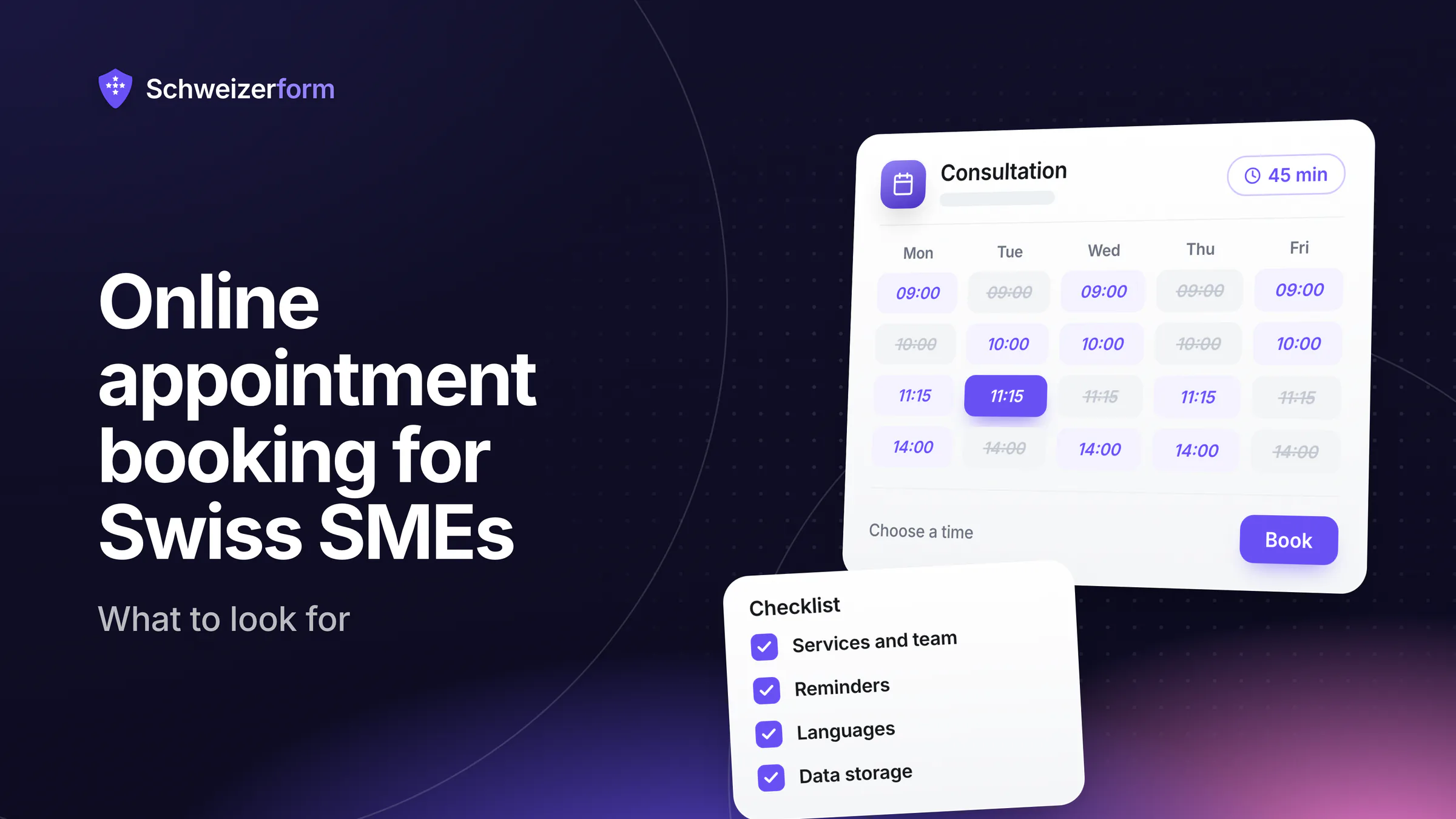
Many small businesses start with the same arrangement: a phone that rings while you are with a client, a paper diary or a shared calendar, and a voicemail you answer at lunch. Online appointment booking promises to replace that with a page where clients pick a free time themselves. The market is crowded, though, and the tools differ in ways that only show up after you have switched.
This guide is a vendor-neutral buyer's guide to online appointment booking for Swiss SMEs: practices, offices, workshops, associations and local authorities with one to a few dozen appointments a week. It lists what a tool must do, which data questions to ask before you sign up, what you can safely skip, and a checklist table you can use with any product. Near the end, it shows where Schweizerform's Appointments module fits and where it does not.
What you will learn
Which features a small business really needs, which questions about data storage and e-mails separate careful tools from careless ones, and how to compare two or three candidates in an hour. Written for owners and office managers, not for IT departments.
What an online booking tool must do for a small business
Feature lists on vendor sites run to forty items. For a small firm, about a dozen decide whether the tool saves time or creates work. They fall into four groups.
Services and durations
Clients do not book "a slot", they book a service: a first consultation of 45 minutes, a follow-up of 20, a site visit of 90. The tool must let you define each service with its own duration, a short description and a place (on site, by phone, online, at the client's address). If every appointment has the same length, you will either waste time or double-book yourself.
Opening hours, staff and buffers
The tool should know when you are available and make that easy to maintain. Check that it handles the real rhythm of your week:
- Weekly hours with split days, for example 08:00–12:00 and 14:00–18:00 with a lunch break
- Closed days you can enter yourself: 1 August, Easter Monday, cantonal holidays and your own holidays
- A buffer before or after a service for notes, cleaning or travel
- A minimum notice period, so nobody books a slot for ten minutes from now, and a limit on how far ahead people may book
If more than one person takes appointments, add the questions: can each person have their own hours and absences, and can the client pick a person or say "anyone available"? And above all: does the tool prevent double bookings, even when two clients click on the same slot at the same moment?
Confirmations, reminders, cancelling and re-booking
A booking that ends with a silent screen produces no-shows and phone calls. The client should see a confirmation page and, if they agree, receive an e-mail. A reminder shortly before the appointment is one of the simplest measures against missed appointments (our guide to reminders goes into detail). Equally important is the way back: a private link where the client can cancel or move the appointment up to a cut-off you define. Every cancellation by link is a phone call you did not have to take.
Link, QR code and website embed
A booking page is only useful if people find it. You want a plain link for e-mail signatures and messages, a QR code for the reception desk or the shop window, and, ideally, an embed that shows the booking steps inside your own website. The guide to link, QR code and embed compares the options. Also check that the client does not have to create an account: every extra step costs bookings.
Four languages and Swiss time
A Swiss customer base is rarely monolingual. A practice in Biel, a notary in Fribourg or an architect in Lugano will be contacted in German, French or Italian, sometimes in English. A good tool lets you translate service names, descriptions and confirmation texts, and shows the client the page in their language. Check this before you decide, because "multilingual" on a vendor site often means only that the buttons are translated.
Time matters too. Daylight-saving changes, Swiss date formats (18.11.2026) and rules that run on Swiss time sound trivial until a reminder arrives an hour early. A client who is travelling should still see the time as it applies in the place of the appointment.
Data questions to ask before you sign up
A booking form collects name, e-mail, phone number and often a reason for the visit. Under the Swiss Federal Act on Data Protection (nFADP), you remain responsible for that data even when a tool processes it for you. Where the reason for a visit reveals health information, it counts as particularly sensitive personal data (Art. 5 let. c nFADP) and deserves more care. Three questions are worth asking every vendor in writing.
Where is the data stored, and who processes it?
Ask for the storage location and for the list of sub-processors, the companies that handle the data on the vendor's behalf. If you use a processor, Art. 9 nFADP requires the arrangement to rest on a contract (or on the law), usually a data-processing agreement. Be sceptical of the vague answer "our servers are secure"; a concrete answer names the provider and the country. For a deeper look, read our article on data protection in appointment booking.
Who can read the client's reason for the visit?
This is a question many buyers forget. In many tools, the vendor's staff, support agents and sometimes integrated third parties can read every booking in plain text. Ask whether free-text answers are encrypted so that the vendor cannot read them, or whether they are only protected by access rules. Ask what the vendor can see at all: the time, the service name, the person? Those fields often have to stay readable for the calendar to work, and that is acceptable if it is stated openly.
What do the e-mails contain?
Reminders and confirmations travel through e-mail providers and mailboxes that many people share with colleagues or family. A subject line such as "Your appointment with the oncology clinic" says more than the client may want to be seen. Look for generic subjects, no content from the client's own answers, an option to hide sensitive service names, and a way for the client to stop the mails. Ask how long the client's address is kept after the appointment.
The sensitive part is the reason, not the time
A time slot alone reveals little. The combination of a name, a time and a reason for the visit is what matters, especially in health, legal and counselling services. Choose neutral service names and keep free text out of e-mails and calendar feeds.
What small firms can safely skip
Vendors compete on breadth, and breadth creates complexity you pay for in setup time and risk. For a small business, most of the following are optional, and some are better avoided at the start:
- Online payments and deposits: useful for no-show-prone formats, but they add payment-provider contracts, VAT questions and refund handling. Many firms invoice after the visit anyway
- Rooms, machines and other resources with their own calendars: relevant for a coworking space or a sports hall, not for a consultant or a practice
- Group classes with several seats per slot: only if your business is built around classes
- Deep integrations with accounting, CRM or marketing tools: each connection is another place where client data travels
- Loyalty programmes, upselling pop-ups and marketing automation that you did not ask for
The rule of thumb: start with the smallest tool that handles services, hours, confirmations and reminders properly, and add complexity only when a real situation forces you to.
A checklist to compare online appointment booking tools
Use the table below with every candidate. Note the answer in your own words and mark what is missing. Two honest "no" answers are better than one vague "yes".
| Topic | What to ask | A good answer |
|---|---|---|
| Services | Own duration, description and place per service? | Yes, with several services per page |
| Hours and closed days | Split days, absences, closed days I enter myself? | Yes, no built-in assumptions about holidays |
| Buffers and notice | Buffer times, minimum notice, booking horizon? | Each adjustable per service or page |
| Double bookings | Locked when two people click at once? | Yes, explained in the documentation |
| Confirmations and reminders | E-mail after booking and before the visit, opt-in by the client? | Yes, with an opt-in and a stop link |
| Cancel and re-book | Private link with a cut-off I set? | Yes, no client account needed |
| Languages | Page, services and e-mails in DE, FR, IT and EN? | All four, including my service texts |
| Data location | Provider and country, sub-processors listed? | Named provider, written agreement available |
| Readable by the vendor | Which fields can the vendor and its support read? | Only what the calendar needs, stated clearly |
- 1
Write down your appointment types
List your services, their durations and who performs them. This is your test script.
- 2
Shortlist two or three tools
Prefer tools that state their data location and sub-processors on the website.
- 3
Set up one real service in each
Services, weekly hours, one closed day, a buffer. If you cannot do it in an hour, daily use will be harder.
- 4
Book, cancel and re-book as a client
Use your phone, check the e-mails and look at what they contain and how they are worded.
- 5
Send the data questions in writing
Keep the answers with your records. They help you show that you chose your processor with care, as the nFADP expects.
Where Schweizerform's Appointments module fits
Schweizerform is a platform for end-to-end encrypted online forms, operated from Switzerland. Since November 2026 it also offers Appointments: a booking page where clients choose a service, a person and a free time, answer your questions and book. The honest summary is that it suits small businesses that care about client data and need a straightforward booking page. It is not a full practice-management suite.
- Services with their own duration (5 to 480 minutes), buffers before and after, and a place
- Weekly hours, absences, blocked time and closed days you enter yourself
- A minimum notice, a booking horizon, a slot step and a cancel and re-book cut-off for the client
- A private manage link for the client, no account needed, and a calendar, bookings list and insights for you
- Booking pages in German, French, Italian and English, shown in Swiss time
What is encrypted and what is not
What the client writes (name, e-mail, phone, message, files) is encrypted in their browser; only the holder of your Vault key can open it. The time, the service name, the staff name and the status are readable by the server, because slots, the calendar and the e-mails need them. You can give a service a neutral name or hide it in e-mails and calendar feeds. The optional address for e-mail updates is stored readable and deleted one day after the appointment. A booking is therefore not fully end-to-end encrypted, and we do not claim otherwise. The details are on the security page.
Where it does not fit
- No payments or deposits
- No calendar sync with Google or Outlook: you can subscribe to a private one-way calendar link, but busy times in your other calendars are not read
- One staff profile on Free and Pro; several people need Business
- No group bookings, no SMS reminders, no rooms or resources
- Client e-mail confirmations and reminders, owner confirmation for each booking, closed days and website embedding need Pro or Business
| Feature | Free | Pro | Business |
|---|---|---|---|
| Staff profiles | 1 | 1 | 25 |
| E-mail confirmations and reminders | No | Yes | Yes |
| Owner confirms each booking, closed days | No | Yes | Yes |
| Website embed | No | Yes | Yes |
A good fit, a poor fit
A solo adviser, a small practice or a local office who want clients to book from a link or QR code fit well. A business that takes deposits, a team that needs Google calendar sync or a business that lives on group classes should look elsewhere. For a worked example, see the physiotherapy practice use case.
Common questions
Do I need payments in my booking tool?
Usually not. If your no-show rate is low and you invoice after the visit, payments only add contracts and handling. Deposits become worth considering when each missed slot costs real money. Start with reminders and an easy cancel link first; they solve most of the problem.
Is a shared calendar not enough?
A shared calendar works as long as people book by phone. It does not let clients see free times, it does not check durations, hours and buffers on its own, and it does not send reminders. If you spend a few hours a week arranging appointments by phone, a booking page pays for itself in time.
Can I start free and upgrade later?
With Schweizerform, yes: a booking page counts toward the three forms of the Free plan, and you can test booking, cancelling and rescheduling before you decide; e-mail confirmations and reminders to clients need Pro. Check the pricing page for current plans. With any tool, look at how easy it is to export your bookings, so that you stay free to leave.
Start small, ask clearly
A good booking tool is boring in the best sense: it knows your services and hours, prevents double bookings, reminds clients and lets them cancel on their own. Everything else is optional. What deserves your attention is the part that is hard to change later, namely where the client's data goes and who can read it.
Pick two or three candidates, set up one real service in each, and send your data questions in writing. The answers, and how willing a vendor is to give them, tell you more than any feature list.
Your first step
Write down your three most frequent appointment types with their durations, then try them in a tool on a free plan. To see how Schweizerform handles them, browse the features, read about data protection in appointment booking and look at the security page.
Disclaimer: This article is general information and marketing content, not legal or data-protection advice. It simplifies the Swiss Federal Act on Data Protection (nFADP) and related rules. Responsibility for choosing and configuring a booking tool stays with your organisation; consult a qualified professional before basing a decision on this summary.