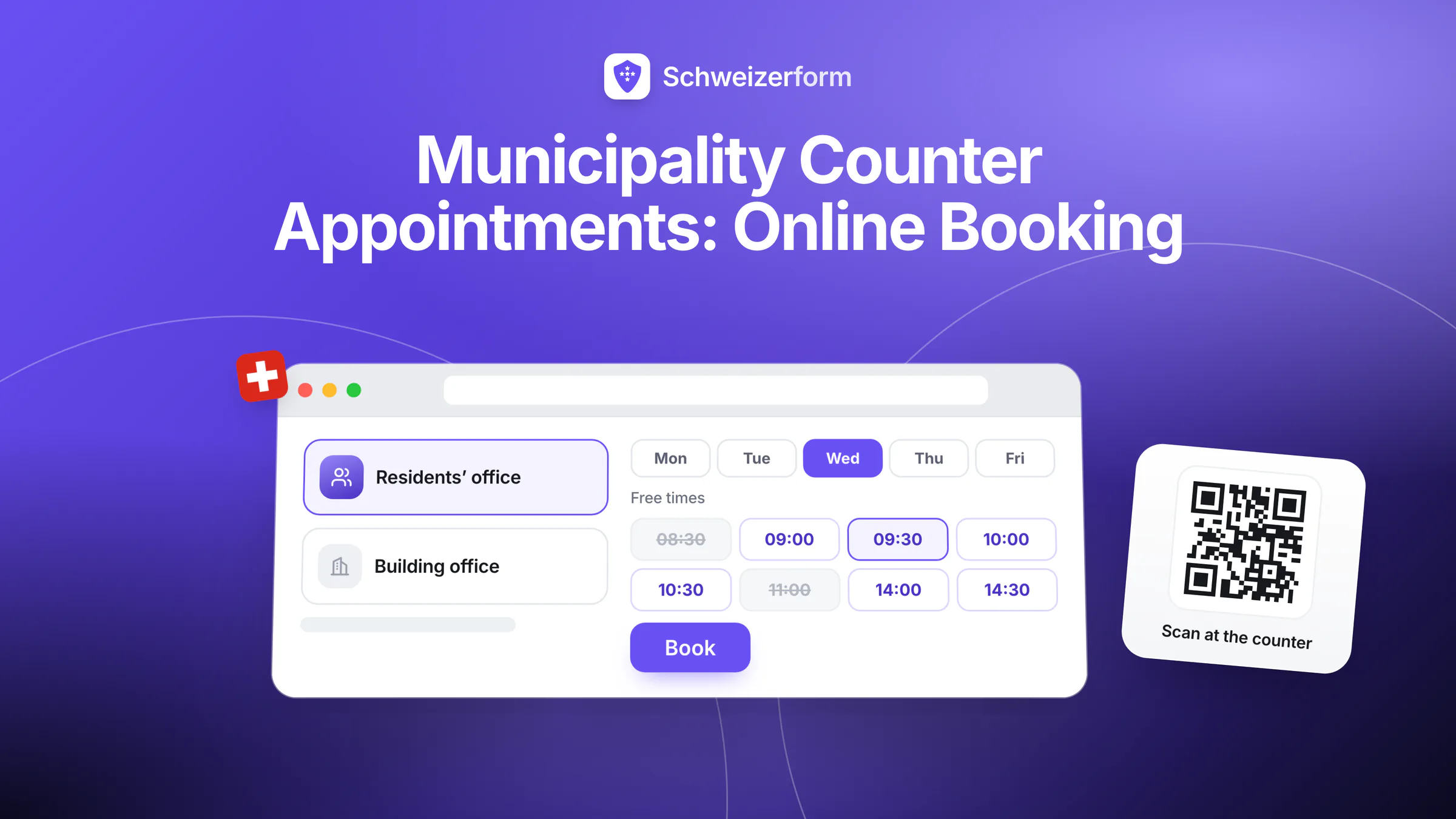
A small commune is open to the public for a few hours a week, and those hours shape how residents experience the administration. Someone who has just moved in has to register, someone who needs a new ID card has to come in person, someone with a question about a tax assessment would like fifteen minutes with a clerk — and the counter is open on Tuesday morning and Thursday afternoon. Municipality online appointment booking turns those fixed hours into slots that people reserve from home, on their phone, at any time of day. A counter appointment replaces the queue and the phone call to find out when the office is open.
Schweizerform's Appointments module gives each office of a commune its own booking page: services with durations, opening hours, questions at booking so residents bring the right papers, four languages, a link, a QR code for the counter door and the Gemeindeblatt, and on Pro and Business an embed on the commune website. What the resident writes is encrypted in their browser; the time and the service are not, and this page says exactly where that matters. For the wider picture of online forms in public administration, see government and public-sector forms.
Who this page is for
Municipal clerks (Gemeindeschreiberinnen and Gemeindeschreiber), the heads of the residents' office, the building department, the tax office, social services or the civil registry, and whoever looks after the commune website. It is written for small and mid-sized communes in all four language regions with limited counter hours — not for city administrations that already run a queue-management system and their own IT department.
Why limited counter hours make online appointment booking worth it
In a small commune the same two or three people cover the residents' office, the cash desk, the civil registry and the telephone. The counter is staffed part-time, with a lunch break and closed days around public holidays. Walk-in service means everybody arrives at the same moment: Tuesday at 8:00, Thursday at 16:00. Residents wait, the clerk cannot plan, and the person who made a long trip from a hamlet finds a locked door. A booking page changes five things:
- Residents pick a time that suits them and know that a person is expecting them — no wasted trips
- The clerk sees the day's appointments in the morning, with the duration of each service, and can prepare
- The right documents arrive, because the questions at booking ask what is needed for this service
- Fewer phone calls about opening hours and “what do I have to bring?”
- Counter hours live in one place; public holidays and staff meetings are closed days that nobody can book
None of this replaces the counter. Walk-in service can stay for simple matters; booking is for the visits where preparation matters and for the people whose working day does not fit the opening hours.
As a rule cantonal law, not the nDSG
Data protection in a commune is, as a rule, a matter of cantonal law. A commune is a public body of its canton, so the cantonal information and data protection act of that canton applies — not the nFADP (nDSG), which covers federal bodies and private persons. The cantonal acts differ in detail; some canton-specific rules on outsourcing or on cloud services may apply to a tool like this. Staff of the commune are also bound by official secrecy (Art. 320 SCC). Your cantonal data protection officer is the right first contact. More on the principles in appointment booking and data protection.
How online counter appointment booking works with Schweizerform
One booking page per office is the simplest set-up: one for the residents' office, one for the building department, one for the tax office. Each page has its own services, its own hours and its own link.
- 1
Create a booking page for the office
Start from a template (for example “initial consultation” or “neutral session”) or from a blank page, and add a title that residents recognise. Booking pages share the three-form pool of the Free plan with your forms and document collections.
- 2
Add the services with their durations
“Register arrival” 20 minutes, “ID card application” 30 minutes, “Tax return help” 20 minutes. A service has a name, a description, a duration between 5 and 480 minutes, an optional buffer before and after, and a place: at the counter, online link text, phone or at the resident's address.
- 3
Set the hours and the rules
Weekly hours per staff profile with up to five time ranges per weekday, blocked time for meetings, a minimum notice, how far ahead people may book and a cancellation cut-off (24 hours by default). On Pro and Business you also enter the closed days yourself — Good Friday, Ascension, 1 August; there is no built-in holiday calendar.
- 4
Ask the questions that prepare the visit
“Which documents will you bring?”, “How many people are moving?”, “Which tax year?” Whatever the resident answers is encrypted in their browser before it leaves the device. Ask only what you will use.
- 5
Publish and open the bookings in your browser
Share the link, print the QR code, and on Pro and Business embed the booking page on the commune website. The clerk unlocks the bookings with the Vault key; names appear in the calendar only after unlocking, in the clerk's browser. By default the page confirms each booking automatically; on Pro and Business you can choose “I confirm each request” instead.
What the resident sees
No account and no password. The resident chooses a service, a day and a time (shown in Swiss time), answers the questions and books. The confirmation page offers a calendar file and a private link to cancel or reschedule until the cut-off. On Pro and Business the resident can tick an option to receive an e-mail confirmation and a reminder 1, 24 or 48 hours before. How to share the page is described in booking page: link, QR code and website embed.
Where municipalities use Schweizerform
Residents' office: moving in and moving out
Registration on arrival is the classic counter visit, and it goes faster when the papers are complete. Offer services such as “Register arrival”, “Deregister departure” and “Change of address”. Use the questions to say what to bring — as a rule an ID document, the rental contract or proof of the dwelling, and proof of health insurance, with extra papers for foreign nationals — and to ask how many persons move. Your own checklist is the authority, not ours. If your canton already offers an e-government registration, keep it; the booking page is for the visit that remains.
ID applications
In many cantons the commune takes ID card applications, while passports usually go through a cantonal passport office — check how your canton divides the work. A booking page lets you reserve a longer slot, remind residents to bring the old card, and keep the in-person steps where they belong: at the counter. Nothing in the booking replaces the in-person procedure.
Tax office questions
Where the commune helps with the tax return or answers questions about the assessment, a “Tax consultation” service with 20 minutes and a question for the tax year gives people a fixed time instead of a vague “come by on Thursday”. Residents can bring the assessment notice and the papers listed in your answer. How much of the tax process sits in the commune depends on the canton; book only what your office really handles.
Social services: first contact
This is the one area where the design of the booking matters most. The appointment time and the service name are readable by the server and appear in mails and calendar feeds, so choose a neutral name such as “Consultation” and switch on the option that hides the service name in mails and calendar feeds. Ask for as little as possible at booking — a name, how to reach the person, the preferred language — and leave the circumstances for the conversation. Some communes will prefer to keep first contact by telephone only; that is a legitimate decision, and the booking page is not obliged to cover every office.
Building-permit consultations
A short consultation before a building application saves both sides time. A service “Building consultation” with 30 minutes and the setting “I confirm each request” (Pro and Business) lets the building department check the request before the slot is final. Ask for the parcel number and the kind of project; a file question (Pro and Business) lets the resident attach a sketch or photo. If you do not answer in time, the request expires after the period you set (48 hours by default).
Civil registry
Civil registry offices often cover several communes; where your commune runs its own or a regional office uses the tool, services such as “Preparing a marriage” or “Registering a birth” can be booked with a long slot and a clear list of the papers to bring. With several registrars you will need several staff profiles — see the section on Business below.
Waste and parking permits
Waste vouchers, residents' parking permits and similar small matters rarely need a long visit. A ten-minute service with a question for the licence plate keeps the counter predictable. For requests that need no visit at all, a plain form with a few fields is enough, and the resident sends it from home.
Documents before the appointment, and plain forms for requests
The Documents module creates a personal link for each resident with a checklist — rental contract, proof of insurance, the old ID card — plus a due date; you send the link yourself. The resident uploads the files in their browser, comes back with the same link to add what is missing, and the clerk reviews each item before the visit. Reminders before the due date are available on Pro and Business. A personal link identifies the request but does not authenticate the resident, and the module does not read or check the files: the clerk compares them with the originals at the counter. Plain forms cover requests such as a residence confirmation or a bulky-waste collection; the fee is billed the way your commune bills today.
Who sees what: what is encrypted and what is not
We can see the questions you ask — never the answers people give. For a booking page, that sentence needs a precise second half: the appointment itself has to be readable so that free slots, the calendar and the e-mails can work.
| Data | State | Who can read it |
|---|---|---|
| Resident's name, e-mail, phone, message and answers to your questions | Encrypted in the resident's browser | Holders of the Vault key, after unlocking; Schweizerform cannot read it |
| Uploaded files and their original file names | Encrypted in the resident's browser | Holders of the Vault key |
| Appointment time and status | Readable by the server | Needed for free slots, the calendar and e-mails |
| Service name and staff name | Readable by the server | Choose neutral names; the service name can be hidden in mails and calendar feeds |
| Item names, due date and visit count of a document request | Readable by the server | Whoever holds the request link also sees item names and progress, never file contents |
| Resident's e-mail for confirmations and reminders (opt-in, Pro and Business) | Stored readable, short-lived | Used only for booking mails and deleted one day after the appointment |
| Your questions, services, hours and staff profiles | Readable by the server | This is the part we can see |
Neutral names for sensitive services
A service called “Social assistance application” tells the server, and anyone who sees the confirmation mail or a calendar feed, what the visit is about. “Consultation” does not. The same rule applies to the item names of a document request: they are readable. Name the service for the office, not for the person's situation.
Features that matter for a commune
- A booking page per office with up to 30 services, durations from 5 to 480 minutes and buffers before and after — on every plan
- Weekly hours, absences, blocked time and rules such as minimum notice and how far ahead people may book — on every plan
- Closed days for public holidays and closing days — Pro and Business; you enter the days yourself
- Questions at booking with encrypted answers — up to 15 questions on Free, up to 100 on Pro
- Confirm automatically, or “I confirm each request” — Pro and Business
- E-mail confirmation and reminders 1, 24 or 48 hours before, only if the resident opts in — Pro and Business (30 client e-mails per day on Pro, 1,000 on Business, shared with other confirmation mails)
- Link and QR code on every plan, embed on the commune website on Pro and Business
- Four languages, including service names and confirmation texts, which suits bilingual communes and visitors from other language regions
- Day, week and month calendar, a private one-way calendar link, bookings as CSV, and Insights on busy weekdays and no-shows — you can also add a booking by hand when someone calls
- Cancel and reschedule through a private link until the cut-off, with no account for the resident
Several counters need the Business plan
Each person with their own hours at a counter is a staff profile. Free and Pro include one staff profile for the account; Business includes up to 25. A commune where the residents' office, the tax office and the building department are staffed by different people with different hours therefore needs Business. A one-clerk commune can run on Pro: one booking page per office, one person's hours. On Business, a staff profile can be linked to a team member's login, and “Anyone available” assigns the least busy person; a linked clerk sees their own calendar by default, which is a filter and not a key.
| Free | Pro | Business | |
|---|---|---|---|
| Staff profiles | 1 | 1 | Up to 25 |
| Bookings per month (shared with form responses) | 100 | 1,000 | 10,000 |
| Closed days | No | Yes | Yes |
| “I confirm each request” | No | Yes | Yes |
| E-mail confirmations and reminders | No | Yes, 30 per day | Yes, 1,000 per day |
| Website embed | No | Yes | Yes |
| Link and QR code | Yes | Yes | Yes |
| Requests per document collection | 3 | 50 | 500 |
What municipalities ask
“Does the nDSG apply to our commune?”
As a rule no. A commune follows the cantonal information and data protection act of its canton; the nDSG covers federal bodies and private persons, which includes a provider such as Schweizerform. Cantonal acts differ, and some cantons set specific rules for outsourcing, for cloud services or for assessing new processing. Ask your cantonal data protection officer, check whether your commune's own purchasing rules apply, and record Schweizerform as a processor: operated from Switzerland, encrypted submissions stored in Switzerland, e-mail sent through a European e-mail provider (servers in the EU/EEA), not in Switzerland. See also the security overview.
“What does it not do?”
No eID or AGOV login and no identity verification: a booking link identifies nobody, so the clerk checks the ID at the counter as before. No payment of fees — no card, no TWINT, no invoice. No connection to your residents' register software: bookings are read on screen or exported as CSV and nothing is transferred automatically. No queue or ticket system for walk-ins, no group bookings for an information evening, no SMS, no two-way sync with Google or Outlook calendars (only a private one-way calendar link) and no waiting list.
“What about residents without internet, or older residents?”
A booking page is an additional door, not the only one. Keep the telephone and the counter, and add the booking by hand when someone calls, so that everything lands in one calendar. Put the QR code in the Gemeindeblatt and on the counter door; many residents will scan it with a phone, others will ask a relative to book. The schools of your commune can use the same set-up, as described in booking parent-teacher meetings.
“Is the booking page accessible?”
We cannot claim conformance with eCH-0059 or WCAG and do not. What we can say: the booking flow is short, and steps with only one option are skipped. If your commune has accessibility requirements, test the page with your own users and keep the telephone and the counter as alternatives.
“Who in the administration can see the bookings?”
Whoever can unlock a booking page sees all of its bookings; there is no per-person encryption. Decide who holds the Vault key, give sensitive services their own booking page, and keep the questions minimal. For the most delicate matters, a telephone number can be the better channel than any booking page.
Getting started in a commune
- 1
Pick one office and two or three services
The residents' office is the usual pilot. The Free plan includes one staff profile, a link and a QR code — enough to test with real residents.
- 2
Name the services in plain words
Use the words residents search for, set realistic durations and add a buffer for the paperwork after the visit.
- 3
Write the questions as a checklist
“Which documents will you bring?” is more useful than a long form. Ask for nothing you will not use.
- 4
Set up the Vault key with two custodians
For example the municipal clerk and a deputy, with a written procedure. Without the Vault key nobody can read the answers, including us.
- 5
Publish: QR code, website, Gemeindeblatt
Put the QR code on the counter door and in the Gemeindeblatt, link the page from the website, and on Pro or Business embed it and enter the closed days. On Free, block the holidays in the staff profile.
- 6
Clear the data-protection questions, then widen
Talk to your cantonal data protection officer, update the privacy notice of the commune, list Schweizerform as a processor, and only then add document requests and further offices. More on choosing and running a booking tool is in online appointment booking for Swiss SMEs.
Fewer wasted trips, better prepared visits
A commune does not need a queue-management system to serve its residents better. A booking page per office, a clear list of what to bring and a QR code on the counter door already change the week: the clerk knows who is coming, residents know when, and the papers arrive complete more often.
What the resident writes stays encrypted; the appointment itself is readable by the server, so name services neutrally and let the cantonal data protection rules decide how far the commune goes. Schweizerform is one person's product, operated from Switzerland, and it will not do everything an administration software does — it aims to do the booking part well and say plainly where it stops. For the wider forms landscape, read digital form management for Swiss organisations.
Start on the Free plan with one booking page for the residents' office, a link and a QR code on the counter door. Then read appointment booking and data protection and the Appointments features before you widen the set-up.
Disclaimer: This page is general information and marketing content, not legal, data-protection or administrative-law advice. It simplifies the cantonal information and data protection acts, the Federal Act on Data Protection (nFADP), official secrecy under Art. 320 SCC and the cantonal rules on residents' registration, ID documents and building permits. Responsibility for the data of residents remains with the commune. Consult your cantonal data protection officer or a qualified lawyer before relying on any summary here.