You send a client a list of papers, and a week later you hold half of them: a blurred photo, the wrong year, a file called “scan0042”. Nobody was careless. The request was simply easier to misread than to answer. A good document checklist for clients is less about the tool and more about the wording, and the wording can be learned.
This guide is about the craft of asking when you request documents from clients: why requests come back incomplete, ten rules for a checklist people can follow on their phone, before-and-after examples, three Swiss sample lists, and how to remind and review without friction. At the end we show how the same rules look in Schweizerform Documents.
Who this is for
Anyone who regularly needs papers from other people: a fiduciary or tax adviser, an HR department, a property manager, an insurance or mortgage broker, a school, an association. Most of this article works with any tool, including a plain e-mail and a spreadsheet.
Why document requests come back incomplete
When a request fails, the reflex is to blame the client. In practice the same few causes show up again and again, and almost all of them sit on the asking side.
- Vague names. “Proof of income” can mean a pay slip, a salary certificate or a tax assessment. The client picks one and guesses.
- Jargon. Internal terms such as “Vorsorgeausweis BVG” or “Kontoauszug per 31.12.” are clear to you, not to someone who files these papers once a year.
- Too many at once. A list of 25 lines in one e-mail looks like an afternoon of work, so it is postponed.
- No example. Nobody knows what a “completed employer form” should look like, or whether a photo is enough.
- No deadline, or an unrealistic one. “As soon as possible” moves nothing; “tomorrow” gets half the papers.
- No way to add later. If the client has to answer by e-mail in one go, a missing document means a new thread, and the old attachments get lost.
Ten rules for a good document checklist
The rules below are short on purpose. Print them, tape them to the wall, or paste them into your template. They apply to a mortgage file as much as to a membership application.
- 1
One item per document
Never combine “ID and residence permit” or “last three pay slips and bonus letters” in one line. One line, one paper, so the client can tick it off.
- 2
Use the name printed on the paper
Write what the client will see at the top of the document: “Lohnausweis”, “Betreibungsauszug”, “Versicherungspolice”. If the paper has two names, give both once.
- 3
Say which period and which pages
“Salary certificate 2025, all pages”, “Bank statement, 1 January to 31 December 2025”. A year or date range removes a frequent error: the wrong year.
- 4
Say which format is fine
“A clear photo from your phone is fine” takes away the fear of scanners. If you need a PDF or all pages in one file, say so.
- 5
Add a sample for the odd ones
A blank form or an example with a black bar over the figures is worth ten lines of explanation. Keep samples for the few items that confuse people.
- 6
Separate required from “if applicable”
“Residence permit (only if you are not a Swiss citizen)” saves a back-and-forth and makes the list shorter for most people.
- 7
Set a realistic due date
Give people one to two weeks unless a third party's deadline forces your hand, and say what the date depends on.
- 8
Ask only for what you really need
Every extra document is more data to protect and more reasons for a client to postpone. Under Art. 6 nFADP, personal data must be proportionate to the purpose.
- 9
Explain why, in one sentence
“We need this to calculate your tax return” turns a demand into a reasonable request, and clients check it more carefully.
- 10
Offer one place to add later
People think of the missing paper on the train. A single link they can open again beats a new e-mail thread.
Name, period and format, in one line
If you remember only one rule, take this: every line states what (the title on the paper), which (year, period, pages) and how (photo or PDF). A line such as “Salary certificate (Lohnausweis) 2025, front and back, a photo is fine” leaves very little room for guessing.
Data minimisation is part of good wording
Asking for less is also a data-protection duty. Under Art. 6 nFADP, processing must be proportionate and personal data may not be kept longer than the purpose requires. Before you add a line, ask whether you will really use it. “Just in case” is the most expensive phrase in a checklist. How long to keep the papers afterwards is a separate decision, covered in our guide to form data retention.
A small test
Read your checklist aloud as if you were the client, on a phone, on the train. If you hesitate at a line, the client will stop at it.
Badly worded versus well worded: before and after
The difference is rarely length. It is precision. These six examples show the typical rewrite.
| Vague request | Better wording | What changed |
|---|---|---|
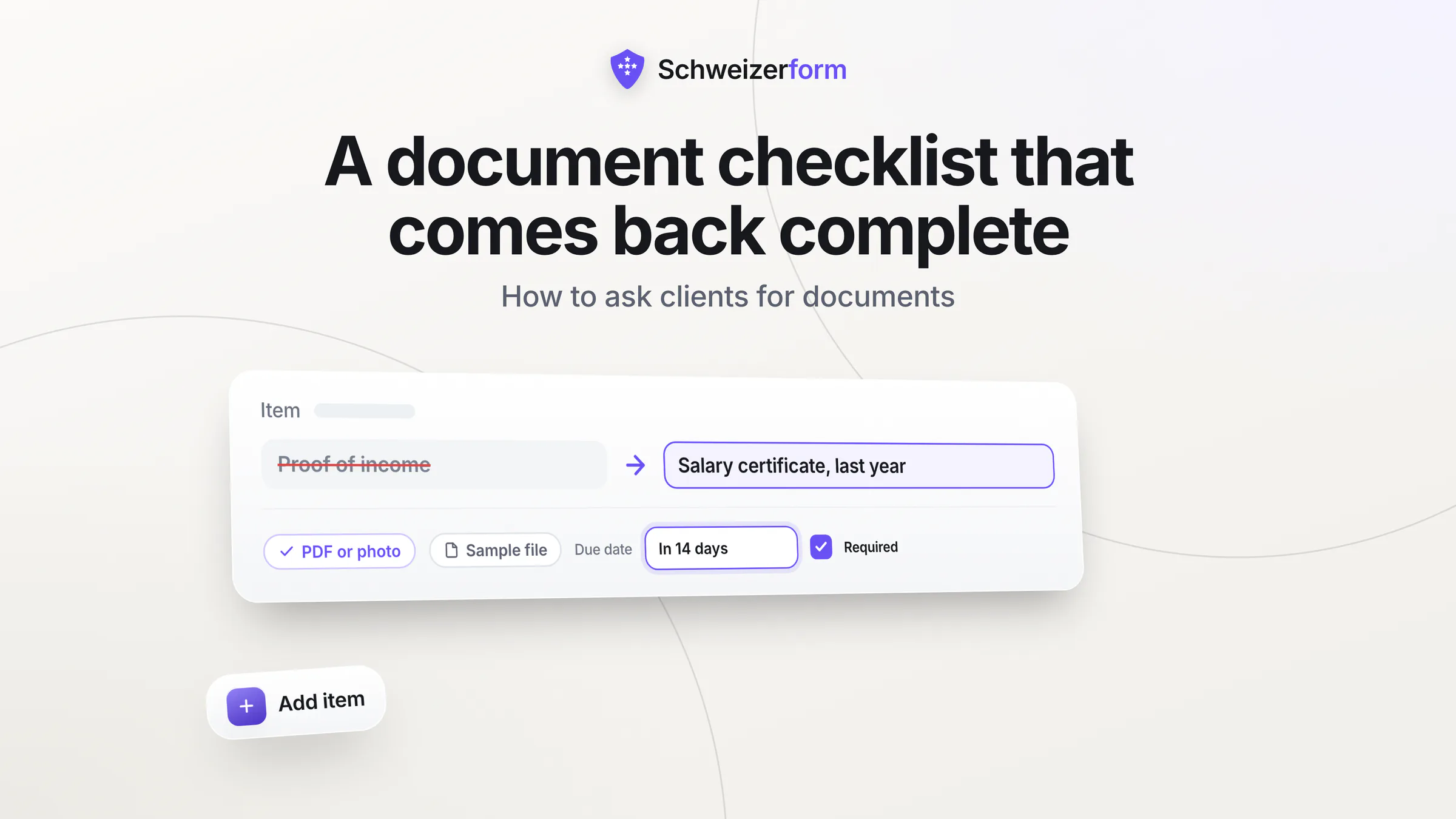
| Proof of income | Last three pay slips (Lohnabrechnungen), PDF or photo | Names the paper and the period |
| Tax documents | Tax assessment notice 2024 (Veranlagungsverfügung), all pages | One paper, one year, pages named |
| ID | Passport or ID card, front and back, one photo each | Says what counts and how many images |
| Bank details | IBAN of the account for your salary, copied from your e-banking | Asks for a number, not a paper |
| Insurance papers | Current policy for the liability insurance (Police), all pages | Names the type and says which version |
| Everything about the apartment | Rental contract (Mietvertrag), signed, all pages; optional: last utility statement | Splits the line and marks the optional part |
Three Swiss example checklists
These lists are starting points, not legal minimums. Delete what you do not need and rename items to match your own documents.
New employee
- AHV card or AHV number (the 13-digit number starting with 756)
- Bank details: IBAN and name of the account holder
- Residence permit, front and back (only if you are not a Swiss citizen)
- Diplomas and certificates relevant to the job, one file per diploma
- Previous employment reference (Arbeitszeugnis), if you want it considered
Rental application
- Extract from the debt enforcement register (Betreibungsregisterauszug), recent, usually not older than three months; check what the landlord expects
- Passport or ID card, front and back, one photo each
- Proof of income: last three pay slips
- Current liability insurance policy (only if you already have one)
Annual accounts of a sole proprietor
- Bank statements for each business account, 1 January to 31 December, all pages
- Receipts and invoices received for the year, one file per month is fine
- VAT statements (MWST-Abrechnungen) for the year, only if you are VAT-registered
- Invoices issued that are still unpaid on 31 December, with date and amount
Handle copies of ID with care
An ID copy is among the most sensitive documents on the list. Ask for it only where there is a reason, say what it is used for, and do not ask people to send it by plain e-mail. Our article on sending ID copies by e-mail explains the risks and alternatives.
Reminders: when, how often and in what tone
A reminder is part of the request, not a sign of mistrust. The aim is to make the next step small and obvious, not to put pressure on.
- First reminder shortly before the due date, not a week after. People respond to an approaching date.
- A second one on the due date, short and friendly.
- After that, weekly at most, and stop after three. If nothing arrives, a call is better than a fourth e-mail.
- Always include the link to the open items, never a new attachment of the full list.
- Keep the tone neutral. “Here is what is still missing” works; “as already stated” does not.
Hello Ms Keller, a quick reminder: the papers for your tax return are due on 30 April. Two items are still open. You can add them with the same link at any time. Thank you.
Reviewing what arrives: accept, or ask again with a reason
Receiving a file is not the same as receiving the right file. Look at each item once and decide: accepted, or please send again. If you ask again, say exactly why. “Not usable” leads to the same blurry photo; “the right edge is cut off” does not.
- Blurred or unreadable: ask for a new photo in daylight, flat on a table.
- Wrong document: say which one you expected and where it is printed.
- Expired: name the date by which the paper must be valid.
- Incomplete: say which pages are missing.
- Other: one plain sentence, not a general complaint.
Accept quickly
Clients who see an item turn “accepted” stay motivated. Silence for two weeks teaches them that nobody looks at what they send.
Document checklists with Schweizerform Documents
Schweizerform Documents turns these rules into a checklist page with a personal link per client. Files are encrypted in the browser before upload; we can see the questions you ask, never the answers people give. Here is how the rules map onto it.
- 1
Create a collection
Start from blank, from one of 10 templates (tax return, rental dossier, new employee papers, mortgage and more, in four languages) or with AI. AI-created items are a draft; check every line.
- 2
Add one item per document
Give each item the name the client knows, a short hint for the period and format, whether it is required, the allowed file types and the maximum number of files (1 to 20, default 5).
- 3
Add sample files where needed
Attach a blank form or example (PDF, image or Office file, up to 10 MB) to the odd items. Sample files are available on Pro and Business.
- 4
Create a request per client
Each client gets a personal link with its own due date, an optional name and an optional note. The collection counts towards your shared forms limit.
- 5
Remind and review
On Pro and Business, reminder e-mails go out three days before the due date, on the due date and then once a week, at most three more times. They need a due date and count towards your daily client e-mail limit. You mark each item as accepted or ask for a new upload with a preset reason: blurry or unreadable, wrong document, expired, incomplete, other.
- 6
Export what you need
CSV on every plan; Excel, JSON, PDF and a ZIP with one folder per client on Pro and Business.
What the client sees
No account and no password: the client opens the link and sees a checklist titled “Your documents”, with each item marked received, ready to send or missing, the number received out of the total and the due date. They can come back with the same link and add the rest, and they see your review per item. They cannot download their earlier files again.
Plans and limits
| Free | Pro | Business | |
|---|---|---|---|
| Requests per collection | 3 | 50 | 500 |
| Reminder e-mails | No | Yes | Yes |
| Sample files per item | No | Yes | Yes |
| Export | CSV | CSV, Excel, JSON, PDF, ZIP | CSV, Excel, JSON, PDF, ZIP |
| Storage (whole account) | 100 MB | 5 GB | 50 GB |
| Responses per month (each client visit counts) | 100 | 1,000 | 10,000 |
What is encrypted and what is not
File contents, original file names, the client's name and note and the per-item review status are encrypted. The item names on your checklist, the due date and the number of visits are readable by the server. Whoever holds a request link can see what is open, including file names, though not file contents, so treat links like keys and do not post them publicly. A personal link identifies a request; it does not verify who is behind it.
What it does not do
- No e-signature: documents cannot be signed in the tool.
- No virus scanning and no automatic checking of content (no OCR).
- No document archive: it collects files, it does not manage them for years.
- No SMS or WhatsApp reminders, only e-mail; reminder e-mails never list the items.
- No free-text comment on a review, only preset reasons.
- No integrations with other systems.
Common questions about document requests
How many documents are too many?
There is no magic number, but the longer the list looks, the more likely people are to postpone it. Split long lists into stages, or, on Pro and Business, hide items that do not apply with a rule after one question first, for example whether the client is married.
Should I ask for everything at once or in stages?
Ask for what you need to start, then add the rest once the first part is in. A short first list is answered; a long one is postponed. Tell the client at the beginning that more may follow.
Is a phone photo enough?
For most papers, yes, provided the whole page is visible and readable. Say so in the item. Ask for a PDF only when a third party, such as a bank or an authority, insists on it.
Ask less, ask clearly, make the next step small
Complete files come from clear lines, a fair deadline and one place to add what is missing. Rewrite your most-used checklist with the ten rules above and you will likely cut the follow-up by a good part, whatever tool you use.
A first step
Take your current list, pick the three vaguest lines and rewrite them with name, period and format. If you want a ready structure, try a template on the Free plan, which allows three requests per collection. More background: collecting client documents securely, the tax return documents checklist, HR employee onboarding documents, mortgage broker document collection and secure file uploads. See also features, security and pricing.
Disclaimer
This article is general information and marketing content. It is not legal, tax or HR advice. It simplifies provisions of the Swiss Federal Act on Data Protection (nFADP) and does not replace a review of your own situation. Responsibility for what you ask for, and for how you handle what you receive, stays with your organisation. Consult a qualified professional for specific questions.