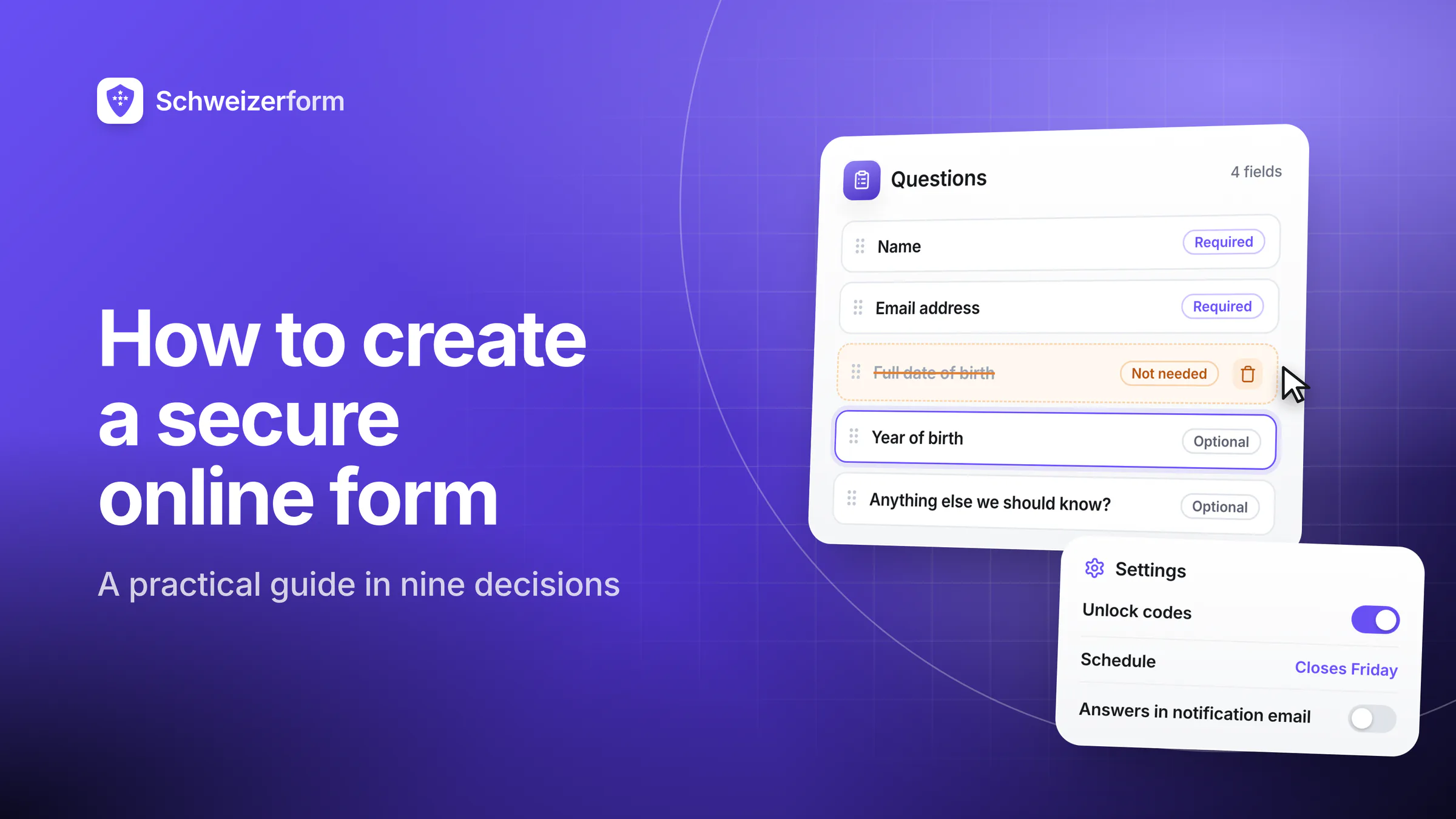
Creating an online form is one of the easiest things you will do this week. Every builder on the market gets you from a blank page to a working link in about ten minutes, and none of those ten minutes involves a single decision about security. That is the problem. The form that leaks is almost never the one that was hacked — it is the one that asked for a date of birth nobody needed, was shared as a public link in a group chat, collected answers for four years, and could be read by six people who left the company.
The short version
A secure form is the product of nine decisions, and only two of them happen inside the form builder. Decide what you may ask (minimisation), how you ask it (wording and required fields), what you tell respondents (privacy notice), how uploads are handled, how the link is distributed, how you keep bots and duplicates out, who can decrypt or read the answers, when the data is deleted, and how you test all of it before launch. Get those right and the technology is largely interchangeable. Get them wrong and no amount of encryption saves you.
This guide is deliberately vendor-neutral: every step applies whether you use Schweizerform, Google Forms, a Microsoft tenant or a self-hosted LimeSurvey. Where a step depends on a platform capability, we say so plainly, and we use our own product as the worked example rather than pretending it is the only option. If you are still choosing a tool, our roundup of online form tools for Swiss companies is the better starting point.
What Does «Secure» Actually Mean for a Form?
«Secure» is used to mean four different properties, and vendors rarely separate them. Knowing which one you are buying — and which one you still have to build yourself — is most of the work.
- Confidentiality in transit. Nobody on the network can read the submission. HTTPS covers this, universally and unremarkably. It is table stakes, not a feature — and it stops at the server's front door, which is why we wrote why HTTPS alone is not enough.
- Confidentiality at rest. The stored data is encrypted on disk. Almost every provider does this with keys it holds itself, which protects against a stolen disk but not against the provider, its support tooling or a lawful order addressed to it.
- Confidentiality from the provider. Only you can read the answers, because decryption happens in your browser with a key the provider never receives. This is end-to-end encryption, and it is the only one of the four that changes who is inside your trust perimeter.
- Integrity and availability. The answers you read are the answers that were submitted, they are still there next month, and you can get them out. Unglamorous, and the failure mode most organisations actually experience.
Then there is the property that is not about cryptography at all: the data you never collected cannot leak, be subpoenaed, be mis-shared or need deleting. Every step below is downstream of that idea.
Step 1: Decide What You Are Allowed to Ask
Start with the fields, not the tool. Under Art. 6 of the Swiss Federal Act on Data Protection, processing must be lawful, carried out in good faith and proportionate, and tied to the purpose stated at collection. In practical terms: every field needs a sentence explaining what you will do with it. If the sentence is «it might be useful later», the field does not belong on the form.
Pay particular attention to the categories the law treats as sensitive — data on health, religious, political or trade-union views, racial or ethnic origin, genetic and biometric data, intimate life, administrative and criminal proceedings and sanctions, and social assistance measures (Art. 5 lit. c nFADP; the GDPR's equivalent is Art. 9). One innocuous-looking checkbox can move your whole form into that category, and with it the requirement for explicit consent where consent is your basis, and a data protection impact assessment under Art. 22 where the processing is high-risk.
| Field you were about to add | What it actually costs | Better default |
|---|---|---|
| Full date of birth | A strong quasi-identifier; combined with a postcode it is close to unique | Ask for the year only, or a yes/no age confirmation if you just need adulthood |
| Gender | A demographic quasi-identifier that re-identifies people in small groups | Omit unless you will act on the breakdown; make it optional with a free-text option |
| Social insurance / AVS number | A national identifier valuable to fraudsters and rarely necessary at intake | Collect at contract stage through a channel built for it, not on a web form |
| «Anything else we should know?» | An open invitation to volunteer health data you never intended to process | Keep it, but narrow the prompt and say what you will and will not act on |
| Dietary requirements | Reveals religion and health conditions — sensitive data via the back door | Offer named menu options rather than a free-text medical explanation |
| Attachments «for completeness» | Uncontrolled sensitive content: full medical reports, tax returns, ID scans | Name the exact documents you accept and reject everything else |
The two-year test
For every field, ask: if this form runs for two years and collects two thousand submissions, do I want a database of two thousand of these? A copy of an identity document is a reasonable request once. Two thousand copies of identity documents, sitting in an inbox, is a breach waiting for a date.
Step 2: Word the Questions So the Answers Are Usable
Question design is a privacy control, not just a UX concern. Structured answers can be aggregated, filtered, exported and deleted precisely. Free text cannot: it collects whatever the respondent decides to tell you, including things you have no legal basis to hold, and it is the single hardest field type to anonymise later.
- Prefer closed answers where you will analyse the result. Single choice, multiple choice, scale, date, dropdown. They keep the data tidy and the analysis honest.
- Use free text deliberately, and warn people. One sentence — «please do not include health details or names of third parties» — measurably changes what people type.
- Make required fields genuinely required. Every mandatory field is both a conversion cost and a coercion: the respondent cannot proceed without giving you data. If a field is not necessary for the purpose, it should not be mandatory, and often should not be there at all.
- Split long forms into pages or steps. Completion rates rise, and it becomes possible to stop collecting the sensitive part until the respondent has seen why it is needed.
- Label in the respondent's language. In Switzerland that usually means DE, FR and IT at a minimum. A mistranslated consent question is not consent.
A practical trick for getting the field list right: write the export you want to end up with — the spreadsheet columns you will actually use in the review meeting — and derive the form from that. Fields that produce no column disappear on their own. If you would rather start from something proven, our form templates are built around exactly that discipline, and the Help Center covers the mechanics in the form builder at a glance and question types.
Step 3: Tell Respondents What Happens to Their Data
Art. 19 nFADP requires the controller to inform the data subject, in advance and in an understandable way, of the identity and contact details of the controller, the purpose of the processing, the recipients where applicable, and the countries to which data may be disclosed abroad together with the safeguard relied on. A form is a collection point, so the notice belongs on the form — not three clicks away in a website footer nobody opens.
Keep it to four or five lines in plain language: who is collecting, why, who will see it, how long it is kept, where to send a request about it, and a link to the full privacy statement. Length is not the measure of quality here; a respondent who understands the notice is worth more than a legally exhaustive one they scrolled past.
Consent mistakes that invalidate the whole thing
A pre-ticked box is not consent — the act of agreeing has to be an act. Bundling several purposes into one checkbox («I agree to the processing and to receiving marketing») is not valid for either. And consent that cannot be withdrawn as easily as it was given is not consent. If consent is genuinely your legal basis, keep it separate, unticked, specific and revocable; if it is not your basis, do not stage a fake consent moment that implies it is. Our post on informed consent for online forms goes through the failure modes.
Step 4: Handle File Uploads as the Highest-Risk Field
An upload field is the one place where you lose control of what you are collecting. Ask for a proof of address and you will receive bank statements; ask for a photo and you will receive a passport scan; ask for «supporting documents» and you will receive a complete medical file. Three rules keep it manageable: name the exact documents you accept, restrict the file types and sizes so surprises are harder, and make sure the files are protected the same way the answers are — an encrypted submission with attachments sitting in plain object storage is not an encrypted submission.
Uploads also carry metadata people forget: photographs can contain GPS coordinates and device identifiers, PDFs carry author names and revision history, and office documents keep tracked changes. If you republish or forward what you receive, you forward that too. The full threat model, including the lifecycle from browser to storage, is in the complete guide to secure file uploads.
Step 5: Share the Link Without Turning It Into a Public Document
This is where most real-world incidents happen, and it has nothing to do with encryption. A form link is a URL. URLs get forwarded, pasted into group chats, indexed when they appear on a public page, stored in browser histories on shared computers and screenshotted into presentations. An unguessable link is a mild obscurity measure, not an access control.
- Decide who should be able to submit, then choose the mechanism that enforces it: an open link, an access code, individual invitations, or authentication where the population is known.
- Use an access or unlock code for anything confidential. It converts «anyone with the link» into «anyone we gave the code to», which is a much smaller and more defensible set.
- Set a window. A form that opens on Monday and closes on Friday cannot be filled in six months later by someone who found the link in an old e-mail.
- Cap the response count where the population is finite — 40 seats, 200 members, one submission per case. A cap is also your cheapest defence against a flood.
- Never put the link where you would not put the answers. A public intranet page, a Facebook post and a QR code on a poster are all publication decisions.
The mechanics for each of these are documented in the Help Center — sharing a link and QR code, unlock codes, scheduling and response limits and policies.
Step 6: Keep Bots and Duplicates Out Without Building a Tracking System
Any form with a public link will eventually receive junk, and any form with something worth having behind it will receive duplicates. The trap is that every mechanism for stopping them is an identifier: an IP address, a cookie, an e-mail address, a login. Each one narrows the anonymity you may have promised, and each one becomes personal data you then have to justify holding.
The workable middle ground is to prefer measures that do not identify anyone — rate limits, honeypot fields, required-field validation, closing the form when the expected number of responses has arrived — and to reach for identifiers only when the duplicate problem is real, in the weakest form that solves it, with a retention period attached. We work through the whole trade-off, including the «anonymous but verified» pattern, in preventing spam, bots and duplicate submissions.
Note what is not on the list: a third-party CAPTCHA. It solves a real problem, and it does so by loading a foreign script into your form page and profiling your respondents on your behalf — which is a disclosure to a third party you now have to document, and usually to a jurisdiction you did not intend. If you use one, put it in the privacy notice.
Step 7: Control Who Can Read the Responses
Ask the question in this exact form: list every party who could read a submission today. For a typical cloud form the honest list is the form owner, every colleague with account access, whoever administers the account, the provider's staff with production access, its sub-processors, and anyone able to compel the provider legally. That list is the security of your form. Everything else is detail.
Two levers shorten it. The first is internal: role-based access so that people see the responses they need and not the whole archive, with access removed when someone changes role. The second is architectural: end-to-end encryption, where the answers are encrypted in the respondent's browser and can only be decrypted by the holder of the key — which removes the provider and its sub-processors from the list entirely, and makes a legal order to the provider produce ciphertext. That mechanism is described on our security page, and the reasoning behind it in zero-knowledge architecture explained.
The trade-off, stated honestly
If the provider cannot decrypt your data, the provider cannot recover it either. A lost Vault key means unreadable submissions — there is no reset link for mathematics. Write the key down, store it where a second trusted person can find it, and treat it with the seriousness of a safe combination rather than a password. See password vs Vault key.
Step 8: Set the Retention Rule Before the First Submission
Art. 6 para. 4 nFADP requires personal data to be destroyed or anonymised as soon as it is no longer necessary for the purpose of processing. Nobody breaks this rule deliberately; they break it by never deciding. A form created for one recruitment round still holds the applications three years later, because deletion was never anyone's task.
- Write the period on the form's own documentation, in months, next to the purpose. «Kept for six months after the event, then deleted» is a rule; «kept as long as necessary» is a wish.
- Distinguish the record from the working copy. Exports on laptops, e-mail notifications containing answers and spreadsheets in shared drives all outlive the platform record and are the copies that actually leak.
- Check that deletion reaches exports and backups, and know how long backup rotation keeps a deleted record recoverable.
- Keep the evidence. An auditor asks not whether you delete, but how you show that you did — a deletion log, a dated procedure, a screenshot of an empty archive.
Retention periods interact with statutory duties — accounting records under the Swiss Code of Obligations, medical records, employment files — so «delete everything quickly» is not automatically the safe answer either. Our post on form data retention sets out how to pick defensible periods, and the operational checklist for the surrounding duties is in the nFADP compliance checklist for forms and surveys.
Step 9: Test It the Way Somebody Careless Would Use It
- 1
Submit the form as a stranger
Open the public link in a private window on a phone. Check that nothing internal shows — no owner name you did not intend to publish, no draft questions, no admin controls.
- 2
Try to break the rules
Submit twice. Submit an empty form. Submit an oversized file and a wrong file type. Submit after the closing date. Enter a code you were not given. Each of these should fail in a way you find acceptable.
- 3
Read the notification e-mail
If the notification contains the answers, you have just created an unencrypted copy of the submission in every recipient's mailbox. Decide whether that is what you want; usually it is not, and a «you have a new response» alert is enough.
- 4
Export and inspect
Do the columns match the analysis you planned in step 2? Are attachments included, and where do they land? An export is a new copy in a new place — file it in the same retention rule.
- 5
Do a two-person key drill
Confirm that someone other than you can read the responses when they need to, and that the way they do it is written down. Access that depends on one person's memory is an availability incident waiting for a holiday.
- 6
Re-read the field list one last time
With the form working, the last field you fought for usually looks less necessary. Deleting it now costs nothing; deleting it after two thousand submissions costs a data protection review.
The Ten-Minute Version
If you need a form today and cannot run a full review, this sequence gets you most of the protection for very little effort.
- Delete two fields you cannot justify in one sentence each.
- Make everything optional except what you truly need to act on.
- Add four lines saying who collects, why, who sees it and for how long.
- Restrict uploads to named documents and a sensible size limit.
- Put an access code on it if the content is confidential, and set a closing date.
- Turn notification e-mails down to an alert without answers.
- Write the deletion date in your calendar the same day you publish.
Six Mistakes We See Repeatedly
- Treating the link as a secret. It is not. If it must not be public, put a control on it.
- Answers in notification e-mails. The most common way encrypted submissions end up in plaintext archives outside the platform.
- Copying a form and forgetting the copy. Duplicated forms inherit the questions and lose the retention decision. Old copies with live links are a recurring source of stray submissions.
- Collecting «anonymously» while sending personalised invitation links. Either the response can be tied to a person or it cannot; see anonymous versus pseudonymous forms.
- Assuming a Swiss-looking provider stores data in Switzerland. A
.chdomain says nothing about the database — the residency question is worked through in which form tools are hosted in Switzerland. - No owner. A form with no named person responsible for it will not be reviewed, closed or deleted by anyone.
Bottom Line
A secure online form is mostly a well-scoped one. Fewer fields, clearer wording, an honest notice, a controlled link, a short list of readers and a deletion date do more for the people who fill it in than any feature comparison — and they are all decisions you make, not features you buy. The platform's job is narrower than the marketing suggests: keep the data confidential in transit and at rest, keep the provider out of your trust perimeter if you need it out, and make the controls above easy to apply and hard to forget.
If you do only one thing from this guide, do step 1. Every other step gets cheaper when there is less data to protect.
Schweizerform applies the architectural half of this list by default: responses are encrypted in the respondent's browser, hosting is in Switzerland on every plan, and there are no third-party trackers on the form page. The editorial half — the fields, the wording, the notice, the retention date — is yours, and it is where most of the risk actually lives. Start from a template if you would rather not start from a blank page.
Disclaimer: This article is general information and marketing content, not legal advice. References to the nFADP (Art. 5 lit. c, 6, 19, 22) and the GDPR are simplified summaries reflecting the position in July 2026. Retention periods, consent requirements and sector-specific duties depend on your circumstances — have forms that process sensitive data reviewed by qualified data protection counsel.