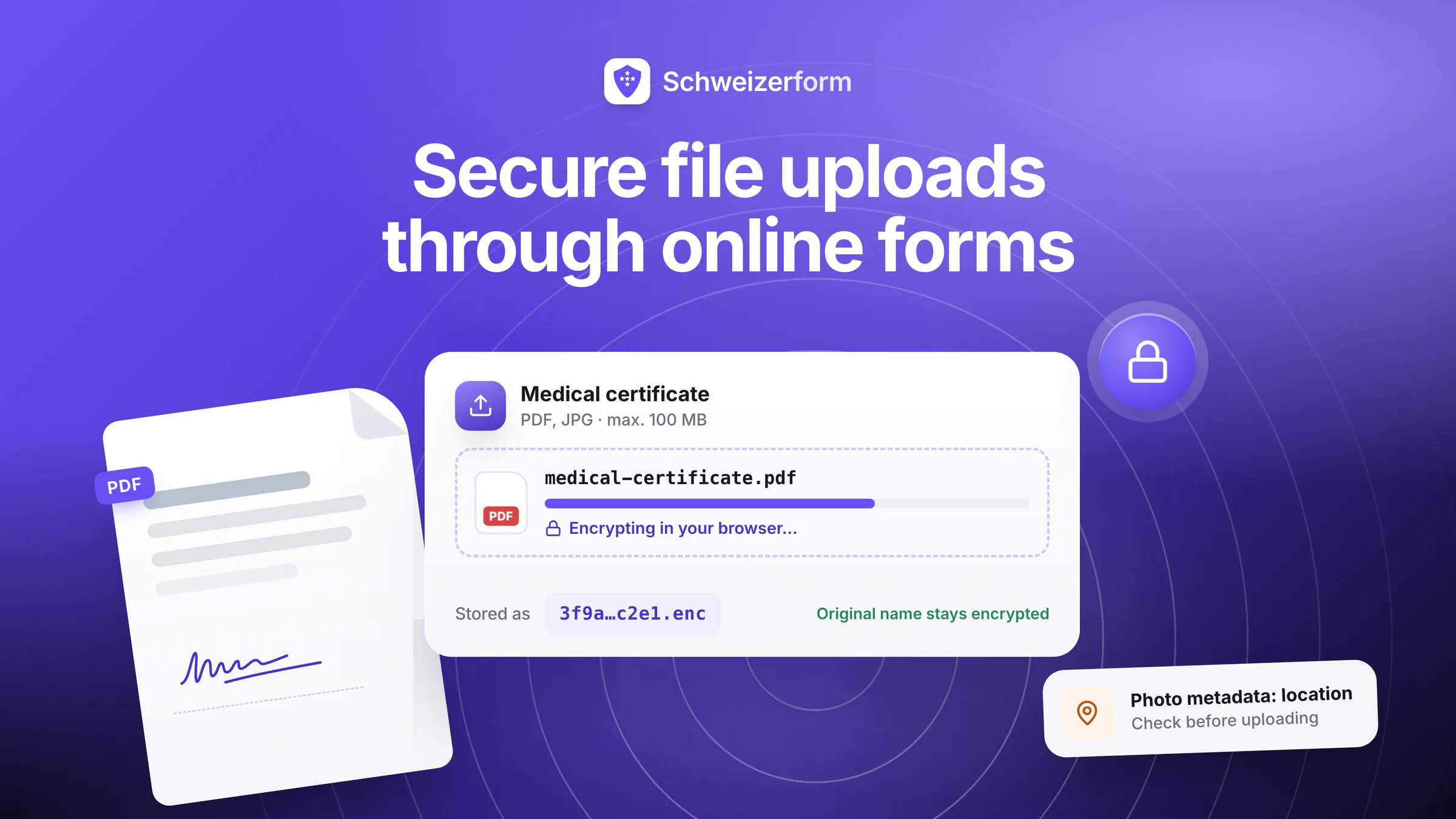
Most form-builder marketing pages devote a few sentences to file uploads — usually about size limits and supported file types. That undersells what is actually happening. When a respondent attaches a medical certificate, an ID scan, a tax return, or a contract draft to an online form, they are handing over a much richer artefact than a text answer: a complete document, often containing identifiers, signatures, photographs, and metadata, often legally privileged or medically sensitive, and often impossible to redact after the fact.
This guide is a practical, opinionated walkthrough of what makes a file upload genuinely secure. It covers the threat model that text-only forms do not face, the lifecycle a file goes through after the upload button is clicked, the architectural choices that determine how exposed the file actually is, and the operational hygiene that decides whether the upload remains safe a year later. By the end you should be able to evaluate any form vendor's file-upload story honestly — including ours.
Who this is for
Anyone responsible for an online form that accepts file uploads — product owners, IT leads, privacy officers, practitioners, HR teams, registrars, journalists, lawyers — and especially anyone who has ever asked a respondent to upload a medical certificate, ID, contract, or financial document and quietly hoped it ended up somewhere safe.
Why Files Are Different from Text Fields
A text field captures whatever the respondent types. A file upload captures whatever the respondent already has — and that difference is bigger than it looks.
- Density of personal data: a single PDF can contain a name, date of birth, address, identifying numbers, signatures, and a photograph all at once. Three text fields rarely match one ID scan for re-identification risk.
- Embedded metadata: photos carry EXIF data including device, timestamp, often GPS coordinates. PDFs carry author, software, edit history. Office documents carry track-changes and prior author names. Most of this is invisible to the respondent.
- Format-specific risks: PDFs and Office documents can carry active content (scripts, macros). Images can be malformed in ways that exploit parsers. Archives can contain anything. The receiving system has to defend against parser-level threats text fields do not face.
- Volume and persistence: files are routinely 100x to 10,000x larger than text submissions. They are correspondingly harder to delete from backups, replicate across systems, and unlearn from analytics caches.
- Legal weight: a signed contract uploaded as PDF is itself the contract. A scanned ID is itself proof of identity. Files frequently are the legally significant thing, not just a description of it.
The metadata point matters more than people realise
An attendee who uploads a wedding photo as proof of relationship for a visa form may also be uploading the GPS coordinates of where the photo was taken. A patient who uploads a medical scan may also be uploading the device serial number, which is traceable to a specific clinic. Stripping metadata is hard, format-specific, and almost never something a default form vendor does.
What Actually Happens to an Uploaded File
The cleanest way to evaluate any vendor's file-upload security is to walk the entire lifecycle and ask, at each step, who can read the file and what protects them from doing so. Six stages cover almost everything.
- 1
Selection on the device
The respondent picks a file from their phone, laptop, or tablet. At this point the file is plain bytes on their disk. No vendor security applies yet — but neither does any vendor exposure. This is also the only stage at which the respondent can still scrub metadata or redact a sensitive page.
- 2
Upload to the server
The browser sends the bytes over HTTPS to the form vendor's infrastructure. TLS protects the bytes against passive eavesdroppers and active man-in-the-middle attackers on the network path. It does not protect against anything that happens at the receiving end.
- 3
Reception and processing
The vendor's application receives the file. Depending on the architecture, it may scan it for malware, extract previewable thumbnails, run OCR, transcode video, or simply hand it off to storage. At this stage, the file exists as plain bytes inside the vendor's runtime — readable by the application, by every process on the same host, and by anyone with access to memory dumps.
- 4
Storage at rest
The file is written to disk — typically in object storage (S3, GCS, Azure Blob, or equivalent), often replicated across regions for durability. "Encryption at rest" usually applies here. That phrase is widely misunderstood: it means the storage backend encrypts the disk so that someone who steals the disk hardware sees ciphertext, but the application — and therefore the vendor — still has the keys and can read the file at any time.
- 5
Decryption and access by the form owner
The form owner downloads the file through the vendor's UI or API. Most architectures decrypt server-side and re-stream the file to the form owner over HTTPS. That decryption can be repeated indefinitely; the keys live with the vendor, not with the form owner.
- 6
Backup, replication, and deletion
Files are usually copied into backups, indexed by analytics, and replicated for redundancy. When the form owner clicks delete, only the live record is removed; the backup copy may persist for weeks or months according to the vendor's backup policy. Any system that ever read the file has had the chance to retain it.
The crucial observation: in a conventional SaaS architecture, the vendor's systems can read the file in cleartext at every stage from step 3 onward. "HTTPS" and "encryption at rest" together protect the file against attackers on the network and against someone stealing physical disks — but they offer no protection at all against the vendor itself, the vendor's staff, the vendor's sub-processors, or any party with a lawful demand on the vendor.
Common Mistakes in How Form Tools Handle Files
1. Marketing TLS as if it were end-to-end encryption
Almost every form product claims "all files are encrypted in transit and at rest". Both are usually true and neither is what most respondents picture. Transit encryption protects bytes between browser and server. Encryption at rest protects bytes against disk theft. Neither prevents the vendor from reading the file. If the marketing copy implies that the vendor cannot read your medical certificates, look for the words "end-to-end" and "zero-knowledge" — and an explanation of where the keys live. If those are missing, the vendor can read the files.
2. Treating MIME-type checks as security
Many products restrict uploads to "safe" types — PDF, JPG, PNG. The check is usually based on the filename extension or the browser-declared MIME type, both of which are trivially spoofable. Real type validation requires inspecting file magic bytes server-side and rejecting mismatches. Even then, a file that genuinely is a PDF can carry malicious content. Type checks reduce attack surface but they are not a substitute for sandboxing parsers and treating uploaded files as untrusted input forever.
3. Loose or invisible retention
Most form vendors retain files for as long as the account exists, with no automatic expiry. A medical-clearance certificate uploaded for a one-day event in 2024 may still sit on the vendor's disks in 2027 unless the form owner explicitly deleted it. Worse, deletion in the UI rarely propagates to backups; the file may persist for months in offline copies even after the live record is gone.
4. Anti-virus scanning as a privacy promise
Many vendors describe AV scanning of uploads as a security feature. It is — but only against known malware. It also requires the vendor to read the file. AV scanning and end-to-end encryption are mutually exclusive: one demands cleartext access, the other forbids it. Pick the threat model you actually care about. For confidential documents, the file owner's device, not the form vendor, is the right place for AV scanning, before upload.
5. Public preview links
Some products generate share-links for uploaded files for convenience — "send this to your case officer". Those links are often unauthenticated tokens valid for long periods, sometimes indexable by search engines if accidentally exposed. A medical certificate sent through such a link is one mistake away from the open web.
6. Metadata left intact
Most vendors do not strip EXIF data from images or hidden metadata from documents. Respondents have no way to know what their phone or word processor embedded in the file. The vendor receives, stores, and exports the metadata along with the visible content.
What a Genuinely Secure File Upload Looks Like
If you start from "the form vendor must not be able to read this file" — which is the right starting point for medical, legal, financial, HR, and citizen-facing data — the architecture has to look fairly specific.
- Encryption performed in the respondent's browser before upload, using a key that never leaves the form owner's control
- Transmission of ciphertext only — the vendor's server sees encrypted bytes from the moment the upload begins
- Storage of ciphertext only — at no stage does the vendor's infrastructure hold a cleartext copy
- Decryption performed exclusively in the form owner's browser using their vault key — the only key that opens the vault, and one the vendor never sees
- No server-side preview generation, OCR, AV scanning, or transcoding — because those operations require cleartext, which the vendor does not have
- Cryptographically final deletion — once the form owner deletes a submission, no recoverable cleartext exists anywhere because no party other than the form owner ever held the key
The honest trade-off
Server-side preview thumbnails, content search across uploaded files, and centralised AV scanning are real conveniences, and zero-knowledge encryption removes them — by construction, not by oversight. If those features are non-negotiable for your workflow, you are choosing a model where the vendor reads your files. That can be the right choice for some workloads. It is not the right choice for medical, legal, financial, or whistleblower-grade data.
How to Set Up a Secure File-Upload Form in Practice
Whether you use Schweizerform or another tool, the operational pattern that produces a defensible file-upload workflow is roughly the same.
- 1
Decide what you actually need
Map every file you ask for to a specific decision the form owner has to make. If a field cannot point to a decision — "we ask for it because we always do" — remove it. Files are the highest-cost part of any submission; minimising what you collect reduces both privacy risk and operational overhead.
- 2
Set explicit type and size limits
Tell the respondent up front which file types you accept (e.g. PDF, PNG, JPG) and the maximum size per file and per submission. Limits are a usability feature as much as a security feature: they pre-empt the half-uploaded mystery file that fails silently.
- 3
Communicate the encryption story plainly
Tell the respondent how the file is protected — in language they can verify. "Files are encrypted in your browser before upload; only authorised staff at our organisation can decrypt them" is concrete. "Your file is securely transmitted" is not. The respondent is the one taking the risk; they deserve a clear sentence.
- 4
Decide who holds the Vault Key
In a zero-knowledge architecture, whoever holds the form's vault key is the only party who can open the vault and decrypt the files — the vendor never holds it and cannot reset it. Designate two or three custodians (lead, deputy, DPO). Establish a recovery-key procedure analogous to other critical credentials. Test the recovery path before go-live.
- 5
Specify retention up front
Decide before the form opens how long files will be kept and on what trigger they will be deleted (event date + 30 days, statutory minimum, end of case). Document this in the privacy notice the respondent reads. If your platform supports deletion, schedule it; if it does not, set a calendar reminder.
- 6
Write the deletion plan, not just the retention plan
Retention says "keep for X". Deletion says "on day X+1, the file is gone, including from backups, including from any decrypted local copies your team made, including from the email you forwarded it in". Deletion is the harder discipline and the one most organisations skip.
- 7
Audit the workflow with a real submission
Before opening the form to real respondents, submit a test file as a respondent, retrieve it as the form owner, decrypt it, process it, and then delete it. Walk the whole lifecycle. Most quiet failures — broken decryption flows, ungoverned local copies, missing deletion — surface only in the dry run.
Common Real-World Scenarios
Medical certificates and clinical documents
Sports events, insurance claims, school camps, employment vetting — all routinely ask for medical certificates. These are health data under nFADP and GDPR, often relating to specific conditions, occasionally including sensitive diagnoses. Encrypting in the browser before upload is the proportionate technical answer; it is not optional once you accept that the form vendor should not be reading clinical material.
ID and identity-verification scans
Onboarding flows, KYC processes, government applications. ID scans typically combine a photograph, full name, date of birth, document number, and signature in one image. They are catastrophically valuable for identity theft and trivial to OCR. End-to-end encryption shrinks the readable footprint to the institution that actually needs the verification.
Contracts, tax returns, and financial documents
Legal client intake, accountant onboarding, mortgage applications, scholarship applications. These files combine financial, professional, and sometimes personal information in formats designed for archival rather than privacy. The form vendor has no business in the contents; encryption keeps the contents in the relationship where they belong.
Whistleblower and journalistic materials
Internal documents, screenshots, recordings submitted to a tip line or compliance hotline. The provenance of the file is part of its evidential value, and any leakage can identify or endanger the source. Zero-knowledge file upload is not a nice-to-have here; it is the load-bearing property that makes the channel meaningful.
Photos and images that look harmless
Event registration pages frequently ask for a photo. Insurance claims ask for damage photos. Charity-walk forms ask for fundraiser portraits. "It's just a photo" misses the metadata point: GPS coordinates, device serial, capture timestamp, sometimes facial-recognition embeddings if the device pre-processed the image. Encrypted upload protects the visible content; metadata stripping (where supported) protects the rest. Both matter; neither is automatic in most form tools.
Encryption Alone Is Not the Whole Story
Even with end-to-end encryption on the upload, the file becomes plaintext in the form owner's hands at decryption time. From that point onward, ordinary information-security discipline applies: where decrypted copies are stored, who can see them, how they are forwarded, when they are deleted. A zero-knowledge upload prevents the vendor from being part of the threat model — it does not exempt the form owner from their own.
- Decrypt only when you need to act on the file. Keep submissions encrypted in the platform until then.
- Avoid permanent decrypted local copies. Process the file, transfer it into the system of record, and let the local copy go.
- Do not forward decrypted files in email. Email is rarely end-to-end encrypted, almost never encrypted at the receiver, and the forwarded copy is no longer subject to your retention policy.
- Treat printouts as files. A printed PDF of a medical certificate is the same data; the cabinet, drawer, and shredder are part of the workflow.
- Brief everyone with access — including temporary staff and volunteers — on the deletion rule before they get the vault key, not after.
The most common failure is not technical
Most file-upload incidents are not failures of encryption. They are forwarded emails, unmanaged local downloads, abandoned shared drives, and missed deletions. End-to-end encryption removes the vendor from the threat model — it does not remove the human and organisational failure modes around the decrypted copy.
Where File Uploads Sit Under nFADP, GDPR, and Sectoral Rules
Files do not have a separate regulatory category — they inherit the category of the data they contain. A PDF that contains a diagnosis is health data. A scan that contains an ID number is identity data. A spreadsheet of salaries is HR data. The implications follow:
- Lawful basis still applies. A consent or legitimate-interest analysis that justifies collecting a text answer must justify collecting the file too — including any incidental fields the file contains.
- Data minimisation applies. "Upload your most recent payslip" probably collects more than you need. "Upload page 1 of your most recent payslip" or "upload a redacted version showing only X" is more proportionate where the workflow allows.
- Retention applies. Files inherit the retention schedule of the data they contain, not the easier retention schedule of the form record.
- Breach notification applies. A breach involving a single uploaded medical certificate may trigger the same notification obligations as a breach of a thousand text submissions, depending on the data category.
- Data-protection impact assessments apply. If the file upload is the high-risk component of the form, the DPIA should identify it as such and the encryption story should be the main mitigation.
A Short Checklist Before You Open a File-Upload Form
- Can you state, in one sentence, why each file is needed and what decision it supports?
- Do you accept only the file types you genuinely need, with size limits stated up front?
- Is the file encrypted in the respondent's browser before upload?
- Is the file stored as ciphertext only, with keys held by your organisation rather than the vendor?
- Do you have two or more vault key custodians and a tested recovery-key procedure?
- Is the retention period documented, communicated, and on a calendar?
- Is the deletion procedure written down, including backups and any decrypted local copies?
- Have you walked the entire workflow yourself with a test file before opening the form?
Building an upload path you can trust
File uploads concentrate risk in a way text fields do not. A single attached document can carry more identifiers, more sensitive content, and more downstream legal weight than a whole page of typed answers. The default architecture of mainstream form vendors — TLS in transit, encryption at rest, vendor-side processing — is fine for many workloads and dangerously thin for medical, legal, financial, HR, and citizen-facing data.
End-to-end zero-knowledge upload moves the trust boundary back to the institution that should always have held it. It is not a nice-to-have for confidential workflows; it is the property that makes those workflows defensible. Combined with disciplined retention, deliberate deletion, and minimal data collection in the first place, it turns the file-upload field — the most exposed surface in the form — into one that an auditor, a respondent, and a DPO can all live with.
Schweizerform encrypts every file upload in the respondent's browser, stores ciphertext only on Swiss infrastructure, and decrypts exclusively in the form owner's browser. Try it on a single sensitive form — no credit card needed to start, and file-upload questions are included on the Pro plan.
Disclaimer: This article is general information and marketing content, not legal, regulatory, or security advice. References to nFADP, GDPR, HIPAA, and similar frameworks are summarised at a conceptual level and are subject to jurisdictional interpretation. Specific implementation choices for file-upload security should be reviewed by qualified data-protection and information-security professionals in your jurisdiction before relying on any summary here for compliance or operational decisions.