Starting a project is where freelancers and small agencies lose the most time that nobody bills. The brief arrives as a long e-mail, the logo as a screenshot in a chat, the texts as three Word versions, the login details in a message that should never have been sent, and the kick-off call takes four rounds of “does Thursday work?”. Client onboarding for freelancers and small agencies is mostly the discipline of asking for the right things, in the right order, once, in one place.
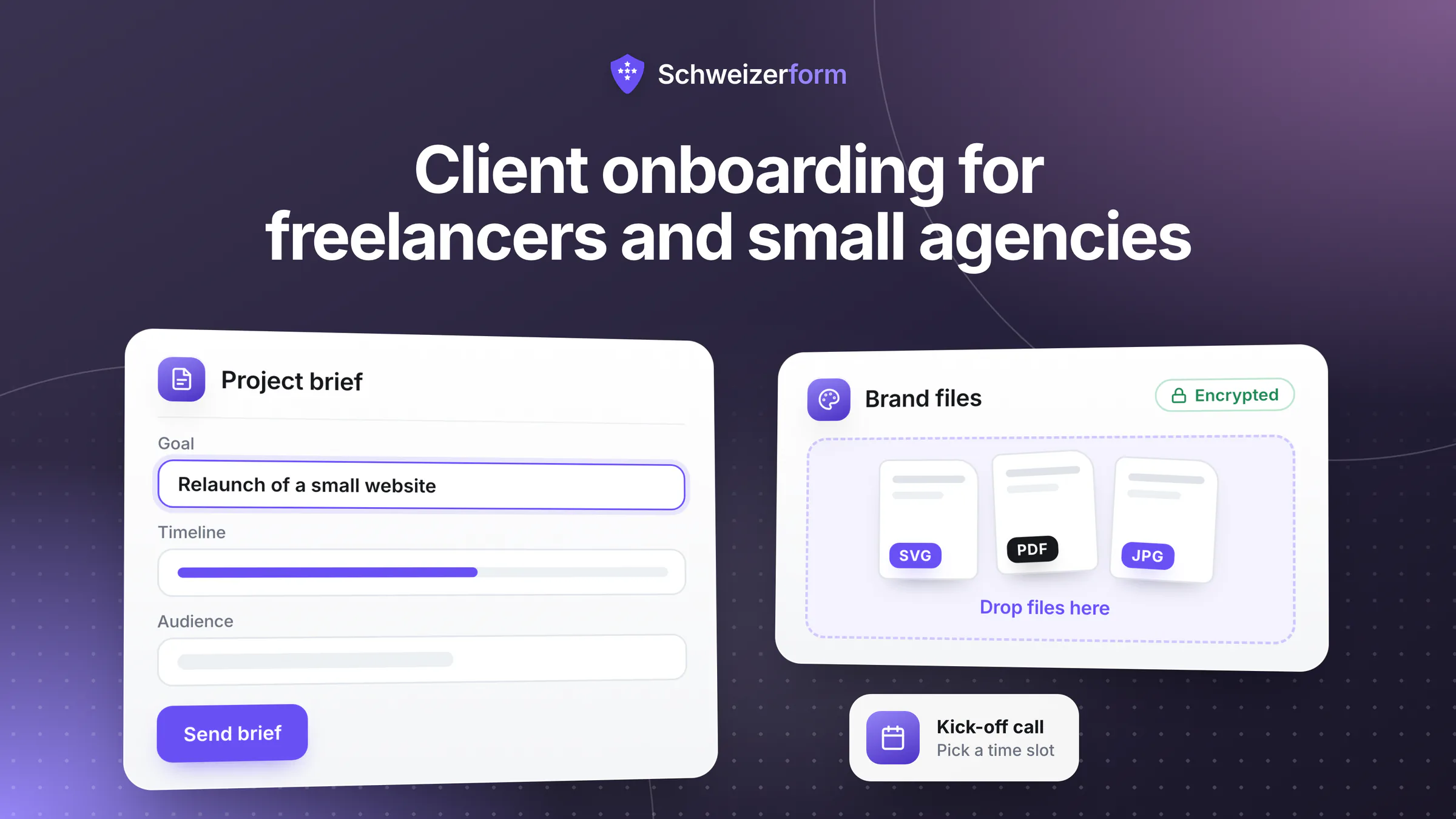
Schweizerform combines four of its modules into one intake: a briefing form, a document request for logos, texts, images and plans, a booking page for the kick-off and review calls, and Contacts with a client page that shows each client what they still owe you. What clients write and upload is encrypted in their browser, and only your Vault key opens it. This page shows how that works for agency client onboarding, where the honest limits are, and what it deliberately does not replace.
Who this page is for
Freelancers and small studios in Switzerland: web and design studios, marketing and communication agencies, translators, IT freelancers, small architecture and engineering offices and event planners.
Why client onboarding is a data-protection topic for freelancers
A briefing sounds harmless until you list what it contains: unpublished material, and files with other people's data, such as a customer list for a newsletter design or the staff directory for an intranet. Much of this falls under a confidentiality clause, and some of it is personal data about the client's own customers or employees.
- Unreleased material: product names, campaigns, prototypes, financial figures, tender documents
- Customer and staff data inside files: exports, screenshots, spreadsheets, contracts to translate
- Building and site data: plans, survey data, photos of premises, access information
- Brand assets and logins: logo files, image rights, administrator access to a website or an account
- The client's own details: names, e-mail addresses and phone numbers of the people you work with
Swiss law touches this in three places, described here in simplified terms. If the files contain personal data and you work on the client's instructions, you are as a rule a processor under Art. 9 of the revised Federal Act on Data Protection (nFADP), and the client is the controller: you may process the data only as the client itself could, the client must make sure you guarantee data security (Art. 8 nFADP), and you may hand the processing on to a third party only with the client's prior authorisation (Art. 9 para. 3). A confidentiality agreement binds you by contract. And disclosing a manufacturing or trade secret you are bound by law or contract to keep can be an offence under Art. 162 of the Swiss Criminal Code (SCC), prosecuted on complaint. The fewer readable copies of client files sit in inboxes and chats, the easier all three become.
Never collect passwords in a form or by e-mail
Logins are the one thing a briefing form should not ask for. A password typed into a form or sent by e-mail lingers in inboxes, exports and backups, and it works for whoever finds it. Ask the client instead to create a separate user for you with only the rights you need, or to share the access through the sharing function of their password manager. Use the form to ask which systems you need and who can grant access, never for the secret itself.
How client onboarding for freelancers works with Schweizerform
One intake per project, built from four separate building blocks: use one, two or all four, in the order most projects follow.
- 1
Send the briefing form
Create a form with your briefing questions: goals, audience, deadline, budget range, references, who decides, who can grant access. The client opens the link, needs no account and answers in their own language. The answers are encrypted in their browser.
- 2
Request the assets with a document request
Create a document collection with one item per asset: logo files, brand guidelines, texts, images, plans, source files. Per item you set the maximum number of files (1 to 20), the size limit (up to 100 MB per file) and the allowed file types. Each client gets a personal link with its own due date.
- 3
Offer the kick-off on a booking page
A booking page lists the kick-off call and, if you like, review calls. The client picks a free time, answers your questions and receives a calendar file and a link to move or cancel the appointment.
- 4
Add the client to Contacts and send one link
Save the client as a contact. On Pro and Business, the client page bundles everything still open behind one personal link: the form, the open assets with progress such as “4 / 5 received”, and the booking link. You send the link from your own mail program.
- 5
Review, then start
Open the answers and files with your Vault key. Mark each item as accepted, or ask for a new upload with a preset reason such as unreadable or wrong document. When the checklist is complete, the project starts.
What the client experiences
One link, no account, no password. The client sees what is still open, uploads to each item, comes back with the same link to add the rest and sees which files you accepted. They cannot download what they have already uploaded, so ask them to keep their own copy.
Where freelancers and small agencies use Schweizerform
Project briefing questionnaire
The flagship use. A structured form replaces the free-text e-mail: project goal, target audience, scope, deadline, budget range, references the client likes and dislikes, decision makers, existing systems. A Swiss address question and a consent question are available on every plan; on Pro and Business, conditional logic shows only the questions that apply (a shop brief asks about payment providers, a print brief about paper). A short scored self-check before the briefing can help you qualify enquiries, see consulting readiness self-assessment. A file upload inside a normal form is a Pro and Business feature, which is one reason to take files through the document request instead.
Asset collection: logos, texts, images and plans
A document request is a checklist of what you need, per client. Typical items are the logo (vector file), brand guidelines, final texts, product images, floor plans, site photos or earlier contracts. Each item carries a hint that says what you actually need (“SVG or PDF, not a screenshot”), a maximum number of files and a size limit; on Pro and Business you can attach a sample file, for instance a blank content template. Free allows 3 requests per collection, Pro 50 and Business 500, and reminder e-mails around the due date are Pro and Business. More on structuring the list in document request checklists.
Kick-off call and review slots
A booking page with a 45-minute kick-off service ends the e-mail ping-pong. Weekly hours, buffers and a minimum notice protect your calendar; times are shown in Swiss time and, if the client sits elsewhere, in their own time too. Online calls work through a link you type into the service, because the page does not create video meetings. E-mail reminders to the client, closed days for holidays and “I confirm each request” are Pro and Business. Give the service a neutral name such as “Call” or the project code, because time and service name are readable by the server. More in online appointment booking for Swiss SMEs.
Feedback rounds through a form
Feedback by e-mail tends to arrive as eleven messages from four people. A short form per round (“Which pages are approved? What must change? Priority 1 to 3? Anything new?”) collects it in one structure, and you can send a different link to each stakeholder. Personalised links (Pro and Business) show which link a response came through; that tells you whom you sent it to, never who really answered. This is feedback intake, not proofing software: there are no comments on the design itself, no versions and no approval workflow.
Translators: source-file intake under confidentiality
A translator receives contracts, medical reports, technical manuals and unpublished press releases. A document collection with the items “Source file”, “Glossary”, “Style guide” and “Reference translations” lets each agency client upload through its own personal link. File contents and original file names are encrypted in the browser, so a name such as “Merger_Draft_v3.docx” is not visible to the server either; the item names are, so keep them generic. The finished translation travels through your usual secure channel, because the client cannot download what they uploaded.
Architects and engineers: first-meeting questionnaire and plans
A small architecture or engineering office can send a first-meeting questionnaire before the site visit: parcel and municipality, planned use, budget frame, timeline, owners. Items then collect the land register extract, existing plans, photos of the building and the earlier permit. Plans are large, so set the size limit per item (up to 100 MB per file) and note that the 100 MB of storage on Free fills quickly while Pro has 5 GB. The booking page can offer a site visit with the place set to the client's address.
Project close-out survey
At the end, one short form asks what worked, what did not and whether the client would work with you again. Stars and a free-text field are enough. It is not a public review system, and you should ask the client's permission before quoting an answer as a testimonial. A final document item can collect the signed acceptance report or the handover checklist as a PDF.
Recurring retainer check-in
Retainer clients need a rhythm, not a project. A monthly check-in form (“What is coming next month? Any change to the brand or the team? Anything blocked on your side?”) keeps the relationship light, and a booking page lets the client reserve the monthly call. The booking page does not create recurring appointments; the client books each call. The client page shows what is open at that moment, without a portal. Background in client page instead of portal.
Who sees what: what is encrypted and what is not
We can see the questions you ask, never the answers people give. Everything a client writes or uploads is encrypted in their browser before it leaves the device, and only your Vault key opens it. What the product needs to work stays readable by the server, as the table shows. Encrypted submissions are stored in Switzerland; e-mails are sent through a European e-mail provider (servers in the EU/EEA), not in Switzerland.
| Item | Readable by the server? | Notes |
|---|---|---|
| Briefing answers (text, names, e-mail, phone) | No, encrypted in the browser | Opened with your Vault key |
| Uploaded files and original file names | No | Stored as random encrypted files |
| Client name and note on a document request | No | Encrypted in your browser |
| Item names (the checklist), due date, number of visits | Yes | Use neutral item names for confidential projects |
| Per-item status (received, accepted, upload again) | No | Inside the encrypted request state; your working notes, not evidence |
| Booking time, service name, staff name, status | Yes | The client's answers are encrypted; the service can have a neutral name |
| Contacts: names, e-mails, phones, notes, groups | No | Encrypted under the Vault key; the server sees counts and a one-way hash per e-mail |
| E-mail address given for updates or reminders | Yes, for a short time | Stored only if given; deleted one day after the appointment or after reminders stop |
A link is a key
Whoever holds a document-request link or a client-page link can see what is open: item names, file names and progress, never file contents. A prefilled link shows the prefilled answers. Send links only to the person they are meant for, through your own mail program, and let them expire or revoke them when the project ends (client pages expire after 90 days by default). Never treat a leaked link as harmless.
Features that matter for freelancers and small agencies
- Briefing forms with a Swiss address question and a consent question on every plan; conditional logic on Pro and Business
- Document requests with up to 20 files per item, 0.1 to 100 MB per file and file-type filters; sample files and reminders on Pro and Business
- Per-item review: accept, or ask for a new upload with a preset reason
- Booking page with services, buffers, minimum notice, Swiss time, a calendar file and a manage link; e-mail confirmations, reminders, owner confirmation and closed days on Pro and Business
- Contacts: 5 on Free, 100 on Pro, 2,500 on Business; groups and CSV import and export on every plan; notes timeline and automatic saving of respondents as contacts on Pro and Business
- Client page (Pro, Business): one personal link, no account, open items only, with expiry and revoke
- Export: CSV on every plan; Excel, JSON, PDF and ZIP on Pro and Business, the ZIP with one folder per client
- Workspaces to keep clients or brands apart; inviting team members with roles, review status, internal notes and automatic deletion of plain-form responses after a number of days are Business
- Four languages (English, German, French, Italian) for forms, requests and client page, shown in the client's own language
What freelancers and agencies ask
Can I ask clients for their passwords here?
You can type the question, but you should not. The answer would be encrypted, yet it would still end up in your exports, in your browser and with everyone who shares your Vault key, and a login you hold for years is a liability for you. Ask for a separate user with limited rights, or for an entry shared through the client's password manager, and use the form only to record which accesses exist and when they were granted.
Can the client sign the NDA in the tool?
No. There is no e-signature, no qualified electronic signature and no claim of legal validity; the consent question records a click, not a signature. Send the NDA the way you already do, let the client return the signed PDF through a document item called “Signed NDA”, and keep the original in your own records.
Am I a processor for my client's data, and what about Schweizerform?
If the client's files contain personal data and you work on their instructions, you are as a rule a processor under Art. 9 nFADP and the client stays the controller. A short agreement, often an annex to your offer or general terms, should name the tools you use, because handing processing on to a third party needs the client's prior authorisation. Because submissions are encrypted before they reach Schweizerform, the provider cannot read file contents, which makes the tool question easier to answer, but it does not replace the agreement. For clients in the EU, Art. 28 GDPR asks for a processing agreement as well. See data processing agreements for form tools.
What does it not do?
It is an intake, not a workspace for the project itself:
- No project management: no task board, no milestones, no time tracking
- No invoicing, no payments or deposits: send your QR-bill or invoice as usual
- No e-signature: collect the signed NDA or offer as a PDF document
- No file versioning and no shared folder: the client cannot download or replace what they uploaded, and deliverables travel elsewhere
- No integrations, no public API, no webhooks and no Google or Outlook calendar sync, only a private one-way calendar link
- No chat, no SMS, no CRM pipelines, no virus scanning and no OCR
Is the Free plan enough to start?
For a first project, yes. Free gives you 3 forms in total, shared by forms, document collections and booking pages: one briefing form, one document collection and one booking page use exactly that. A collection takes 3 requests on Free, every client visit counts as one of the 100 responses per month. Pro (50 forms, 1,000 responses a month, 5 GB) adds client pages, reminders, e-mail updates and the Excel and ZIP exports. Free has no client e-mails, so you send the links from your own mail program.
Getting started in an afternoon
- 1
List what you always ask for
Write down the five to ten questions and the files every project needs, and drop everything you only ask out of habit.
- 2
Create the briefing form
Start from a blank form or let the AI draft one, then check every question. Leave out passwords and anything you do not need.
- 3
Create the document request
One item per asset, with a hint, a file limit and a size limit. Give the items neutral names if the project is confidential.
- 4
Create the booking page
Add a kick-off service, set your weekly hours and a minimum notice, and add the video link or the address as the place.
- 5
Add the first client and send the links
Save the client as a contact and send the links from your own mail program. On Pro and Business, create the client page and send that single link instead.
- 6
Close the loop
When the checklist is complete, mark the request complete so the link stops taking uploads, export what you need and delete what you no longer need. Automatic deletion on Business covers plain forms only; collections and bookings you delete by hand.
Less chasing, fewer copies
A good onboarding is a small system: the same questions, the same checklist and the same first call for every client. Doing it in an encrypted intake also removes a quiet risk: the pile of readable client files that grows in inboxes over the years.
None of this makes Schweizerform a project tool. It covers the first two weeks of a relationship and the check-ins afterwards; the work itself, the invoices and the deliverables stay where they are. Read more in digital client onboarding for Swiss SMEs and in how to collect client documents securely.
Start on the Free plan
Build one briefing form, one document request and one booking page for your next project; that is exactly the Free pool of three. See features, security and pricing, and read how coaches and counsellors and B2B vendors run similar workflows. On file limits, see secure file uploads in online forms.
Disclaimer
This page is general information and marketing content, not legal or tax advice. It simplifies the Swiss Federal Act on Data Protection (nFADP, Art. 8 and 9), the Swiss Criminal Code (Art. 162 SCC) and, for clients in the EU, the GDPR (Art. 28). It does not replace a processing agreement, a confidentiality agreement or a review of your client contracts. Responsibility for the data you collect and the tools you choose stays with your own business. Consult a qualified lawyer or data-protection adviser for your situation.