A client sends their salary certificate as a photo, the pension statement in a second e-mail, and the rental contract as a forwarded thread that already contains three other people. Two weeks later you are still not sure what is missing, and copies of all of it sit in your inbox, your colleague's inbox and a downloads folder. If you want to collect documents from clients securely, the problem is rarely the file. It is the channel.
E-mail is the default because everyone has it and nobody needs an explanation. For a handful of harmless files that is fine. For tax papers, ID copies, payslips or medical certificates it is a weak default, and there are better routes that cost the client no more effort. This article compares them honestly, says what «secure» should mean in practice, and shows where a document request link fits.
What you will learn
Why attachments fall short, how five common ways of collecting documents compare, what the Swiss data protection act (nDSG) asks of you in plain words, a six-step routine, and how Schweizerform Documents handles it, including its limits. Written for Swiss SMEs, fiduciary and consulting firms, associations and municipalities.
Why e-mail attachments are the weak default
None of the following is an attack. They are ordinary habits that add up to a data protection problem and a workflow problem at the same time.
- Copies everywhere. An attachment lives in the sender's sent folder, in your inbox, in every mailbox it is forwarded to and in each backup of those mailboxes. Deleting it later means finding all of them.
- Forwarded threads. A reply-all or a forward carries earlier attachments along. Documents travel to people who never needed them.
- Size limits. Scans and phone photos hit mailbox limits, so clients split files, compress them badly or switch to another channel halfway through.
- No overview. Nothing tells you what is still missing. You keep a list in a spreadsheet or in your head and chase by hand.
- Wrong files, wrong names. «IMG_4021.jpg» could be anything, and a blurry page is noticed only when you open it.
The phone-photo problem
Many clients photograph their documents with a phone. The result is a file with an unhelpful name that may be cropped, dark or only half a page. If the channel cannot tell the client «this one is unreadable, please send it again», you find out days later and start another round. A good collection process names every expected document up front and lets you send one back with a reason.
The options compared: e-mail, cloud folder, messenger, portal, request link
Five routes are in everyday use in Swiss SMEs. The table rates them on four things that matter: how much effort it is for the client, whether you keep an overview, who can read the files, and how well you can delete them afterwards.
| Option | Effort for the client | Overview of what is missing | Who can read the files | Deletion afterwards |
|---|---|---|---|---|
| E-mail attachment | Low, but size limits and photo problems | None, you track it yourself | Everyone with access to either mailbox, plus the mail provider | Hard: copies in several mailboxes and backups |
| Shared cloud folder | Medium: often needs an account or a link to a folder | Weak: files appear, but nobody knows what is still expected | Everyone with the folder link or access, and usually the provider | Possible, but folders tend to stay and links stay active |
| WhatsApp or other messenger | Very low | None | Both phones, the cloud backups of those phones, and the provider's rules apply | Hard: files sit on devices and in chat history |
| Client portal with accounts | High: register, confirm, remember a password | Good | Depends on the vendor and on how the files are stored | Depends on the vendor |
| Document request link | Low: open a link, upload per item, no account | Good: per-item list with progress and a due date | Depends on the tool; with end-to-end encryption only the owner's key | Clear: one request per client that you close and delete |
Read the table as a trade-off, not a verdict. A shared folder is perfectly reasonable for a long-running project with a few people who all have accounts. A portal makes sense when you already run one for other reasons. Messengers are acceptable for a single non-sensitive file in an emergency. The weakest spot for recurring, sensitive collection is the middle of the table: no overview, many copies, and no clean end.
Messengers are convenient and hard to control
Files sent through a chat app end up on private phones, in automatic cloud backups and in photo galleries. For anything personal, treat a messenger as a last resort and delete the files from the chat once you have moved them to a proper place.
What «secure» should mean when you collect client documents
«Secure» is used for everything from a padlock icon to a promise that nothing can go wrong. A more useful definition is a short list of properties you can check.
- Encrypted before upload. The file is encrypted on the client's device, so the service that stores it cannot read it.
- No account for the client. Fewer passwords to forget, fewer accounts you have to look after.
- One link per client. You know which request a file belongs to, and you can stop that one request without touching the others.
- A due date. A deadline gives both sides a reason to act and gives you a reason to follow up.
- A checklist of items. The client sees what is expected, you see what has arrived.
- Deletion after the mandate. When the work ends, the files end too.
Encrypted before upload versus encrypted in transit
Almost every website encrypts the connection (TLS), which stops outsiders from reading a file on its way. That is necessary and not enough: once the file arrives, the provider can open it. Encryption before upload, also called end-to-end encryption, goes one step further. The browser encrypts the file, the service stores only ciphertext, and only a key held by you opens it. Our article on secure file uploads in online forms explains the difference in detail.
What a link does and does not prove
A personal link tells you which request a file came through. It does not prove who sat at the keyboard. Whoever holds the link can use it, so the link should travel as carefully as the documents themselves, and a due date plus the option to close the request limit how long it stays useful.
The nDSG in plain words: security and minimisation
The revised Swiss Federal Act on Data Protection (nDSG, in force since 1 September 2023) applies when you collect personal data, and client documents are full of it: names, addresses, income, AHV numbers, health details. Two ideas matter most for this topic. This is general orientation, not legal advice.
- Data security (Art. 8 nDSG). You must protect personal data through appropriate technical and organisational measures against unauthorised access, loss and alteration. What is appropriate depends on how sensitive the data is. A tax return or an ID copy calls for more than an unencrypted attachment that passes through many mailboxes.
- Proportionality and minimisation (Art. 6 nDSG). Collect only what you need for the purpose, and do not keep it longer than necessary. A clear checklist helps you ask for exactly what the mandate requires, and a closing step helps you delete.
- Retention rules still apply. Business records you must keep, such as accounting records under Art. 958f OR, follow their own periods. That is about your books, not about every copy a client uploaded along the way. Decide per document type what you need to keep and for how long.
No tool settles the nDSG question for you. Meeting the act is your whole process: what you ask for, who can see it, how long you keep it. A tool can make the right process easier and the wrong one harder. See our nDSG compliance guide for online forms for the wider picture.
A routine that works in six steps
- 1
Write the list first
Name every document you need, with a short hint on where the client finds it. Document request checklists shows how to word a list so people understand it.
- 2
Ask only for what the mandate needs
If an ID copy is not required, do not collect one. For ID copies specifically, see sending ID copies by e-mail.
- 3
Give each client their own link and a due date
One request per client, with a date that is realistic. Send the link by the channel you normally use, and send the documents themselves through the link.
- 4
Tell clients what happens next
One sentence is enough: what you do with the files, who sees them, and that they can come back to the same link to add the rest.
- 5
Review as files arrive
Accept what is complete and send back what is blurry, expired or wrong, with the reason. Do not wait until the deadline.
- 6
Close and delete at the end of the mandate
Move what you must keep into your normal records, close the request and delete the uploaded copies you no longer need.
How Schweizerform Documents collects client documents
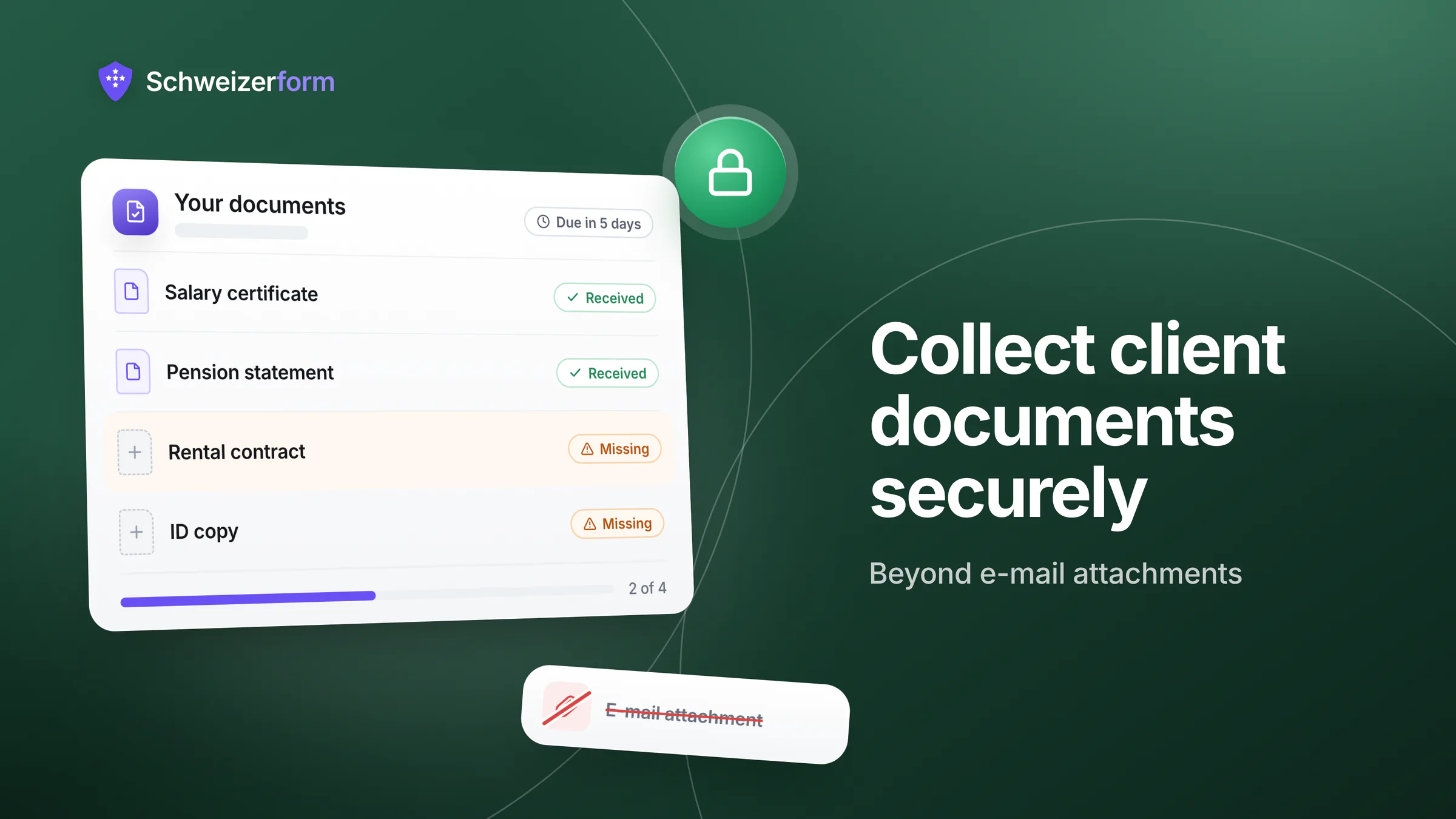
Documents is one of the Schweizerform modules. A collection is a checklist of files, and each client gets a personal request link. Files are encrypted in the client's browser before upload, and only your Vault key opens them. We can see the questions you ask, never the answers people give.
- Collections and items. Create a collection from blank, from one of ten templates (tax return, rental dossier, mortgage, insurance claim and more) or with AI. Per item you set name, hint, required or optional, file types, size and up to 20 files.
- A personal link per client. With its own due date, optional client name and note. The client opens it without an account and sees what is received, ready to send or missing.
- The client can come back. The same link works again to add missing files. Each return counts as a visit.
- Accept or upload again. Per item you mark Accepted or Upload again with a preset reason (blurry, wrong document, expired, incomplete). The client sees the result.
- Reminders. E-mail reminders three days before the due date, on the day and then weekly a limited number of times, with an upload-only link. Pro and Business.
- Export. CSV on every plan. Excel, JSON, PDF and ZIP (one folder per client) on Pro and Business.
Plans at a glance
A collection counts toward the shared pool of forms (Free 3, Pro 50). Storage is account-wide and includes uploaded files.
| Plan | Requests per collection | Reminders and sample files | Export |
|---|---|---|---|
| Free | 3 (storage 100 MB) | No | CSV |
| Pro | 50 (storage 5 GB) | Yes | CSV, Excel, JSON, PDF, ZIP |
| Business | 500 (storage 50 GB) | Yes | CSV, Excel, JSON, PDF, ZIP |
What it does not do
- No virus scanning claim. Files are encrypted before they reach the server, so the server cannot inspect them. Open files from unknown senders with the usual care.
- No e-signature. A collection gathers files. It does not sign or certify anything.
- No archive. Schweizerform is not a document management system and does not manage retention for you. You decide what to keep and delete.
- No automatic checking. There is no OCR and no content validation. Review stays your decision, and file types are checked in the client's browser only.
- Item names are readable by the server. The checklist, the due date and visit counts are not end-to-end encrypted. File contents, original file names, the client's name and note, and the review status are.
- No website embedding, no SMS. Requests go out as links, reminders as e-mail.
A request link is not a password
Whoever holds a request link can see what is open: item names, progress and file names, though never file contents. Send the link only to the person it is meant for, set a realistic due date and close the request when the work is done. Do not treat a leaked link as harmless.
Common questions
Is a password-protected ZIP in an e-mail enough?
It helps against casual reading, but the password usually travels in the same mail or the same channel, and the copy problem remains. It also asks the client to create a ZIP, which many will not do. A link with encryption before upload removes that step for them.
Can the client see the files again?
In Schweizerform the client sees which items are received and which are missing, with file names and sizes, and can add more through the same link. They cannot download their earlier files again.
How long should I keep the files after the mandate?
As long as you need them for the purpose, or as long as a legal duty requires for the records that fall under one. Set the answer per document type and write it down. For tax papers, see the tax return documents checklist.
Do my clients need to install anything?
No. They open the link in an ordinary browser on a phone or computer and upload per item.
Fewer copies, a clearer finish
The best change you can make is small: stop asking for documents by free-form e-mail, and start with a list, a link per client and a date. Whether you use Schweizerform, a portal or a well-run shared folder, the properties are the same: the client knows what is expected, you know what has arrived, and the files have an end.
For fiduciary firms the effect is the biggest, because the same list repeats for every client every year. The use case tax document collection for fiduciary firms shows the full workflow. If you are weighing e-mail against a form-based approach more broadly, see Schweizerform vs. e-mail submissions.
Disclaimer: This page is general information and marketing content, not legal or tax advice. It simplifies the Swiss Federal Act on Data Protection (nDSG) and the Code of Obligations (OR). Responsibility for how you collect, store and delete client documents stays with your organisation. Consult a qualified professional before relying on this summary.