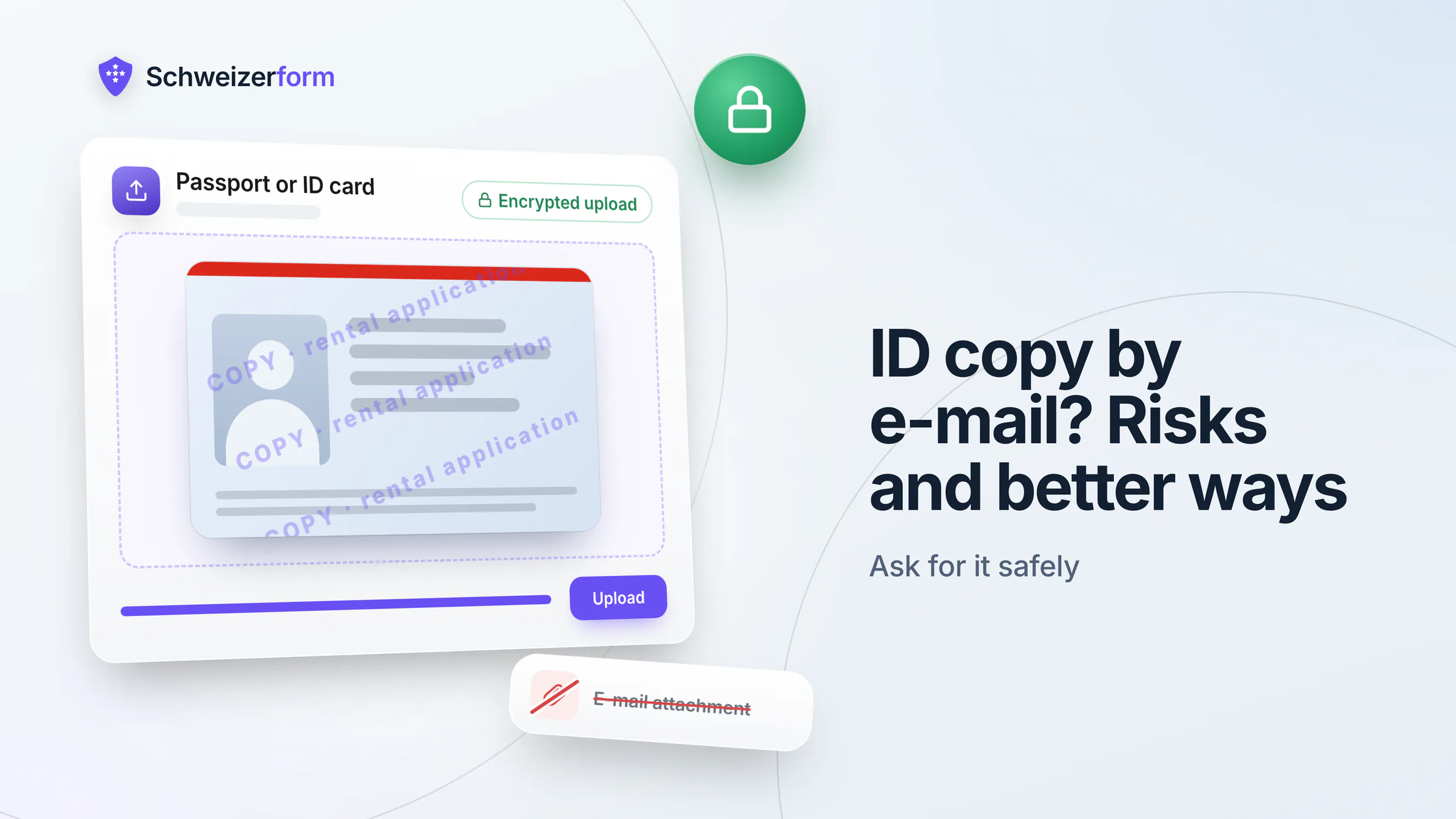
A new tenant, a client opening a file, a new employee: sooner or later you write “please send us a copy of your passport or ID card”, and the answer arrives as a phone photo attached to an e-mail. It is quick for everybody, and so it feels harmless. Yet a scan of an ID is one of the most useful documents a stranger can get hold of, and an inbox is a poor place to keep it.
So before you ask people to send an ID copy by e-mail, ask two other questions: do you need the copy at all, and if you do, which channel can carry it safely? This guide walks through both, for Swiss businesses that ask clients, tenants or new employees for identity documents, and ends with a concrete way to do it without the inbox.
Who this is for
Owners and office managers at Swiss SMEs, property managers, HR staff and advisers who ask for passports, ID cards or residence permits. Much of this article is useful whatever tool you use; the last part shows how Schweizerform Documents handles it.
Do you need an ID copy at all?
Many requests for an ID copy come from habit, not necessity. “We always ask for it” is not a purpose. Swiss data protection law starts from the opposite end: you collect personal data for a stated purpose, and only as much as that purpose needs.
When a copy is commonly requested
- Regulated financial intermediaries. Under the anti-money-laundering rules (Geldwäschereigesetz, GwG), banks, many asset managers, fiduciaries acting as financial intermediaries and similar firms must identify the contracting party on the basis of an identity document and, as a rule, keep a copy. If you are not such a firm, this duty does not apply to you.
- Employers checking the right to work. Employers have to make sure that foreign staff may work in Switzerland, and a copy of the residence permit is a common way to document that check. Art. 328b OR limits what else an employer may ask: only data that concerns suitability for the job or is needed to perform the contract.
- Landlords. Data-protection guidance for rental applications, such as the FDPIC's, says in general terms: ask only for what you need to choose a tenant. More detailed proof, such as an ID copy, is as a rule only needed from the person who will actually sign, at contract stage, not from every applicant.
- Contracts where you must know who you are dealing with. Some services, such as a lease, a mandate or a credit-related agreement, need a reliable identity check once, at the start. That is a reason to look at the document, not automatically to keep a copy.
When seeing the document is enough
Often you only have to establish that the person is who they claim to be. That can be done at the counter, by looking at the ID and noting that you did so (date, document type, who checked), without keeping an image. If no rule requires you to store a copy, the safest copy is the one that never exists.
Proportionality, Art. 6 nFADP
Art. 6 of the revised Federal Act on Data Protection (nFADP / nDSG) requires that processing is proportionate, tied to a purpose and no longer than necessary. For an ID copy this means: a named reason, only at the stage where it is needed, only the pages you need, and a point in time when it is deleted. If you cannot name the reason, do not ask.
Why an ID scan does not belong in an e-mail inbox
E-mail was designed for messages, not for documents that can be used to pose as someone else. A mail is usually protected on the wire, but the attachment then lies readable in several places. Typical weak points:
- Several copies in several mailboxes. The sender's “sent” folder, your inbox, any shared mailbox, the phone, the laptop, and the backups behind all of them.
- Unencrypted at rest. Unless both sides use S/MIME or PGP, which hardly any client or tenant does, the attachment is stored readable on the mail servers and devices.
- Forwarding. A colleague forwards it “to have a look”, a deputy gets access to the mailbox, a mail rule copies it, and the circle of people who hold it grows without anyone deciding so.
- Long lives. A mail from 2019 with a passport scan is still there in 2026 because nobody owns the clean-up. There is no deadline and no reminder.
- High misuse value. An ID scan helps to open accounts, order goods or answer identity checks in someone else's name. The data is small, the damage can be large.
A typo is enough
A wrong letter in the recipient address, a mailbox that is compromised, a phone that is lost: any of them exposes every ID scan ever attached to that account. Under Art. 8 nFADP you must protect personal data by appropriate technical and organisational measures, and an inbox full of passport copies is hard to defend.
What the sender can do to limit the damage
If a client or tenant insists on e-mail, or has no other option, the sender can lower the risk. You can tell people this in your request, and it helps your own staff, too, when they send documents to others.
- Watermark the copy with the recipient, the purpose and the date, for example “Copy for Example Property Ltd, rental application, 16 Nov 2026”. It does not make misuse impossible, but a scan that is tied to one purpose is much less useful for another.
- Black out what is not needed, where the recipient confirms that this is allowed. Whether the photo, the document number or the strip at the bottom of a passport may be hidden depends on the purpose.
- Send the minimum: one side or both, as the recipient requires, and not the full folder of identity documents.
- Delete your own sent copy once the recipient has confirmed receipt, and ask the recipient when they will delete theirs.
Ask the recipient what they need
Whether a regulated firm accepts a watermark or a blacked-out number is its decision, not yours. Ask first: “What exactly do you need to see, and may I hide the rest?” A good counterpart will answer, and a precise answer is a sign that they handle the data carefully.
What the business should do instead
If you are the one asking, you decide the channel and you carry the responsibility. The five steps below replace “please e-mail us your passport” with something you can defend to a client, a regulator and yourself.
- 1
Decide whether you need a copy
Write down the reason in one sentence. If seeing the document at the counter or in a video call is enough, say so in your process and keep only a note that the check was done.
- 2
Ask at the right stage
Request the ID from the person who will actually sign or start, not from every applicant. A landlord asks the chosen tenant, a firm asks the new hire after the contract is signed.
- 3
Offer a secure upload instead of e-mail
Give each person a personal link where the file is encrypted before it leaves their device. Say clearly in the request that you do not want the copy by e-mail.
- 4
State the purpose and the retention period
Tell people why you need the copy, who sees it and when it will be deleted. This is also part of your duty to inform under Art. 19 nFADP.
- 5
Delete once the check is done
When the verification is complete and no rule requires the copy, delete it. If a rule does require it, keep it in the one place where it belongs, with access limited to the people who need it, and delete it when the period ends.
A sample privacy sentence
Put a short notice next to the request: in the e-mail, on the upload page or in the form hint. You can adapt this wording; check it against your own purposes and privacy notice.
We ask for a copy of your passport or ID card only to [purpose, e.g. identify you before we sign the contract]. Please upload it through the secure link and do not send it by e-mail. Only [roles, e.g. the property manager] can open it. We delete the copy [when, e.g. once the identity check is complete], at the latest after [period]. Questions: [contact address].
E-mail, messenger, post, counter or upload link: a comparison
| Channel | What can go wrong | What you control | When it is reasonable |
|---|---|---|---|
| E-mail attachment | Readable copies in many mailboxes, forwarding, no deadline for deletion | Very little; watermark and clean-up by hand | Only as a fallback, with watermark and a deletion date |
| Messenger photo | Photo stays in the chat, in cloud backups and on the phone gallery; the provider's rules apply | Almost nothing | Not for identity documents |
| Post (paper copy) | Lost or opened mail; a paper copy ends up in a drawer | Registered mail helps; destruction is on you | When the other side has no digital access |
| Counter or video call | Almost none, because no copy is made | Full: you only note that you checked | When a check is enough and no rule demands a copy |
| Encrypted upload link | A leaked link shows what is open; someone else could upload a document | Purpose text, deadline, deletion, who may open | When a copy is genuinely required |
No channel is perfect. The question is whether you have a say about where the copy ends up and when it disappears. With e-mail and messengers you do not, with a counter check you need no copy, and with an encrypted upload link you control both.
How Schweizerform Documents handles ID copies
Schweizerform Documents is a module for collecting files with a checklist. For an ID copy you create a collection with an item such as “Passport or ID card”, write the purpose and the deadline into the item's hint, and send each person their own request link. What matters for this topic:
- Encrypted in the client's browser. The file contents and the original file names are encrypted before they are uploaded. We can see the questions you ask, never the answers or files people send. Only your Vault key opens them.
- One personal link per client. Each request has its own link and due date. The client sees what is still open, can come back with the same link to add the missing file, and needs no account.
- Review per item. You mark the copy as accepted or ask for a new one (for example “blurry or unreadable”). The client name and your note are encrypted too.
- Delete when done. You delete the response or the request by hand once the check is finished, one at a time or several in bulk. Document collections have no automatic deletion, so put the deletion date into your own routine.
- Plans. Documents work on Free: up to 3 requests per collection, with the 100 MB storage as a limit. Pro allows 50 requests per collection, reminders and ZIP export; Business allows 500 requests per collection.
What stays readable
Not everything is encrypted. The server can read the names of the items on your checklist (“Passport or ID card”), the due date, the request status and the number of visits and files. Whoever holds a request link can see what is open and the file names, but never the contents. The optional e-mail address for reminders (Pro and Business) is stored readable and deleted one day after the reminders stop. So do not put sensitive details into an item name.
What it does not do
- It does not verify identity and does not check that a document is genuine. A link identifies the request, it does not prove who uploads.
- No video identification, no liveness check, no comparison of the photo with the person.
- No e-ID and no AGOV login. The client uploads a file, nothing more.
- No OCR, no automatic checking of the content, and no virus scanning claim. Accepting or rejecting is your decision.
- No archive. It is not a document management system. After you download a copy, its storage is your responsibility.
A request link is not harmless
Treat each request link like the document it collects. If it leaks, a third party can see which items are open, the file names and the progress, and could upload a file under the client's name. Send it only to the person concerned, and close the request when you are done.
Common questions
Can a client refuse to send an ID copy?
If the law or the contract needs a check, for example under the anti-money-laundering rules, the business may be unable to proceed without it. If you only ask out of habit, a refusal is a sign that you should ask for less, or look at the document instead of copying it.
Do we need both sides of the card?
Ask for what the purpose needs and say which sides. For many identity checks the side with the photo and the personal data is the relevant one; a regulated firm may require both. If in doubt, ask the person who issues the rule, such as your supervisory or industry body.
What if someone has already e-mailed a copy?
Reply with the secure link, ask for the file again there, and then delete the mail from your inbox, the trash and any shared mailbox. Ask the sender to delete their sent copy. Backups are harder to reach; make sure they are not restored into daily use.
How long may we keep the copy?
As long as the stated purpose needs it and no longer, unless a legal duty requires a fixed period. Decide the period before you ask, write it into the notice and let someone own the deletion. Our article on form data retention helps you set it.
Ask less, ask later, and keep it out of the inbox
An ID copy is a small file with a long shadow. The best protection is not to hold it: look at the document where that is enough, ask only the person who needs to be checked, and ask when it is needed. Where you must keep a copy, choose a channel where the copy is encrypted, the purpose is stated and the deletion is part of the process.
Schweizerform Documents is one way to do this, but the principles hold with any tool. The more you decide about where the copy goes and how long it stays, the less a mistake can cost you and the people who trusted you with their papers.
A first step
Pick one process where you ask for ID copies today and write the reason, the stage and the deletion date. Then try a request link on Free. See how to collect client documents securely, the document request checklists, the HR onboarding and mortgage broker use cases, the tenant application forms, our guides to secure file uploads and form data retention, the comparison with e-mail submissions and the features and security pages.
Disclaimer: This article is general information and marketing content, not legal or compliance advice. It simplifies the nFADP, the Code of Obligations (OR) and the anti-money-laundering rules (GwG). Which documents you may request, and how long you must or may keep them, depends on your sector, your contracts and the facts of your case. Responsibility stays with your organisation; consult a qualified professional or your supervisory body.