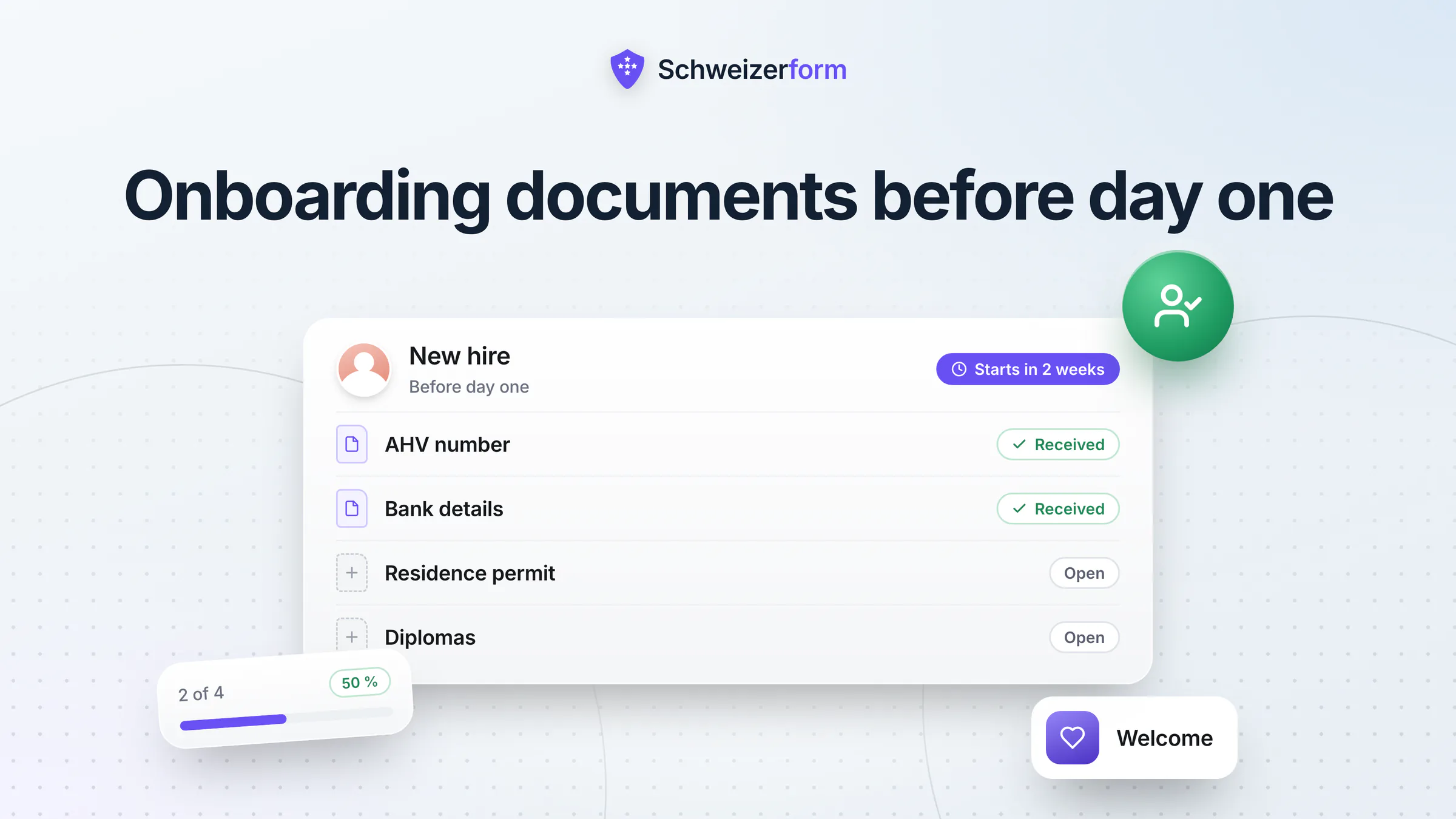
A small Swiss business that hires three people a year, or twenty seasonal staff for the summer, rarely has an HR system. What it has is an inbox. In the week before the start date, the AHV card, the IBAN, a scan of the residence permit, the birth certificate of a child and a diploma arrive as photos and PDFs in whoever's mailbox the new hire happened to pick, and someone forwards them to the payroll person. Collecting employee onboarding documents this way works until the first payroll run is late because one paper is missing, or until you try to find out who still holds a copy of an ID card.
This page shows how HR in a small organisation can collect the new hire documents before day one with one checklist per person: what to ask for and what not, what the law says about it, and how Schweizerform's Documents module, a personal-data form, a short knowledge test and a booking page fit together. It is honest about the limits: Schweizerform collects and organises papers; it does not run payroll, replace your HR software or verify a permit.
Who this page is for
Owners, office managers, HR assistants and the fiduciary or accountant who prepares payroll in small Swiss companies, practices, restaurants, building firms, shops, associations and municipalities, including those that take on seasonal staff in gastronomy, construction and retail. If you onboard fewer than fifty people a year, this is written for you.
What HR actually needs before the first payroll, and when
A new hire document checklist is not a list of everything you could ask for. It is the short list of what the payroll, the social insurances and the employment itself require. Typically that is the following:
- Social insurance identification. The 13-digit AHV number, usually from the insurance card or AHV certificate; a copy of the card is the simplest way to avoid typing errors.
- Bank details. The IBAN for the salary, ideally as text rather than a photo of a bank card.
- Residence or work permit for foreign nationals, so you can show that you checked the right to work.
- Family situation for family allowances. Marital status and, where children give a right to an allowance, birth certificates or training confirmations; which papers the family compensation fund wants depends on the canton and the fund.
- Withholding tax details for foreign employees who are subject to it (Quellensteuer): permit category, marital status, children and, in some cantons, church membership, because the tariff depends on them.
- Diplomas and certificates where the role requires a qualification, plus a reference letter only if you really need it.
- Pension fund details. The previous pension fund or vested-benefits account, so that the transfer into your pension institution (the vested benefits) can be arranged.
- The signed contract. A scan or photo of the copy the employee signed.
The order matters as much as the list. Art. 328b of the Code of Obligations (OR) lets an employer process data about an employee only to the extent that it concerns the employee's suitability for the job or is needed to carry out the employment contract. For the timeline this means that diplomas and references belong to the selection phase, while bank details, family status, withholding-tax data and pension transfers are needed only once the contract is agreed. Collecting them from every applicant, just in case, is the typical mistake.
| Document | When you may ask | Why |
|---|---|---|
| Diploma, certificates (if the job needs them) | During selection, from the candidate you want to hire | Suitability for the job (Art. 328b OR) |
| Signed contract copy | Once the contract is agreed | Carrying out the employment |
| AHV number, IBAN | After the contract is agreed, before first payroll | Salary and social insurance contributions |
| Marital status, children, birth certificates | After the contract is agreed, only where an allowance or tax rule needs it | Family allowances, withholding tax |
| Residence or work permit | Once the hire is decided, before the start | Proof that you checked the right to work |
| Pension fund transfer details | After the contract is agreed | Transfer of vested benefits |
| Religion, health, union membership, other private details | Not as a standard item | Rarely needed; ask only where a rule requires it, e.g. church membership for withholding tax in some cantons |
The common trap
Many onboarding forms ask everything in one go and send it to every candidate. Under Art. 328b OR and the proportionality principle of the revised Data Protection Act (nDSG, Art. 6) that is hard to defend. Build the request in stages: a few items for the selection first, the payroll papers only from the person who signed.
How the new-hire collection works with Schweizerform
The lead tool is the Documents module: a checklist of files that each new hire uploads through a personal link, without an account. Files are encrypted in the person's browser before they leave the device, and only your Vault key opens them.
- 1
Create one collection called “New hire”
Start from the template “New employee papers” or from scratch. Add one item per document: AHV card, bank details, residence permit, birth certificates, diplomas, pension fund details, signed contract. Mark what is required, set the allowed file types and the number of files per item.
- 2
Add a personal request per person
In the Requests tab, create one request for each new hire with their name, a due date a few days before the start and optional notes. Each request has its own link. With rules (Pro and Business), a question such as “Do you have children?” reveals the extra papers only for those who need them.
- 3
Send the link yourself
Copy the personal link and send it yourself with the welcome e-mail, from your own mail program or messenger; a document request never goes out through Schweizerform's mail. The new hire sees a checklist, uploads from the phone and can come back with the same link to add what is missing.
- 4
Review each item
Open the request after unlocking with your Vault key. For each item you choose Accept, or Upload again with a preset reason such as blurry, wrong document, expired or incomplete. The person sees your decision on the same link.
- 5
Export into the personnel file
When the request is complete, mark it complete and export. The ZIP export puts each person's files into their own folder, named by person, item and original file name (Pro and Business); a CSV overview with status and due date is on every plan.
Start-day effect
Payroll is prepared from papers that arrived and were accepted before day one, not from a pile of forwarded e-mails on the first morning. If something is wrong, you see it a week earlier, not at the end of the month.
Where Swiss SMEs use Schweizerform for onboarding
A “New hire” collection with a personal request per person
One collection, one request per person, one due date before the start. The overview shows each request as Open, Complete or Overdue, with progress such as “4 / 5”. For a restaurant with a new kitchen assistant every few weeks, the collection stays the same and only the requests change.
Sample files: the forms new hires must fill in
Some papers are blank forms: the pension fund's entry questionnaire, the withholding-tax declaration of your canton, a bank-details sheet. Attach them as a sample file to the item, so the person downloads the form, fills it in and uploads it again. Sample files are a Pro and Business feature.
Accept, or ask to upload again
A blurred AHV card is a typical problem. Mark the item “Upload again” with the preset reason “blurry or unreadable”, and the new hire can replace it without a call. Reviews are your working notes and are encrypted with the rest; they are not evidence of anything.
Reminders so you do not chase by phone
With reminders (Pro and Business), the person receives an e-mail three days before the due date, on the due date and then weekly if it is still open, with an upload-only link. The reminder never lists items or status. It needs the person's e-mail address, which is stored in readable form for sending and deleted one day after the reminders stop.
A personal-data form with a Swiss address question
Name, date of birth, nationality, marital status, emergency contact, residential address: these fit better in a normal form than in a document item. The Swiss address question collects street, number, postcode, place and optional canton in a consistent format, and is available on every plan. The answers are encrypted like any submission. You ask what is needed for the payroll and nothing more, which is exactly what Art. 328b OR wants.
The safety instruction as a short knowledge test
For roles where an instruction is part of the first day (fire safety, hygiene, first aid, data protection), a short test from the Assessments module checks what stuck and keeps the result with the encrypted answers: scoring, a pass mark and a result page work on every plan. Ready templates include “New employee onboarding check”, “Fire safety briefing quiz” and “Food hygiene staff quiz”. It supplements the on-site instruction, it does not replace it, and it is not an exam: the correct answers travel to the browser with the form. More in staff training and compliance tests.
The first-day slot with a booking page
A booking page lets the new hire choose the time for the welcome meeting, the key handover or the workplace tour. What the person writes is encrypted; the time, the service name and the staff name are readable by the server, so give the service a neutral name such as “First day”. Closed days and e-mail reminders are on Pro and Business.
Seasonal staff in gastronomy, construction and retail
Seasonal hires come in a wave, and the papers arrive the same way. One collection with a request per person gives the owner a single overview of who is complete and who is still missing a permit or an IBAN. Plan the volume: Free allows 3 requests per collection, Pro 50, Business 500, and uploaded scans count against the storage (Free 100 MB, Pro 5 GB, Business 50 GB).
Foreign employees: permit and withholding tax
For foreign nationals the file usually needs a copy of the permit and the data for the withholding tax. Federal law makes the employer responsible for checking that a person may work here; Schweizerform only collects the copy. It does not check that the permit is genuine or valid. For the withholding tax, the canton's tax office and your payroll provider tell you which fields the tariff needs. For ID copies in general, see sending ID copies by e-mail.
Who sees what: encrypted and readable
The line is the same as everywhere in Schweizerform: we can see the questions you ask, never the answers people give. For onboarding it looks like this:
| Data | Who can read it | Note |
|---|---|---|
| Uploaded files and original file names | Only with your Vault key | Encrypted in the new hire's browser |
| Name and note on the request | Only with your Vault key | Encrypted in your browser |
| Review status per item (accepted, upload again) | Only with your Vault key | Encrypted |
| Answers of the personal-data form | Only with your Vault key | Encrypted in the browser |
| Item names (the checklist), due date, visit counts | Readable by the server | So the list, the due date and the reminders work; use neutral item names |
| Booking time, service and staff name | Readable by the server | What the person writes in the booking is encrypted |
| New hire's e-mail for reminders (optional) | Stored readable for sending | Deleted one day after reminders stop |
A request link is a key
Whoever holds a personal link sees what is open on that request: the item names, the file names and the progress, though never the file contents. Send it only to the person concerned and not in a group chat or on a printed notice.
Features that matter for onboarding
- Documents on every plan, with 3 requests per collection on Free, 50 on Pro and 500 on Business.
- Personal link per person, due date, progress and status per request; no account for the new hire.
- Accept or upload again with preset reasons, visible to the person on the same link.
- Reminders and sample files on Pro and Business; reminders count against the daily client e-mail quota (30 on Pro).
- Conditional items (rules, Pro and Business), so a person without children never sees the birth-certificate line.
- Export: CSV on every plan; Excel, JSON and ZIP with one folder per person on Pro and Business.
- Swiss address question and other form types, including a consent question, on every plan.
- Assessments for the safety instruction: scoring and pass mark on Free; result page per band and time limit on Pro and Business.
- Booking page for the first-day slot; closed days and e-mail confirmations on Pro and Business.
- Client page (Pro and Business): the product calls it a client page, but for a new hire it is simply one personal link that gathers the open form, test, document request and booking link, without an account; it expires and can be revoked.
- Four languages (de, fr, it, en) for the new hire, which matters for seasonal teams.
After the papers arrive: personnel file, access and retention
Once the files are accepted, the personnel file lives where you keep it today: your payroll software, a file server or a physical folder. Schweizerform is the way in, not the archive; there is no document management system in it. Export what belongs in the file, check that it is there, and then delete the request and the files you no longer need in Schweizerform.
- Access. Employees may ask what you hold about them (Art. 25 nDSG). Know where the file is, and keep the working copy in one place, not in five mailboxes.
- Retention. Common practice is to keep many personnel items for around five years after the employee leaves, in line with the five-year limitation of employees' claims from the employment relationship (Art. 128 OR), and payroll records that count as accounting vouchers for ten years (Art. 958f OR). Check with your fiduciary, your pension fund and your collective agreement.
- Deletion. Bank details, permit copies and family papers do not need to stay for ever. Write down when each category is deleted, and do it. See how long to keep form data.
Phrase it as common practice
Retention periods depend on the document, the sector and the contract. The figures above are common practice, not a legal timetable for your case; confirm them with your fiduciary or lawyer before you fix a rule.
What HR teams ask
“We hire three people a year. Is this overkill?”
The data you collect is the same whether you hire three people or three hundred: AHV numbers, IBANs, permits, family papers. A personal link and a checklist take ten minutes to set up and replace a dozen e-mails per hire. On Free, a collection takes three requests; a seasonal team or a growing firm will need Pro.
“Can the new hire sign the contract there?”
No. Schweizerform has no e-signature; the signature question in forms is not a qualified electronic signature, and the Documents module does not offer signing at all. You can send the contract as a sample file, have it signed by hand or through a signature service, and collect the scan as the item “Signed contract”. An individual employment contract is generally valid without a particular form (Art. 320 OR), but an apprenticeship contract must be in writing, and some collective agreements prescribe a written form.
“Does it check that the permit or the ID is real?”
No. It stores what the person uploads, nothing more. There is no identity or permit verification, no automatic reading of documents (no OCR) and no virus-scanning claim. A personal link identifies the request, not the person. The check stays with you, as your legal duty.
“What if an employee asks for their file?”
Art. 25 nDSG gives them a right of access. Because you export what belongs in the personnel file, you can answer from one place. Anything that exists only in Schweizerform can be read only with your Vault key, so keep the key safe: without it, we cannot restore your files either.
Getting started
- 1
List the items
Write the papers your payroll needs. Remove everything you would not use in the first three months.
- 2
Create the collection
Create the collection “New hire” from the template “New employee papers” and adapt the items to your payroll.
- 3
Add one request per person
Set the due date a few days before the start and send the personal link with the welcome e-mail.
- 4
Add the personal-data form, test and booking page
Only the ones you really use: a form with the Swiss address question, a short safety test, a first-day slot.
- 5
Export and tidy up
Export to the personnel file when the request is complete, then delete what you no longer need.
Employee onboarding documents: one checklist, one link per person
Good onboarding starts with fewer, better-timed requests: only what the employment needs, only from the person who signed, delivered in a way that does not spread AHV numbers and IBANs across mailboxes. A personal link and a checklist give HR that routine without an HR system.
Schweizerform does not replace payroll, a personnel system or your legal duties as an employer. It gives small organisations an encrypted way to collect the papers, see what is missing and move them into the file. For other HR topics, see whistleblower reporting and employee surveys.
Start on the Free plan: create the collection “New hire”, add the first request and send one personal link. See the Documents features, the security overview, the plans and the document request checklist guide.
Disclaimer: This page is general information and marketing content, not legal, tax or HR advice. It simplifies Art. 128, 320, 328b and 958f of the Code of Obligations (OR), Art. 6 and 25 of the revised Data Protection Act (nDSG) and the rules on family allowances, withholding tax and the employment of foreign nationals. Responsibility for lawful personnel data processing stays with your organisation. Consult a qualified lawyer, fiduciary or data-protection specialist before relying on this page.