Most small professional-services teams — clinics, law offices, accountants, advisors, recruiters, NGOs, schools — already have a "form" for collecting sensitive information. It just is not on a form platform. It is an email thread. "Please fill out the attached PDF and send it back to me." Or: "Reply with a scan of your ID, last three payslips, and the signed engagement letter." The intake works. The clients send the documents. The job gets done.
What also gets done, quietly, is a slow build-up of sensitive data sitting in inboxes, sent folders, mail servers, mobile devices, backup tapes, and the email accounts of staff who left the firm three years ago. This page is for teams that already know there is a problem with that and want a clear-eyed look at what an encrypted form platform actually changes — operationally, legally, and for the clients on the other end.
Who this comparison is for
Practice owners, partners, ops leads, DPOs, and admin staff who currently collect client documents and forms by email — particularly Swiss and EU teams in regulated fields (healthcare, legal, financial, HR, education, NGO) where the email habit conflicts with explicit obligations under GDPR, nFADP, professional secrecy, or sector-specific rules.
Why Email "Works" — The Honest Case
We will start with what email genuinely does well, because the reason small teams keep using it is not laziness. It is real strengths:
- Universal — every client has email; nothing to install or sign up for
- Familiar — no learning curve for staff or clients
- Asynchronous — works across time zones and around schedules
- Free at the marginal cost level — already part of what you pay for
- Audit-friendly in a thin sense — "I have the email, here is the timestamp"
- Preserves a conversational record alongside the documents
These are real properties. Any replacement that loses too many of them — by being slow, fiddly, or alienating to clients — will fail in practice no matter how superior on paper. The question this comparison answers is whether you can keep what email is good for and lose what makes it dangerous.
What Email Quietly Costs
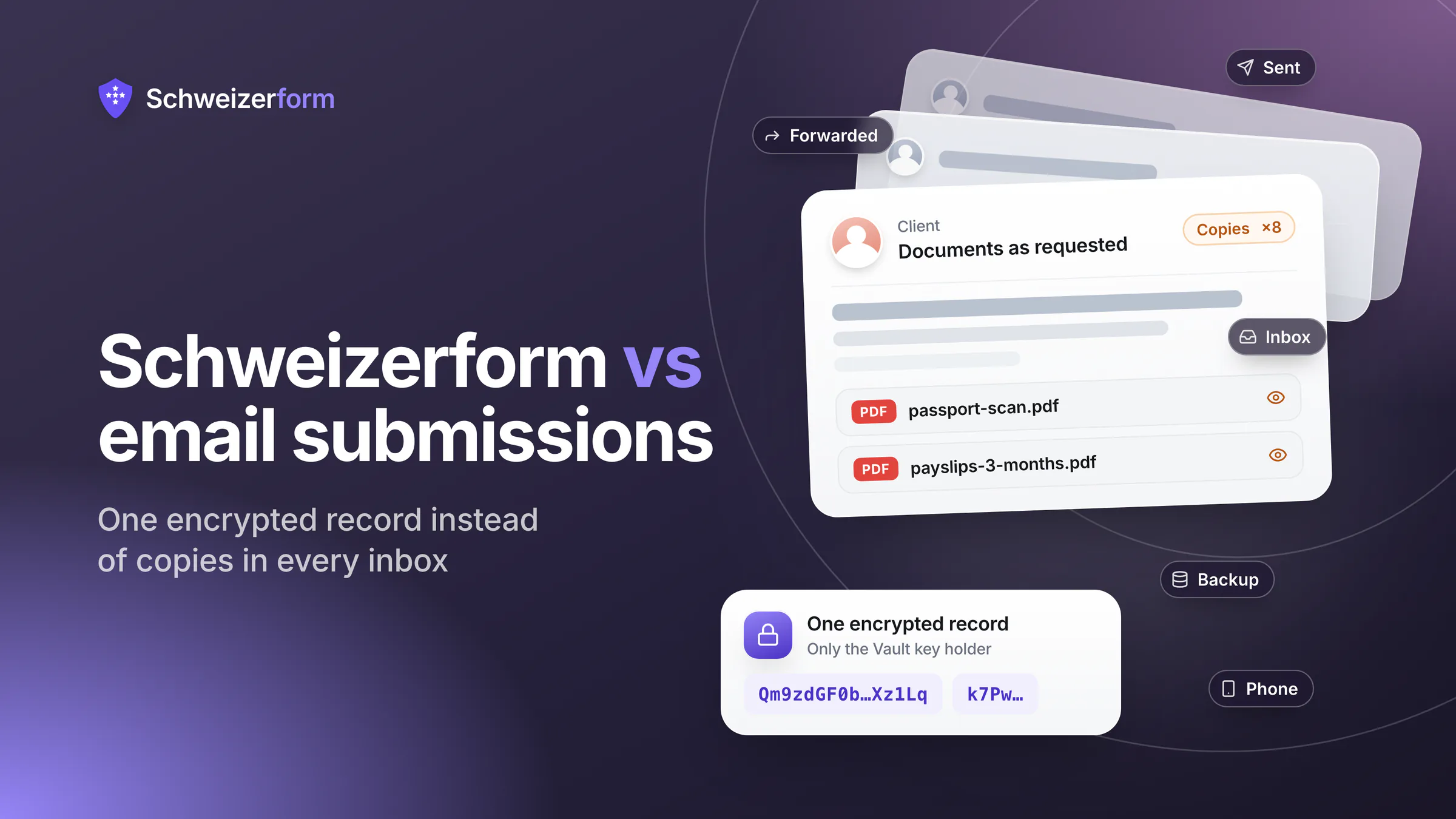
Sensitive data sent by email does not stay in one place. It proliferates. The same passport scan, salary slip, medical questionnaire, or contract draft ends up in eight or ten places, each with its own access controls, retention rules, and breach surface. None of those rules were written with that document in mind.
- The client's Sent folder, possibly forever
- Their email provider's servers and backups
- Your mail server, plus its backups, plus its disaster-recovery copies
- Your Inbox; the inboxes of anyone you forwarded it to; the inboxes of anyone they replied to
- Local copies on every device that synced the mailbox (laptops, phones, tablets, dead employees' machines)
- Attachments downloaded to a shared drive, a desktop, a screenshot, a printer queue, a colleague's USB key
- Search indexes — your mail client knows what is in those PDFs
- Any forwarding-rules or auto-archive flows you set up and forgot
The proliferation problem
By the time a client has sent you their tax documents by email, you no longer have one copy of those documents. You have a population of copies, each governed by different settings and accessible to different people. There is no realistic way to honour a deletion request, comply with a retention rule, or prove the data was disposed of correctly. This is not a hypothetical — it is the daily state of most small-firm inboxes.
Where Email Fails Against the Rules
Email is not illegal. It is just badly aligned with how modern data-protection rules expect sensitive data to be handled. The mismatch shows up in specific, recurring places:
- Data minimisation (GDPR Art. 5, nFADP Art. 6) — a free-form email invites clients to send more than the minimum; a structured form enforces only what you actually need
- Storage limitation (GDPR Art. 5, nFADP Art. 6) — "delete after X months" is unworkable when the data is in eight places
- Right to erasure (GDPR Art. 17, nFADP Art. 32) — you cannot delete what you do not have a complete inventory of
- Integrity and confidentiality (GDPR Art. 5, nFADP Art. 8) — TLS in transit only protects email between cooperating servers; once on disk, the message and its attachments are typically plain text
- Breach notification (GDPR Art. 33–34, nFADP Art. 24) — a misdirected email with sensitive data is generally a notifiable breach in most jurisdictions
- HIPAA (US) — email containing PHI requires a Business Associate Agreement with the email provider, transport encryption, and tight access controls; default Gmail/Outlook setups do not satisfy this without specific configuration
- Professional secrecy (medical, legal, financial in Switzerland) — strong sectoral duties that pre-date data-protection law and are not satisfied by "the email server is in the EU"
The most common breach we hear about
Misdirected email — autocomplete picked the wrong recipient — is one of the leading reported breach causes in published EU and Swiss enforcement statistics. The typical cost is not the regulator's fine; it is the disclosure to the affected person, the loss of trust, and the operational scramble. A form link cannot be misdirected the way a free-form email can.
Side-by-Side: Email Workflow vs Encrypted Form Platform
| Property | Email submissions | Schweizerform |
|---|---|---|
| Where the data lives | Inboxes, sent folders, mail server, backups, devices | One encrypted record per submission, in one Swiss-hosted system |
| Who can read it | Anyone with mailbox access, anyone copied, anyone with backup access | Only holders of the vault key (you) — vendor cannot read |
| Encryption posture | TLS hop-to-hop only; at rest depends on each mailbox provider | End-to-end / zero-knowledge — encrypted in the respondent's browser |
| Data minimisation | Free-form — clients send what they think you need | Schema-defined — only the fields you ask for |
| Retention enforcement | Manual at best; the data spreads faster than anyone tracks | Single record, single retention setting, one place to delete |
| Audit trail | Email metadata only; downloads invisible | Submission log with timestamps and access events |
| Misdirection risk | High — autocomplete and reply-all are notorious | Low — clients reach a fixed form URL |
| Phishing impersonation | Constant — "please send the documents to this updated address" | Mitigated — there is a single canonical link |
| Right to erasure (GDPR Art. 17 / nFADP Art. 32) | Effectively unfulfillable across all copies | Single deletion removes the record |
| Breach if mailbox is compromised | Yes — every attachment is exposed | No — only ciphertext is exposed; submissions remain unreadable |
| Client experience | Familiar but error-prone (wrong attachment, wrong recipient, wrong format) | Single link, structured fields, in their language (EN / DE / FR / IT) |
| Cost | "Free" — paid in compliance exposure and operational mess | Modest subscription with predictable, contained risk |
What Changes When You Switch
The most common worry from teams considering this switch is "my clients will not adopt it." In practice, the experience for clients usually improves — not degrades — because the form replaces an awkward conversation with a clear request.
- Clients see a single link in their language, not a vague "send me the documents" email
- The form tells them exactly what to provide — fields, file types, optional vs required — instead of guessing
- They do not have to find a scanner, fight an attachment size limit, or remember which version of the form is current
- You stop receiving partial submissions, wrong files, or 30 MB photos of a passport — the form enforces structure
- When something is missing, the form asks; nothing arrives via three follow-up emails over four days
- If they reuse the link to update their answer, you do not end up with two divergent records in two threads
If your clients can sign up for a doctor's appointment online, book a flight, or pay an invoice through a link, they can fill in a Schweizerform link. The reason this switch sometimes fails is not client adoption — it is staff who keep replying "or you can just email it to me" out of habit. That is a process change, not a tooling problem.
When Email Is Genuinely Fine
- Conversational follow-up about a submission already received through a structured channel
- Non-sensitive scheduling and logistics ("see you Tuesday at 10")
- Generic information requests that do not involve identifiable client data
- Internal summaries that strip out PII before they hit anyone's Inbox
- Encrypted email (PGP, S/MIME) between technically capable parties who already share keys — rare in practice
Email is a fine medium for talking. It is a poor medium for collecting documents and structured personal data. The split is the same one most modern firms have already made for payments (no longer asked over email) and for signed contracts (a signing platform, not an attached PDF).
When an Encrypted Form Platform Becomes Necessary
- Healthcare, dental, therapy, and clinical-trial intake — patient data covered by professional secrecy
- Legal client onboarding — privileged information that cannot live in shared inboxes
- HR, whistleblower, and safeguarding — confidentiality of the reporter is the product
- Financial advisory, KYC, accounting, and insurance — AML duties and high-stakes client trust
- Schools and NGOs collecting parent or beneficiary information
- Any team that has ever sent or received a misdirected email with sensitive data and would prefer not to do it again
These are not edge cases — they are the bulk of regulated workflows in small and mid-sized practices. The migration is much less painful than most teams expect; the main work is the habit change, not the tool.
Migration — From "Just Email Me" to a Form Link
If your current process is email-based and you want a clean way out, the path is short:
- 1
List the recurring intake conversations
New patient questionnaire, KYC pack, onboarding checklist, complaint intake, expense claim, document upload — write down the three to ten templates that account for most of your sensitive email traffic.
- 2
Build them as Schweizerform forms
Each one becomes a single form with structured fields, file uploads where needed, per-question validation rules, and a clear set of required vs optional answers. The free tier is enough to test one end-to-end before rolling out.
- 3
Set up the Vault Key and recovery key
Two custodians, written procedure, recovery key stored separately from the primary. About 15 minutes for a small team. The vault key never touches our servers, so this is what gives the zero-knowledge property — without it, the encryption story is theoretical.
- 4
Replace the email request with a form link
Update your standard reply templates, your website forms, your engagement letters, and your auto-responder. "Please send the attached PDF" becomes "Please complete this secure form: <link>."
- 5
Train staff to never accept the same data by email
This is the actual hard step. The form is easy; the discipline of saying "please use the form" instead of accepting an emailed PDF "just this once" is what determines whether the new channel actually replaces the old one.
- 6
Set a retention policy and prove it works
Decide how long submissions live, configure that in the form, and document it in your processor register. The first time a regulator or auditor asks, you can show one place, one rule, one log — instead of an inbox-by-inbox investigation.
Objections from teams that still email
"Our email is already encrypted (TLS / Microsoft 365 / Gmail)"
Transport encryption (TLS) only protects email while it travels between cooperating servers. Once delivered, the message and its attachments sit in the mailbox in a form the provider can read. Microsoft and Google encrypt mailboxes at rest with their own keys — useful, but they can still read the data, comply with lawful access, and accidentally expose it through a misconfiguration. "Encrypted email" usually means transport encryption, not zero-knowledge.
"Our clients are older / less technical — they will not use a form"
Sometimes true at the margin, much less often than expected. The same clients book medical appointments, pay invoices, and use online banking through forms. A clearly written link with a one-line instruction usually outperforms an email that asks them to attach the right PDF in the right format. For the small minority who genuinely cannot use a form, a paper alternative is cheaper than the breach exposure of email-as-default.
"We have always done it this way and never had a problem"
Often this means "we have never had a problem we noticed." Misdirected emails that nobody reports, mailbox compromises that nobody investigated, attachments that ended up on a former employee's personal drive — these rarely produce a phone call. They produce a slow, invisible drift in your data exposure that surfaces during an audit, an incident, or a subject access request.
"Encrypted email (PGP, S/MIME) does the same thing"
In principle, yes. In practice, almost no client population has the keys, the tooling, or the willingness to make it work. PGP/S/MIME has been a credible answer for over twenty years and has not become the default for a reason. An encrypted form platform replaces the user-experience problem with a single link.
"What about secure email portals — isn't that the same thing?"
Secure email portals are an improvement on plain email — but most still store messages and attachments in a form the portal vendor can read. They solve the transport problem and the misdirection problem; they do not generally solve the "vendor cannot read submissions" problem. A zero-knowledge form platform is the layer above.
Email attachments or an encrypted form
Email is a brilliant tool for conversation and a poor tool for collecting sensitive structured data. It works until it does not — and when it does not, the failure modes (misdirected message, compromised mailbox, indiscoverable copies) are the failure modes regulators care about most. "Just email me the form" is not free; it is paid in compliance risk and operational mess that nobody itemises until something goes wrong.
Schweizerform replaces that workflow with a single encrypted record per submission, hosted in a vault in Switzerland, readable only with your vault key — a key that never touches our servers. It is available in the four languages your clients actually speak. It is not the only encrypted form platform in the world — but it is built around the property that matters most for the email-as-form crowd: the data does not proliferate, and we cannot read it ourselves.
Try Schweizerform on the free plan — encrypted submissions stored in Switzerland, zero-knowledge encryption, native EN / DE / FR / IT — and replace the next "please email me the documents" request with a single secure link.
Disclaimer: This comparison is general information and marketing content, not legal or compliance advice. Specific obligations under GDPR, nFADP, HIPAA, professional-secrecy rules, and sector-specific regulations depend on jurisdiction and use case; consult qualified counsel before relying on any framing here.