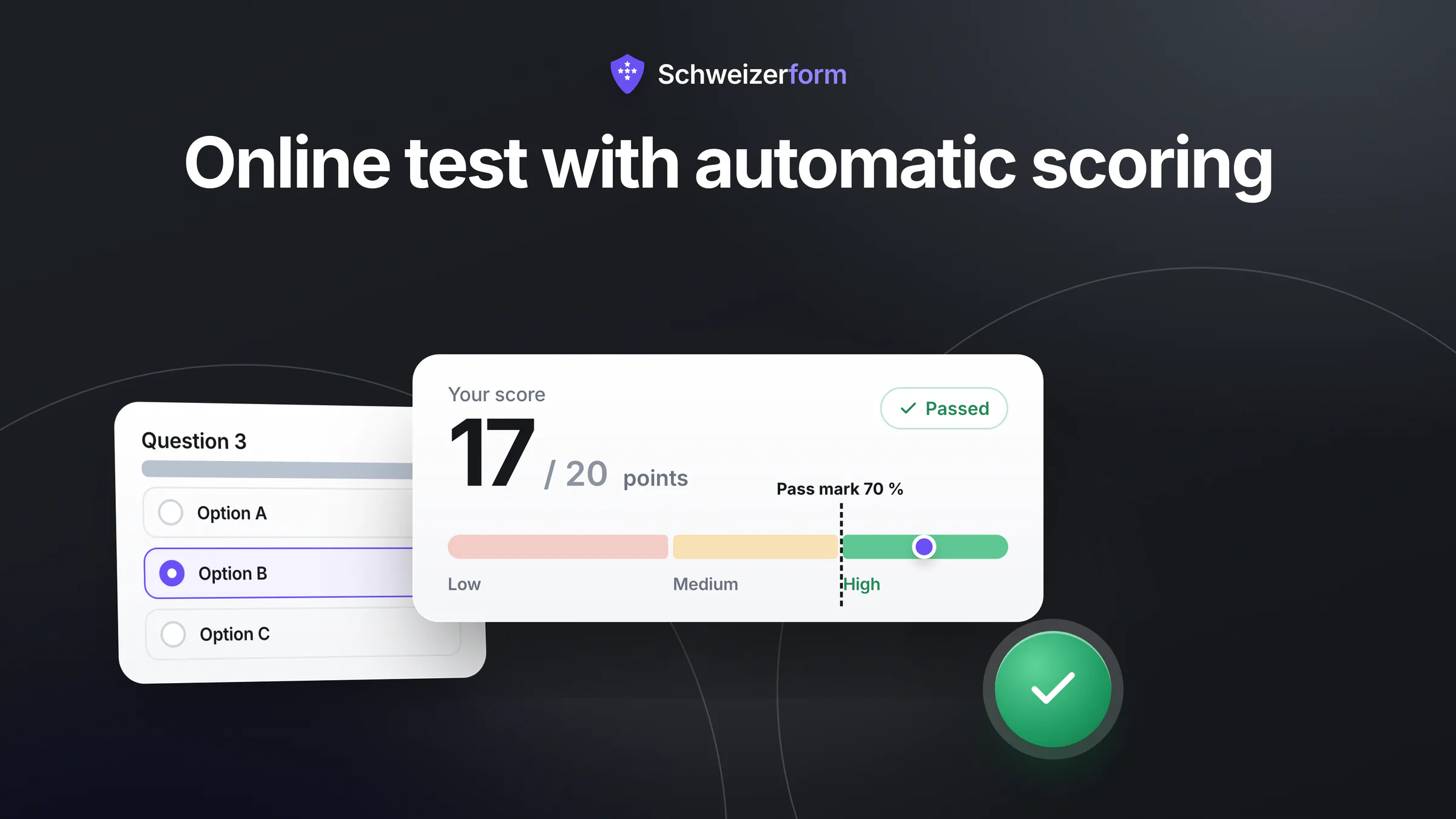
Your association wants a short check after its safety briefing. Your fiduciary firm wants a quiz that tells prospects how ready they are for the nDSG. Your school wants to place new learners. All three need the same thing: an online test with automatic scoring, so that nobody adds up points by hand and everybody gets a clear result the moment they finish.
Software does the arithmetic in seconds. The hard part is the design: what a point means, where the pass mark sits, what each result page says and what you may do with the numbers afterwards. This guide walks through those decisions in plain language, for a small organisation building its first scored questionnaire.
What you will learn
The difference between a quiz, a knowledge test and a self-check; how points, partial credit and negative points behave; how to justify a pass mark; what to write on each result page; when time limits and attempt limits backfire; what a score may and may not be used for; and where the score is computed and who can read it. The last section shows how Schweizerform handles this.
Quiz, knowledge test or self-check: what are you building?
The word “test” covers three quite different things. Decide which one you are building before you write a single question, because it determines how strict the scoring must be and how you talk about the result.
| Type | Question it answers | Scoring style | Typical result |
|---|---|---|---|
| Quiz | Did the content stick? | One correct answer per question, low stakes | Score and the right answers with a short explanation |
| Knowledge test | Does this person know the required content? | Right or wrong, a pass mark, sometimes a time limit | Passed or not passed, plus a score |
| Self-check | Where do I stand today? | Points per option, no right or wrong, no pass mark | A band with advice, such as low, medium or high |
How points work
Every scored question carries points, and the maximum score is simply the sum. What differs is how a question earns them. There are two common models, and many tools offer both.
- Right or wrong: one or more answers are marked correct. A correct answer earns the full points of the question, anything else earns none. Best for knowledge tests and quizzes.
- Points per option: each answer option has its own value, so “never”, “sometimes” and “always” can be worth 0, 1 and 2 points. Best for self-checks, where there is no single correct answer.
- Text and number questions: a free-text answer can only be scored against a list of accepted spellings, a number against an exact value or a range. Keep these rare, because a correct answer written differently counts as wrong.
Partial credit
On a multiple-choice question with three correct options, someone who ticks two of them knows more than someone who ticks none. Partial credit gives a share of the points for each correct option picked. Switch it on when the topic is genuinely a matter of degree, and leave it off when a half-right answer is a dangerous answer, as with “which of these substances may never be stored together?”.
Why negative points need care
Some tests subtract points for wrong picks, so that blind guessing does not pay. It can work on long multiple-choice tests, but it surprises people, it punishes anxious or careful respondents unevenly and it makes the result harder to explain. If you use negative points, say so before the first question and make sure the total can never fall below zero.
Check the arithmetic before you publish
Click through your own test twice: once with every answer right, once with every answer wrong. The first run must reach the maximum score, the second must not produce something absurd. Typical scoring errors, such as a forgotten correct option or a question worth ten times the others, show up in these two runs.
Choosing a pass mark you can justify
A pass mark is a decision, not a number to be calculated. “70 %” is the habitual default, but it only means something if you can say why. Whoever fails will ask, and so will a colleague who reads the results a year later.
- 1
Name the consequence of failing
A retake in the same week and a refusal to work on a machine are not the same stake. The higher the consequence, the higher and better justified the mark must be.
- 2
Define the minimum acceptable knowledge
Write down which questions someone absolutely must get right. Count them against the total to see which percentage that implies.
- 3
Try it on people you know
Let two or three colleagues who clearly know the topic and two who clearly do not take the test. A good mark separates them without being close to either group's score.
- 4
Write the reason down
One sentence in your documentation is enough: “70 %, because the 14 safety-critical questions out of 20 must be right.” Review it after the first real results.
Self-checks need no pass mark
If nobody can fail, do not invent a pass mark. A self-check is better served by score bands with an honest description of each level. A pass mark for a questionnaire that only wants to inform would create a false sense of “good” and “bad”.
Score bands and what to say on each result page
A bare number tells people little. Score bands translate it into a level, and the result page translates the level into a next step. Three bands are usually enough: more are hard to tell apart, and the distinctions between them become arbitrary.
| Band | What the page says | Useful next step |
|---|---|---|
| Low (for example 0 to 49 %) | Plain, kind and specific: these topics need work | A short learning resource, a repeat date, a contact person |
| Medium (50 to 79 %) | You have the basics; here is what is still missing | A checklist or a short guide on the gaps |
| High (80 to 100 %) | Confirmation, and a pointer to what comes next | A deeper topic, or, for a self-check, an offer to talk |
- Show the score and the maximum, for example “17 of 20”, so the number can be understood without a calculator.
- Say what the band means in one sentence, without labels like “failed” where the result is only informational.
- Offer exactly one next step. Three suggestions are usually zero.
- Never put sensitive conclusions on the screen that a colleague glancing over the shoulder should not read.
Time limits and attempts, and when they backfire
A time limit makes sense when speed is part of what you test, such as a language placement or a reading comprehension task. It rarely makes sense for compliance training, where the goal is that people understand, not that they hurry. Attempt limits have the same two-sided effect.
- Time limits backfire for people with dyslexia, a poor connection or a first language other than the test language. If you set one, make it generous and tell people before they start.
- One attempt only backfires when the test is meant to teach. Unlimited retries with shown explanations turn a test into learning material, which is often the better outcome.
- Attempt limits are meaningful only where you know who is who. Without a personal link or some other way to tell people apart, anyone can simply start again, so treat the limit as a fairness measure, not as a barrier.
Writing fair questions
- Test one thing per question. “Which of these is true, and why?” tests two.
- Avoid trick wording and double negatives. A person who knows the topic should not fail on grammar.
- Make wrong options plausible but clearly wrong. Silly options make the test easy and tell you nothing.
- Match the test language to the people. Offer the test in the languages your respondents really use, and have a native speaker check each version.
- Add a short explanation to each question. It turns a wrong answer into learning and makes disputes rarer.
What a score may and may not be used for
A score is a snapshot of how someone answered a particular set of questions on a particular day. It is useful for exactly that. Problems start when it is asked to carry more.
- Fine: documenting that training took place, deciding who should repeat a module, spotting questions that most people get wrong, giving people feedback on their own level.
- Careful: screening applicants, placing learners or deciding on access to tasks. Use the score as one input among several, tell people in advance what it is used for and keep the result only as long as you need it.
- Not appropriate: diagnosing a person, judging character or health, or treating a self-made questionnaire as a validated psychological instrument.
There is also a legal angle. Under Art. 21 of the revised Swiss Data Protection Act (nFADP), a person must as a rule be informed when a decision that has a legal effect on them or significantly affects them is based solely on automated processing; on request, they may state their point of view and ask for the decision to be reviewed by a human. The simplest way to stay clear of this is not to let a score alone decide whether someone is hired, admitted or refused: let a person decide, and let the score be one reason among others. Check with your data-protection adviser if you are unsure whether a specific use qualifies.
A score is not a diagnosis
A questionnaire on stress, mood or health that adds up points can inform, but it cannot diagnose. Say so on the result page, point to a qualified professional, and never let a number replace a conversation where health is concerned.
Privacy: where the score is computed and who can read it
A result is personal data as soon as it can be linked to a person, and in a training or application context it often can. Two technical questions decide how exposed it is: where the points are added up, and where the result is stored.
| Model | Where the score is computed | Who can read it |
|---|---|---|
| Typical online test tool | On the provider's server | The provider, its staff and sub-processors, as well as you |
| Spreadsheet of answers | In your own file, after the fact | Everyone who has access to the file |
| Browser-side scoring, encrypted result | In the respondent's browser | Only the holder of the decryption key |
The principle behind the third row is explained in Zero-knowledge architecture explained. It also has a price, as the next section shows: if the browser does the scoring, the answer key must be in the browser too.
Online test with automatic scoring in Schweizerform
In Schweizerform, scored tests are called Assessments (“Tests” in the German interface). A test is a form whose answers earn points and that ends with a result. This is how it works in practice.
- 1
Create the test
Start blank, from one of 13 templates (for example data protection, fire safety or phishing awareness) or with the AI creator. Check every correct answer the AI proposes yourself.
- 2
Set the scoring
Choose right or wrong or points per option per question, add partial credit where it fits, set an optional pass mark and one to ten score bands.
- 3
Write the result pages
One default result page can use the score, maximum, percentage and band in its message. Add explanations that can be shown with the answers.
- 4
Share and read
Share a link, a QR code or an embed. After you enter your Vault key, you see each score, the pass rate, the score distribution and the hardest questions.
| Feature | Free | Pro and Business |
|---|---|---|
| Scoring, pass mark, 1 to 10 bands, templates | Yes | Yes |
| One default result page, show correct answers | Yes | Yes |
| A separate result page per band, band colours | No | Yes |
| Time limit, maximum attempts per personalised link | No | Yes |
| Responses per month and forms | 100 responses, 3 forms (shared with other forms) | Pro 1,000 responses and 50 forms; Business 10,000 responses |
What is encrypted, and what is not
Scoring runs in the respondent's browser. The score, the band and pass or fail are stored inside the encrypted answers, so the server never sees a score, and you read it only with your Vault key. The trade-off is real: the correct answers and their points are sent to the browser together with the form, so a technically skilled respondent can read them. That is acceptable for training and self-checks and is the reason Schweizerform is not suited to high-stakes exams.
What it does not do
- No proctoring, no identity check and no protection against looking answers up.
- No certificate or diploma PDF.
- No question banks or random question draws; options can be shuffled, questions cannot.
- No save-and-finish-later: a test is completed in one sitting.
What you find in the export
Exports gain the columns Score, Max score, Percent, Band and Passed (empty if there is no pass mark). CSV is available on every plan; Excel, JSON, PDF and ZIP on Pro and Business. The scores sit inside the encrypted answers, so you read and export them after entering your Vault key; the exported file is then yours to protect.
Common mistakes
Is a high pass mark always safer?
No. A mark of 95 % on a test with ambiguous questions fails capable people and teaches them nothing. Raise the mark only when the questions are clear and the consequence of a mistake is serious.
Can I show the correct answers right away?
For learning, yes: it is the most effective feedback. For a test you want to reuse with the same people, no, since the answers then circulate. Decide on the purpose first.
Should I keep the results forever?
No. Keep them as long as you need to prove that training took place or to follow up, then delete them. Our guide to form data retention helps set the period.
Start with a small test and learn from the first results
A good scored questionnaire is rarely right on the first attempt. Start with ten questions, a justified pass mark and three bands, run it with a handful of colleagues, and look at which questions almost everybody gets wrong: they are usually badly worded, not too hard. And be clear with respondents about what the score is for and who can see it. People answer honestly and calmly when they know that a result is feedback, not a verdict.
Your first step
Pick one topic, write ten questions and test them yourself with every-right and every-wrong runs. Related reading: self-tests as lead qualification, staff training tests and data protection, aptitude tests in recruiting, the use cases staff training and compliance tests and placement tests in language schools, and the plans.
Disclaimer: This article is general information and marketing content, not legal, HR or educational advice. It simplifies the Swiss Data Protection Act (nFADP) and does not cover every situation. Responsibility for designing, evaluating and using tests stays with your organisation; consult a qualified professional before relying on a score for important decisions.