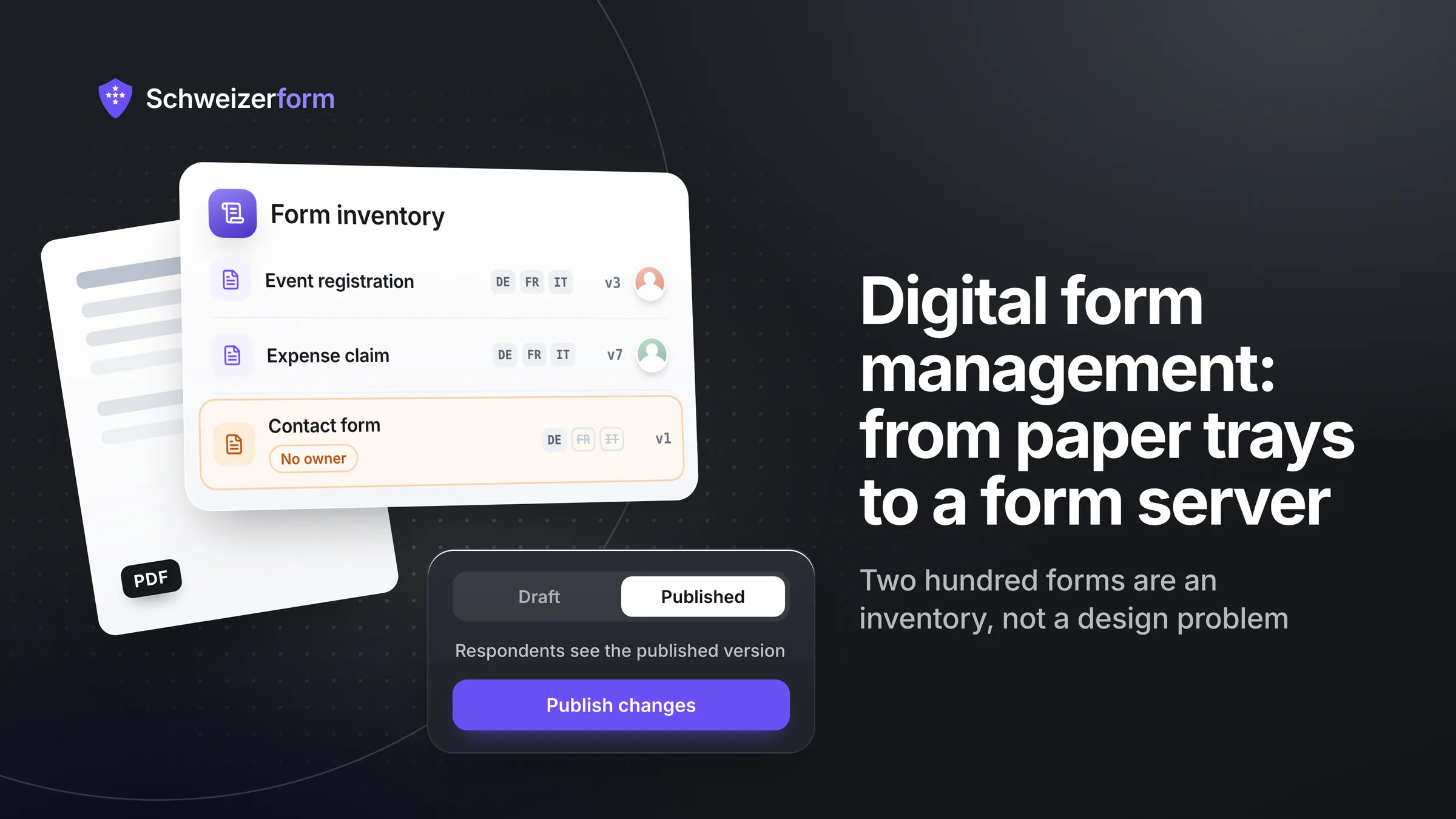
Almost every Swiss administration, hospital and mid-sized company has already digitised its forms. What it has not done is manage them. The estate typically consists of a few dozen PDFs on a website, a handful of forms built in whatever tool a department could expense, three variants of the same registration form maintained by three people who do not know about each other, and one crucial process that still ends with «print, sign, and bring it to the counter».
The short version
A form builder solves one form. Form management solves the estate. The difference shows up in seven places: an inventory with a named owner per form, version control that lets you prove what a person actually saw when they submitted, a publication workflow with review before a form goes live, publication in German, French and Italian, retention and archiving that satisfy both the ten-year record-keeping duties and data protection deletion, accessibility to the standard your organisation is bound by, and an exit that gets your data out. The two that get skipped and hurt most are versioning — because a submitted form is a legal record of a specific text — and ownership, because an unowned form is never updated and never retired.
What «Form Management» Means Beyond a Form Builder
| Capability | Why it only matters at scale | The failure it prevents |
|---|---|---|
| Inventory and ownership | With five forms everyone knows who maintains them; with fifty nobody does | A form still citing a repealed ordinance, live for three years because it had no owner |
| Version control and publication | Editing a live form silently changes what future respondents see — and what past ones saw becomes unprovable | «Which version of the declaration did this person actually sign?» with no answer |
| Review before publication | Departments publish faster than legal and data protection can read | A field asking for an AHV number that nobody approved and nobody needs |
| Multilingual publication | One form in three languages is three artefacts that must stay in sync | A French version six months behind the German one, with a different set of required fields |
| Retention and archiving | Different forms carry different legal clocks — ten years, five, or delete immediately | One rule applied to everything: either an unlawful archive or a destroyed record |
| Accessibility | Public bodies and licensed companies are bound; nobody checks a single form | A citizen who cannot complete a mandatory form with a screen reader |
| Access control and audit | Fifty forms mean hundreds of people with some access to some submissions | «Who opened this file?» being unanswerable |
| Exit and portability | Migration cost scales with the estate, not with the tool | Two hundred forms whose logic exists only inside a vendor you want to leave |
Start by Counting — the Inventory Nobody Has
Before choosing anything, list every form your organisation asks anyone to complete: on the website, in e-mail attachments, on paper at counters, embedded in intranet pages, and inside other systems. Nearly every organisation that does this finds four things:
- More forms than expected — usually two to three times the number anyone estimated, because departments each solved their own problem.
- Duplicates that have quietly diverged. Three registration forms, three different sets of fields, three different retention practices, one legal position.
- Forms with no owner. The person who made it left. Nobody is comfortable retiring it because nobody is sure who depends on it.
- Legal references that have aged. A form citing an ordinance that changed two revisions ago is a compliance finding sitting on your own website.
The inventory is also the only honest basis for a budget. «We need a form tool» is not a business case; «we have 180 forms, 40 of them collect sensitive data, 22 exist only in German and 11 still require a physical signature» is one.
Versioning: What Did This Person Actually See?
This is the single most under-appreciated requirement, and it is a legal one rather than a technical nicety. A completed form is a record of a specific text: these questions, this consent wording, this list of options, on this date. If someone edits the live form afterwards — adds a field, rewords a declaration, removes an option — the past submissions are still stored against a form that no longer exists in that shape.
Three consequences follow, and each one turns up in a real dispute:
- Consent becomes unprovable. «I consented to X» versus «the form said Y» cannot be resolved if the form has been rewritten and no snapshot exists.
- Statistics quietly lie. Answer rates computed against today's question set, applied to responses given to a different question set, produce numbers nobody should act on.
- Edits become dangerous. If saving a draft can change a live form, nobody wants to touch anything — and the forms rot rather than improve.
The design that fixes this
Separate the draft from the published version. Editing works on the draft; respondents always see the published snapshot; publishing is an explicit act that moves one to the other. That gives you a reconstructable record of what each respondent saw, makes editing safe, and means aggregate statistics are computed against the question set that was actually shown. Schweizerform works this way: a form's published questions and settings are stored separately from the working draft, so saving an edit never silently changes a live form.
Retention and Archiving — Two Duties Pulling in Opposite Directions
Data protection says delete when the purpose ends. Record-keeping law says keep for ten years. Both are right, and the resolution is that they apply to different forms — which is why a single organisation-wide retention rule is always wrong.
| Form type | What drives retention | Typical outcome |
|---|---|---|
| Anything that is an accounting voucher — invoices, expense claims, donation receipts | Art. 957 CO and the Business Records Ordinance | Ten years, in a form that stays readable and demonstrably unaltered |
| Applications and decisions by a public body | Cantonal or federal archive law, plus the sector's procedural rules | Offer to the archive before any deletion — destruction can require authorisation |
| Employment records | Employment law limitation periods and social insurance duties | Years, but scoped narrowly — not the whole application inbox |
| Contact forms, event registrations, surveys | Purpose limitation under the nFADP alone | Weeks to months, then deletion, with the deletion evidenced |
| Anything with health, legal or disciplinary content | Sector law on top of everything else | Case by case, documented, and with the shortest defensible period |
The electronic-archiving requirement deserves its own sentence, because it is where digitisation projects get caught. Records may be kept electronically provided they correspond to the underlying transactions and can be made readable at any time; the Business Records Ordinance expects unalterable carriers, and where the carrier is alterable, the integrity has to be technically demonstrable — hash values and qualified timestamps are the usual means. In practice that means «we exported it to a spreadsheet on a shared drive» is not archiving, and neither is a PDF that anyone can edit. Retention mechanics per data category are in form data retention.
Accessibility Is a Requirement, Not a Refinement
For Swiss public bodies and licensed companies the duty comes from the Disability Discrimination Act and its ordinance, and the technical standard is eCH-0059, whose version 3.0 is based on WCAG 2.1 at conformance level AA. Private companies are not bound by the same instrument in Switzerland — but if you place relevant products or services on the EU market, the European Accessibility Act has applied since 28 June 2025, so «we are private, it does not concern us» is worth checking rather than assuming.
For forms specifically, the requirements are unglamorous and almost always missed in the same six ways:
- Every field needs a real label, programmatically associated. Placeholder text is not a label; it disappears when typing starts.
- The whole form must work from the keyboard, in a sensible order, with a visible focus indicator.
- Error messages must say what is wrong and where, in text — not a red border alone, and not colour as the only signal.
- Required fields must be marked in text, not only with a coloured asterisk.
- Time limits and session expiry must be avoidable or extendable; someone using assistive technology takes longer, and a timeout that discards their answers is the worst possible failure.
- No visual-only CAPTCHA. It excludes people by design, and there are better anti-abuse mechanisms — see preventing spam, bots and duplicate submissions.
Publishing in German, French and Italian Is a Process, Not a Translation
In a Swiss organisation, one form is often three or four artefacts that must stay synchronised for years. Two failure patterns are near-universal: the language versions drift apart after the first update, and the legal terminology is translated rather than localised — «Auftragsverarbeitungsvertrag» rendered word for word, or an nFADP notice translated into GDPR vocabulary that does not match Swiss law.
What works: treat the language versions as one form with one field structure, so a new field appears in all languages as missing rather than silently absent; use each jurisdiction's own vocabulary rather than a literal translation; and give each language its own URL, because people share links in their own language and a language switcher that loses the form state is worse than no switcher.
The Procurement Questions That Separate a Tool From a System
- Where do submissions live, and who can read them? The hosting region for response data and whether the provider's staff can see content. These are two different questions and vendors routinely answer only the first — see which form tools are hosted in Switzerland.
- Is there a published processing agreement and sub-processor list? With the countries. Ask before the pilot, not before go-live.
- How does publication work? Draft versus live, who can publish, and whether past submissions remain attached to the version that produced them.
- What does the audit log record? Who opened, exported and deleted which submission, and how long that log is kept.
- Which access model do you support? Single sign-on, group-based permissions, per-form access. Ask specifically; do not assume a small tool has enterprise identity integration, and do not accept a roadmap answer as a present capability.
- What is the accessibility position? Ask for a statement against WCAG 2.1 AA and treat «our forms are accessible» without evidence as a no.
- What does the export contain and what does deletion do? The exit test, before signature — the full version is in can you leave.
The trap in public-sector procurement specifically
A specification written around a full workflow suite — routing, approvals, case management, ERP integration — will produce a large project that takes two years and delivers nothing in the first eighteen months. Most of the value in a form estate is in the boring part: getting the twenty highest-volume forms online, owned, versioned, accessible and correctly retained. Do that first, then decide whether the remaining processes really need orchestration or just a good form.
A Migration Plan That Actually Finishes
- 1
Inventory everything, then rank by volume
Count submissions per year per form. The distribution is always brutally uneven — a handful of forms carry most of the traffic, and they are where the entire benefit is.
- 2
Assign an owner to every form, or retire it
A form nobody will own is a form nobody needs. This step alone typically removes a fifth of the estate.
- 3
Fix the questions before you digitise them
Migrating a paper form field-for-field imports twenty years of accumulated questions nobody uses. Ask of every field what decision it changes; delete the ones with no answer.
- 4
Classify by sensitivity and set retention per class
Three or four classes are enough. Each gets a retention period, an access rule and an archiving decision — written down once, applied to every new form.
- 5
Publish the top twenty, in all your languages, accessibly
One wave, one standard, one review pass by legal and data protection. Small enough to finish, large enough that people notice.
- 6
Keep a paper path where it is genuinely needed
Some populations cannot or will not use a web form, and a mandatory service must remain reachable. A tablet at the counter with a staff member is usually the right hybrid — the fuller argument is in paper forms versus encrypted digital forms.
- 7
Review the estate annually, on a date in the calendar
Every form gets an owner check, a legal-reference check, and a «do we still need this» check. An hour per twenty forms, once a year, is what keeps the estate from becoming the thing you had to fix in the first place.
Nobody is ever asked to manage the forms. They are asked to publish one — two hundred times, over fifteen years, by people who have since left.
Bottom Line
Digitising a form is a design task that takes an afternoon. Managing a form estate is an ownership, versioning, retention, accessibility and language problem that runs for years — and it is the part nobody is assigned. The organisations that do it well start with an inventory, retire aggressively, classify by sensitivity, and insist that publication is an act with a record rather than a save button.
The technology question is genuinely secondary, with one exception: whatever you choose has to make the version question answerable and the exit question survivable. Everything else can be corrected later; those two get harder every year you postpone them.
Schweizerform separates the working draft from the published version, so what a respondent saw stays reconstructable and editing never silently changes a live form; it publishes the same form in German, French, Italian and English; and it stores encrypted submissions in Switzerland with no provider-side access to content. See the government and public sector use case and the roundup of form and survey tools hosted in Switzerland.
Disclaimer: This article is general information and marketing content, not legal, archival or procurement advice. References to Art. 957 of the Code of Obligations and the Business Records Ordinance, federal and cantonal archive law, the Disability Discrimination Act and its ordinance, eCH-0059 v3.0 / WCAG 2.1 AA, the nFADP and the European Accessibility Act are simplified summaries of a position checked in July 2026; retention periods and archiving duties are sector- and canton-specific, and archive law in particular differs from canton to canton. Statements about Schweizerform describe the product as of that date. Single sign-on and workflow-suite capabilities named above are procurement questions to put to any vendor, including us — not claims about our product.