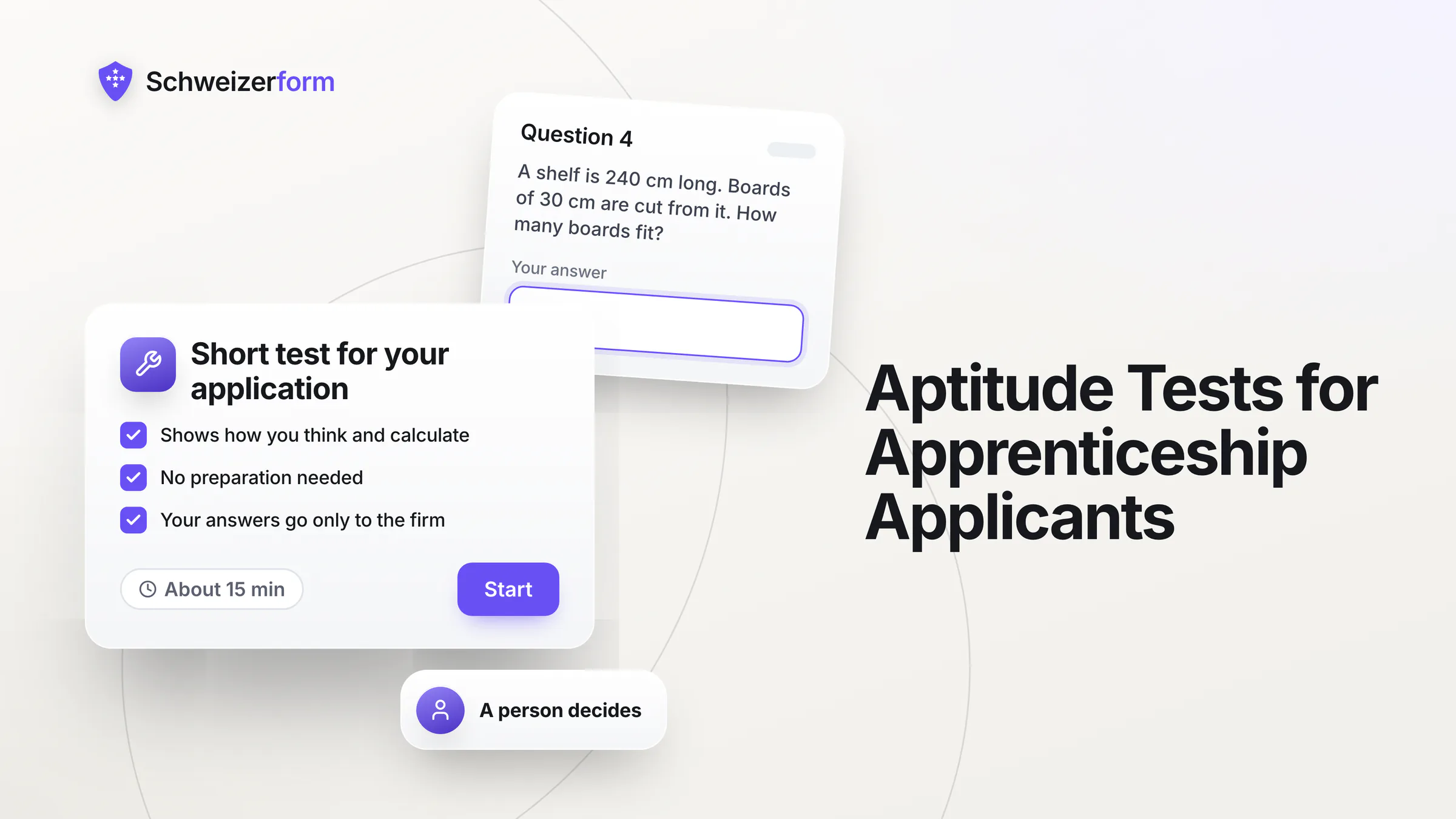
A Swiss training company in the trades, in an office, in retail or in care often receives dozens of applications for two or three apprenticeship places. School reports and the trial days (Schnupperlehre) tell a lot, but they are uneven: marks differ between schools, and a trial day shows a person for a few hours. Many companies therefore add a short apprenticeship aptitude test that checks what the trade really needs: basic maths for the workshop, language for the office, careful reading for care.
Schweizerform lets you build that test yourself in the Assessments module and share it through one link, or on Pro and Business through a personal link per applicant. It sits next to an application form with encrypted uploads, a document request for the school reports and the trial-day report, a booking page for trial days and interviews, and a short parental-consent form. The applicants are mostly minors, so this page is as much about fairness and data protection as about tools.
Who this page is for
Vocational trainers (Berufsbildnerinnen and Berufsbildner), owners and HR contacts of small and medium training companies: workshops and building trades, offices and fiduciaries, shops, care homes and practices. Also useful for municipalities and associations that offer apprenticeship places. If you choose a young person for a place, this is for you.
Why Selecting Apprentices Needs Its Own Care
An apprenticeship decision is not a normal hiring decision. The candidate is usually 14 to 16 years old, has few references, and will spend three or four years in your company. At the same time the file you build about this young person grows quickly during the selection:
- Contact details of the applicant and, often, of the parents
- School reports, with marks and sometimes remarks on behaviour
- The trial-day report written by your own staff
- Results of a test, if you use one
- Notes from the interview and the answers to motivation questions
- Appointment dates for trial days and interviews
Most of this travels today by e-mail, by post or through a generic form tool, and ends up in several inboxes. A young person cannot be expected to judge what happens to such data. That is why the process should be short, job-related and easy to explain, to the applicant and to the parents.
Applicants are mostly minors
Under Swiss law a minor who is capable of judgement (Art. 16 CC) exercises rights that concern their own person independently (Art. 19c CC), but the apprenticeship contract of a minor also needs the signature of the legal representative. A sensible rule for selection: tell the applicant in plain language what you do, and inform the parents too. For anything that goes beyond the normal process, ask the parents.
What the Law Asks of a Screening Test
Four rules shape a fair aptitude test for apprenticeship applicants. They are the same ideas you know from any hiring process, applied to young people.
- Job-related only (Art. 328b CO). The Code of Obligations allows data about employees only if it concerns their suitability for the job or is needed for the contract. The prevailing view applies the same yardstick to applicants. Ask about the trade, not about family, religion or health.
- Information and a person who decides (Art. 19 and Art. 21 nFADP). Tell applicants before they start what the test is for, who sees the result and how long you keep it. A rejection that rests only on an automatic score is an automated individual decision under Art. 21 nFADP: you must say so, and the applicant can give their view and ask for a person to review it. Simpler and fairer: let a person look at every application and decide.
- Equal treatment. The same test, the same time and the same rules for every applicant. The Gender Equality Act also covers hiring: wording and topics must not disadvantage applicants because of their sex.
- Delete or return at the end. Files of rejected applicants are, as a rule, deleted or returned once the process is over. Many companies keep them for a few months to answer a possible complaint, and then delete them.
Paid standard tests and your own short test
Paid standard aptitude tests for apprenticeship applicants exist on the market, and some companies use them. A short test of your own is a different tool: it checks what matters for your trade, in your words, and it costs you the time to write it. Neither replaces the trial day or the conversation.
How It Works With Schweizerform
Schweizerform is end-to-end encrypted online forms for Switzerland. We can see the questions you ask, never the answers people give. For apprenticeship selection that means six steps:
- 1
Decide what the trade needs
Write down three to five things you want to know, for example basic maths, reading a measurement, language, logical thinking and motivation. Leave out everything else.
- 2
Build the test in Assessments
Start from a template (there is one for office and spreadsheet skills of applicants), write your own questions or let the AI draft them. Set the points, an optional pass mark and score bands, and check every correct answer yourself.
- 3
Send one personal link per applicant
Personal links are Pro and Business; on Free you share one link for everyone. The label you give a link is encrypted in your browser. A start screen explains the purpose, who sees the result and that a person decides. Pro and Business also add a time limit and a maximum number of attempts per link.
- 4
The applicant answers in the browser
Scoring runs in the applicant's browser. The answers and the score are encrypted there, so the server never sees a score.
- 5
Open the results with your Vault key
After you enter the Vault key you see the results list, the score of each applicant and the questions that were hardest. Export the list for the selection meeting.
- 6
A person decides, then you clean up
Read the test next to reports, trial day and interview. When the process ends, delete the files of rejected applicants or return them.
Where Training Companies Use Schweizerform
A short company-specific aptitude test
The core use is a test of 15 to 25 questions that takes 20 to 30 minutes. Scored question types include single and multiple choice, numbers (an exact value or a range), short text with accepted answers and several scales. A pass mark and score bands help you sort the list; they are an orientation for you, not a verdict. You can also shuffle the answer options, which only changes how they are shown.
The same test on site, under supervision
The correct answers ship to the browser with the test (more on this below). The honest answer is to take the test on site: invite the applicants to a morning at the company, hand out the unlock code at the start (unlock codes are Pro and Business) and let them answer on a tablet or a laptop of yours, with a trainer in the room. At home, treat the result as a first orientation only.
An application form with encrypted uploads
Instead of applications by e-mail, publish one form: contact details, the trade, the start date, a short cover letter and the CV as an upload. The answers and the files are encrypted in the browser, and only your Vault key opens them. File upload in a normal form is a Pro and Business feature; on Free you can use the document request below.
A document request for reports and the trial-day report
In Documents you create a checklist, for example the last two school reports, the Schnupperlehre report and the certificate of an earlier course, and send each applicant a personal link. They see what is received and what is missing, and they can come back with the same link. You mark each item accepted or ask for a new upload. Reminders and sample files are Pro and Business.
A booking page for trial days and interviews
On a booking page you define services such as «Trial day» or «Interview», with duration, place and the trainer who offers them (several trainers on one page need Business). Applicants pick a free time without an account, and you see everything in one calendar. Confirmation e-mails, «I confirm each request» and closed days for school holidays are Pro and Business.
Information and consent for minors
A short form for the parents can state what you process, for how long and ask for the confirmation of a tick box and a name. It is a documented confirmation, not an electronic signature, and it does not replace the apprenticeship contract. Send the link together with the invitation to the trial day.
Motivation questions that are not scored
Ask two or three open questions, for example why this trade and what the applicant did on the trial day. They sit in the «Not scored» group, add no points and are there to prepare the interview. Do not turn them into a hidden grade.
What a Short Company Test Can Check
A good test is narrow. The table shows examples by type of training place. Replace them with what you really need on day one.
| Training place | What to check | Question type |
|---|---|---|
| Workshop and building trades | Basic maths, units, reading measurements stated in the text | Number with an exact value or range, single choice |
| Office and commerce | Spelling, reading comprehension, percentages, simple spreadsheet logic | Short text with accepted answers, single choice |
| Retail | Mental arithmetic, change, a customer situation | Number, single choice |
| Care and health assistance | Careful reading, sorting priorities, a situation with a clear answer | Single and multiple choice with partial credit |
| Technical and IT trades | Logical sequences, patterns, simple rules | Number, dropdown |
Do not ask what the job does not need
Questions on family plans, religion, health, origin or free time have no place in a screening test (Art. 328b CO). If a topic matters for safety in the trade, ask it in the interview, openly, and write down why.
Who Sees What: Encrypted and Not
The table separates what is end-to-end encrypted from what the server can read. Appointments in particular need some readable data to work.
| Part of the process | Readable by the server | Encrypted, opened only with your Vault key |
|---|---|---|
| Test | The questions, the correct answers and the points (they ship to the browser) | Each applicant's answers, score, band, pass or fail and time taken |
| Application form | The questions | Answers, uploaded files and file names |
| Document request | Item names (the checklist), due date, visit counts, open or complete status | File contents, original file names, the applicant's name and note, the review of each item |
| Booking | Time, service name, trainer name and status | What the applicant writes: name, e-mail, phone, message, files |
| Optional e-mail for updates | The address, stored readable and deleted one day after the appointment | Nothing: it is a separate, short-lived field |
| Personal link | That a link was used | The label you gave it, for example the applicant's name |
Features That Matter for Apprenticeship Selection
- Assessments on Free: scoring, pass mark, up to 10 score bands, one default result page, start screen and templates, with up to 15 questions per form. Pro and Business allow 100 questions.
- Assessments on Pro and Business: time limit, maximum attempts per personalised link, a result page per band and band colours.
- Personal link per applicant on Pro and Business, with an encrypted label. A link identifies, it does not prove who answers, and it can be forwarded.
- Unlock code for an on-site test day on Pro and Business: you give it out at the start.
- Results view: score card, pass rate, histogram and hardest questions, after the Vault key. Members of a workspace, including viewers, can see the results.
- Documents: requests per collection Free 3, Pro 50, Business 500; reminders and sample files on Pro and Business; accept or ask for a new upload per item.
- Appointments: one staff profile on Free and Pro, up to 25 on Business; e-mail confirmations and reminders, confirmation of each request and closed days on Pro and Business; a private calendar link (.ics), one-way.
- Export: CSV on every plan, with Score, Max score, Percent, Band and Passed; Excel, JSON, PDF and ZIP on Pro and Business.
- Business: review status, internal notes and, for plain forms such as the application form, automatic deletion after a number of days you set. Tests, document requests and bookings are deleted by hand, one by one or in bulk.
- Four languages for applicants and parents: German, French, Italian and English. Forms, tests, collections and booking pages share one pool: 3 on Free, 50 on Pro.
What Training Companies Ask
Is an online test fair to young applicants?
It can be, if you keep it short, job-related and the same for everyone. Fairness depends on your questions more than on the tool: avoid tricks, give enough time, explain the purpose on the start screen and let applicants with special needs ask for adjustments. Read a low score together with the context of the person.
Can the score decide who gets the place?
It should not. A rejection based only on an automatic score is an automated individual decision under Art. 21 nFADP, with a duty to inform and a right to have a person review it, and it is a poor selection method in any case. The score is one input next to reports, trial day and interview. A person looks at each application and can explain the decision.
Can applicants cheat at home?
Yes, a technical applicant can. The correct answers and points ship to the browser with the test, so someone who knows where to look can read them. Pro and Business add a time limit and a maximum of attempts, which makes casual repetition harder, but there is no proctoring. For a stronger signal run the test on site, or use it at home only as an orientation.
Do the parents have to agree?
A minor who is capable of judgement can take a test, but the apprenticeship contract of a minor also needs the signature of the legal representative, and parents usually take part in the process. Inform them in the invitation and ask for confirmation of the information for everything beyond the usual selection. If in doubt for a younger applicant, ask them.
How long may we keep the files of rejected applicants?
The law gives no fixed period. As a rule the files are deleted or returned once the process is over. Many companies keep them for a few months, because under the Gender Equality Act a rejected applicant can ask for written reasons and has three months to bring a claim (Art. 8 GlG). Decide a period, write it in your information to applicants and delete when it ends. Our article on retention explains the options.
What does Schweizerform not do?
It is not a standardised psychometric test: there is no norm comparison, no validated aptitude profile and no certificate. There is no proctoring and no identity check. It is not an applicant tracking system, so it has no pipeline, no e-mail templates for rejections and no e-signature. Booking has no payments, no SMS and no two-way sync with Google or Outlook. It is a screening aid and a safe place for the files.
Getting Started
- 1
Write down the criteria and the exclusions
Three to five skills the trade needs, and what you will not ask. Agree it with the person who decides.
- 2
Create the test and try it yourself
Use a template or the AI draft, then check every correct answer and have a colleague take the test. Keep it to 20 or 30 minutes.
- 3
Write the information for applicants and parents
Four sentences on the start screen: purpose, who sees the result, how long you keep it and that a person decides. Put the same text on the application page.
- 4
Set up the Vault key with a second custodian
Name two people, for example the trainer and the owner, and set up the recovery code and store it separately. Without the Vault key or the recovery code nobody can open the results, not even us.
- 5
Pilot with this year's applicants
Free (three forms in total) is enough to try one test with a shared link, one document collection and one booking page. Compare the ranking with your own impression after the trial days.
- 6
Put the deletion date in the calendar
Decide when the files of rejected applicants go, and do it. On Business the application form can delete its responses automatically after a number of days; everything else you delete by hand.
A Fairer First Screening, Not an Automatic Decision
A short test of your own, an encrypted application and a clear booking page make the first screening of apprenticeship applicants faster and more consistent. They do not make the decision. The best selections still combine reports, a trial day, a test and a conversation, and they treat the young person's data with the care you would want for your own children.
Before you start, read our guides on aptitude tests and data protection and on how scoring works. For the paperwork after the choice, see HR onboarding documents, and for schools that support applicants, forms for educational institutions. Compare the plans on the pricing page and the features and security pages.
Start on the Free plan with one short test for next year's places and check the answers yourself. Then add the document request and the booking page. Related: staff training tests and language placement tests.
Disclaimer: This page is general information and marketing content, not legal, HR or data-protection advice. It simplifies Art. 328b CO, the nFADP (Art. 19 and 21), the Gender Equality Act (Art. 8 GlG) and Art. 16 and 19c CC. Responsibility for your selection process and the data of applicants stays with your company. Consult a qualified employment or data-protection professional, or your cantonal vocational training office, for your case.