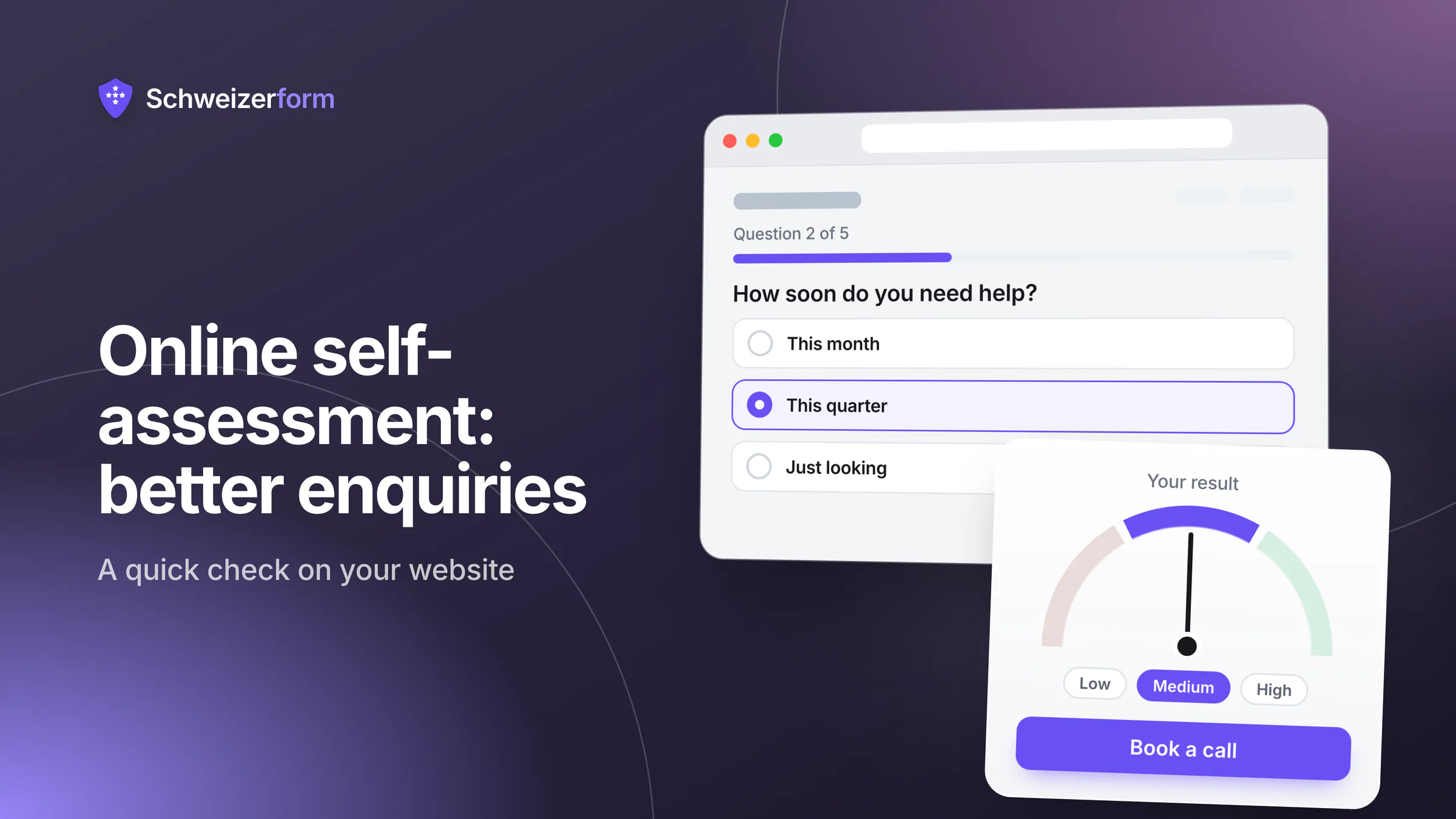
A contact form asks the visitor to do all the work: describe the situation, guess which service fits, and hope for a reply. An online self-assessment for your website turns this around. The visitor answers ten short questions, sees an honest result straight away and learns what to do next. You learn what the enquiry is about before the first call.
For Swiss consultancies, fiduciaries, IT providers, insurance and pension advisers, energy advisers and HR advisers this is a quiet but effective way to receive better enquiries: “How ready is your SME for the nFADP?”, “IT security basics”, “Is your pension planning on track?”, “Are we ready for succession?”. This guide shows how to design a self-check that is useful, fair and lawful, with a worked example, the Swiss legal points that matter and how it looks in Schweizerform.
What you will learn
How to choose one topic, write 8–12 questions, score honestly, write three result texts with a next step, ask for contact details only at the end, and stay on the right side of the nFADP and the Unfair Competition Act (UWG). Written for owners and partners of small advisory firms. Most of it works with any tool.
Why a self-check works better than a contact form
A self-check gives before it asks. Within three minutes the visitor gets something useful, an orientation rather than a sales pitch, and that earns the right to a conversation. It also filters in a friendly way: someone who scores “well prepared” does not need a large mandate, and someone with clear gaps arrives already knowing it.
- The visitor gets a personal result immediately instead of waiting for a reply
- You learn the topic and the rough maturity level before the first conversation
- The conversation starts at the real problem, not at “what do you actually do?”
- Visitors who are not ready to talk still leave with something useful and remember you
A self-check is not a diagnosis, an audit or a legal opinion. Treat it as orientation and say so on the page.
How to design an online self-assessment people finish
One topic, 8 to 12 questions
One self-check, one topic. “How ready is your SME for the nFADP?” is a topic; “your company's compliance, finances and IT” is three. Eight to twelve questions are enough to place a visitor in a band, and beyond that the extra questions rarely change the result but do cost completions. Closed answers (“yes, documented / partly / no / not sure”) beat free text. Ask about the situation, not about the person.
Honest scoring
Give each answer points that reflect reality. A simple scale works: 3 points for “yes, documented”, 2 for “yes, but not written down”, 1 for “partly”, 0 for “no” or “not sure”. Add the points and compare them with the maximum. Do not bend the scale so that everyone lands in the middle band.
Do not rig the score
A result that always says “urgent action needed” is a sales trick, and readers see through it within a minute. An honest result that sometimes tells a visitor “you are well prepared” builds more trust than one that always finds a problem.
Three bands, each with a helpful text and a next step
Three bands are enough: low, middle, high. For each, write a short result text with three parts: what the score means, the two or three most useful things to do now, and one optional next step with your firm. The first two parts are real advice the visitor can use without you; only the third is an offer, and it differs per band.
Contact details: last, optional, never a gate
Show the result first. Ask for contact details at the very end, as an invitation (“Would you like us to go through the result with you?”). Hiding the result behind an e-mail address is a dark pattern, and it destroys the trust the self-check is meant to build.
- The result is visible without any e-mail address
- Ask only for name and e-mail, plus a phone number if you will really call
- Say what happens next and when (“We reply within two working days”)
- A newsletter tick box is separate, unticked and offered only if you really send one
- 1
Pick one topic and one reader
For example: owners of small firms who have not yet looked at the nFADP.
- 2
Write ten questions
Three or four closed answers each, in the reader's words, not in your jargon.
- 3
Assign points and test
Let three colleagues or existing clients try it. Do they land where you expected?
- 4
Write three band texts
Meaning, two or three concrete tips, one next step each.
- 5
Publish and link
Put it on a page of its own, link it from the relevant service pages and check your privacy notice.
A worked example: “How ready is your SME for the nFADP?”
Ten questions on typical basics: a list of processing activities, a privacy notice, a named person responsible, contracts with service providers, deletion rules, handling of access requests, a plan for data breaches, staff briefing, e-mail marketing practice, access rights and backups. Each question scores 3, 2, 1 or 0, so the maximum is 30 points.
| Score | Band | Result message (short) | Next step |
|---|---|---|---|
| 0–14 (under 50 %) | Getting started | Key basics are missing. That is common in small firms. Start with three points: privacy notice, who is responsible, what you keep and for how long. | Book a 30-minute orientation call |
| 15–23 (50–79 %) | On the way | Most building blocks are there. Typical gaps: contracts with service providers, deletion, a routine for data breaches. | Download the gap list (PDF) or ask for a review of the open points |
| 24–30 (80–100 %) | Well prepared | Your basics are in place. Keep them current when you add new tools, staff or projects. | Optional yearly check-up; no action needed now |
Say what the check cannot do
End every result with one sentence: “This check is an orientation based on your own answers, not a legal review.” It is honest, and it protects you.
Fairness and law: what you may do with the answers
No dark patterns
- No gated result, no countdown timers, no pre-ticked boxes
- No pressure wording in the result such as “act now or risk fines”
- No invented scarcity (“only 3 free analyses left”)
- A visible way to finish without leaving any details
Tell people what you do with their data (Art. 19 nFADP)
As soon as you collect personal data, Art. 19 nFADP requires you to inform the person: who you are and how to reach you, why you collect the data and to whom you pass it on. Once a name or e-mail address is added, the answers describe that person's business and situation, so they are personal data. A short notice next to the contact fields is enough. More on informing people well in informed consent in online forms. A sample sentence you can adapt:
We use your name and e-mail address only to reply to your enquiry about this self-check. Your answers and result are used only for that conversation. We do not pass them on, and we delete them after twelve months if no mandate follows. Details are in our privacy notice.
Sensitive or confidential answers
Answers about health, pensions, debts or the succession plans of a family business are rarely harmless. Health data is sensitive personal data under Art. 5 lit. c nFADP. Financial circumstances are not on that list but are confidential in practice and should be treated that way. Bands need “do you have a pillar 3a?”, not “how much do you have in it?”.
Do not ask for the figures
A pension self-check does not need balances, salaries or diagnoses. Ask yes/no or ranges. Less data collected is less to protect, to hand over on an access request and to delete (Art. 6 nFADP: proportionality, purpose limitation, deletion once data is no longer needed). If your profession may be bound by professional secrecy, check that separately: professional secrecy and online forms.
Follow-up e-mails: Art. 3 para. 1 lit. o UWG
Replying to a person who asked for a call is not mass advertising. Sending the same promotional e-mail or newsletter to everyone who completed the self-check is different: as a rule, mass advertising by e-mail needs prior consent, a correct sender and an easy, free way to opt out (Art. 3 para. 1 lit. o UWG). There is one narrow exception: if you obtained someone's address when selling them goods or services and told them then how to refuse, you may advertise your own similar offers to them. Someone who only completed a free self-check is, as a rule, not covered, so do not rely on it. The safe route is a separate, unticked opt-in. A result is not consent. Check your own set-up with a specialist.
A redirect per band tells the target page the result
Sending each band to a different web address is convenient, but the address that opens tells that website, and any analytics on it, which band was reached. On your own tracker-free page that may be fine. On a page with third-party tracking you have passed the result on. Prefer showing the next step on the result page itself.
Running a self-check with Schweizerform Assessments
In Schweizerform a self-check is an assessment (menu “Assessments”): questions with points per option, score bands and result pages, in four languages. 13 templates are built in, including nFADP readiness and IT security, which you adapt to your own wording.
- Scoring runs in the visitor's browser. Score and band are stored inside the encrypted answers, the server never sees a score, and you read it with your Vault key
- Free: scoring, an optional pass mark, 1–10 bands and one default result page for every visitor, with your message, links and the score and band
- Pro and Business: a separate result page per band with its own message, up to five links and a redirect or a file such as a checklist PDF, plus band colours
- A link to your booking page on the result page as the next step
- Link and QR code on every plan; embedding on your own website on Pro and Business
- Pro and Business: respondents can be saved as contacts automatically (per form, off by default, after you unlock with your Vault key; up to 100 contacts on Pro, 2,500 on Business); mention it in your privacy notice
What is not hidden
Because scoring happens in the browser, the points ship with the form: a technically curious visitor can read how answers are weighted. That is acceptable for a lead check and wrong for exams. The redirect caveat above applies, and a confirmation e-mail (Pro and Business) carries a title and reference, never the score. Contact details a visitor types in are encrypted like any other answer.
What it does not do
- No CRM: no pipelines, deals or tasks. Contacts are an address book; see client contact data and the nFADP
- No e-mail automation, no newsletter and no follow-up sequences
- No personality or “type” outcomes, only score bands
- No webhooks or integrations to push a result into other software: data leaves by export (CSV on every plan)
- No certificate PDF and no proctoring
Common mistakes and short answers
Is a self-check just a lead magnet behind a form?
Not if you do it as described here. A download behind an e-mail wall trades a document for an address. A self-check shows the result first and invites contact afterwards, so the people who write to you chose to.
Can I call the result a diagnosis or an audit?
No. It is a self-assessment based on the visitor's own answers. Call it “orientation” or “quick check”, and avoid wording that suggests a legal or professional assessment of the visitor's business.
What if almost everyone lands in the top band?
Then the questions are too easy or the topic does not need advice. Sharpen the questions, or change the next step for that band into a yearly check-up rather than a sales call.
A conversation starter, not a funnel
The best self-checks feel like a short, honest conversation with a competent colleague. They tell the visitor where they stand, what to do about it, and that you are available if they want help. That is also why the enquiries that follow are better: they start from a shared picture.
How points and bands work in detail is covered in online assessments and scoring explained, and a readiness self-assessment for consultancies shows the whole set-up for an advisory firm. Plans and limits are on the pricing page.
Your first step
Write ten questions on one topic and three band texts on paper before you open any tool, then try them on three clients. When you are ready to build, start with a template on the Free plan and read what makes a good contact form for the contact step.
Disclaimer: This article is general information and marketing content, not legal, tax or financial advice. It simplifies the nFADP, the UWG and related Swiss rules; the details depend on your situation. Responsibility for your own self-check, privacy notice and marketing stays with your organisation; consult a qualified professional before relying on it.