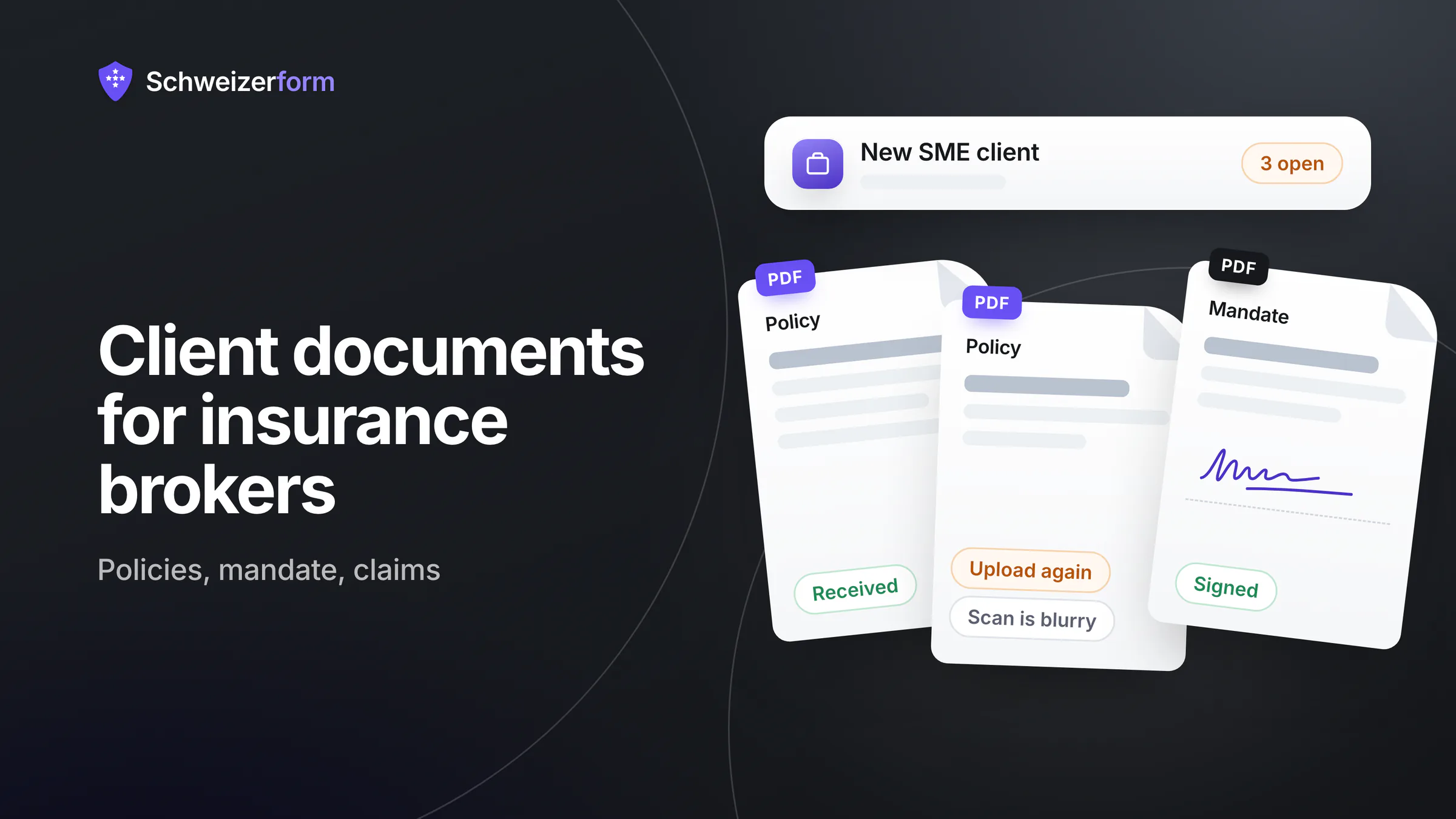
A new household client signs with you on Monday. By Friday you are still missing two policies, last year's premium invoices and the claims history, and the policies that did arrive came as phone photos in three different e-mails. Insurance broker client documents are the slow part of every mandate start: the advice is quick once the papers are on the desk, but collecting them takes weeks, and for an SME client the list is longer still.
Schweizerform gives independent brokers and small agencies a calmer way: one personal document request per client, with a checklist the client can return to until it is complete. Files and original file names are encrypted in the client's browser, the client name and note you add to a request in yours, and only your Vault key opens them. Next to it you get an encrypted needs-analysis form, a scored insurance check for your website, a booking page for the annual review and a contacts list with a client page. This page shows how the pieces fit together, and where they stop.
Who this page is for
Independent insurance brokers and small agencies in Switzerland who advise households and SMEs, and the assistants who chase the papers. It covers the broker's side. For insurers' claims and underwriting forms see insurance claims and underwriting forms; for a neighbouring workflow see mortgage broker document collection.
Why Client Documents Slow Down Every Broker Mandate
A broker can only advise on what the papers show. Before reviewing a household or a company you need the existing contracts, and they sit in drawers, in e-banking, in the client's mailbox and sometimes with the previous broker. The usual result is a chain of reminder e-mails, photos taken at an angle and attachments copied into several mailboxes.
- Private clients: existing policies (household contents and liability, motor, supplementary health, life, pillar 3a), the signed broker mandate, the latest premium invoices, the claims history and the vehicle registration
- SME clients: the same, plus payroll totals for the AHV declaration, the accident (UVG), daily-allowance (KTG) and pension-fund (BVG) documents, and the company's property and liability policies
- At claims time: photos of the damage, the police or incident report, repair estimates and invoices, the insurer's claim reference
- A due date, so the review meeting can be planned
- A clear view of what is still missing, without writing the reminder by hand
- Files you can open and file under the right client, not a pile of IMG_4021.jpg
None of this is exotic. What hurts is the back-and-forth: the client does not know which papers you mean, you do not know what is still missing, and every attachment is another copy of personal data in somebody's mailbox.
What Swiss Law Asks of a Broker Who Collects These Papers
Insurance brokers are not on the closed list of professions in Art. 321 of the Criminal Code (StGB), so there is no criminal professional secrecy as for lawyers or doctors (the list is explained in professional secrecy and online forms). That does not make the papers casual. Your confidentiality duty rests on the mandate with the client and on the data protection act (nDSG), and the Insurance Supervision Act (VAG) puts information and conduct duties on intermediaries; what they require in detail is worth checking with your professional association or in FINMA's guidance. Policies, claims history and payroll data are personal data. Health questions for life or daily-allowance cover are sensitive personal data under Art. 5 lit. c nDSG, which calls for more care and, where the processing rests on consent, express consent (Art. 6 para. 7 nDSG). Art. 8 nDSG asks for appropriate technical and organisational security for all of it.
Collect only what the advice needs
Ask for the policies and the totals, not for every payslip or every medical detail. Data you never collect cannot leak. Where an insurer's application asks health questions, collect exactly those, in an encrypted form, and say in your privacy notice what you do with them. See collecting health data in forms.
Insurance Broker Client Documents With Schweizerform: How a Request Works
- 1
Create a collection per situation
Start from a blank collection, from one of the ten templates (for example “Insurance claim”) or with AI, and keep three: new private client, new SME client, claim.
- 2
Add the items
Each item has a name, a hint, a required switch, allowed file types and up to 20 files. Add a few extra questions where a paper cannot answer them.
- 3
Attach a sample file
Upload your blank broker mandate or a form as a sample file the client can download (Pro and Business).
- 4
Create a personal request per client
Give it a due date, the client's name and a short note. The name and note are encrypted in your browser. Send the personal link from your own mail program.
- 5
The client uploads and comes back
No account, no password. The client sees what is received, ready or missing, and can return with the same link to add the rest.
- 6
Review and export
In the Requests list you see progress such as “4 / 5”. Mark each item Accepted or Upload again with a preset reason, then Mark complete and download the files.
Reminders (Pro and Business) go out three days before the due date, on the due date and then weekly, with an upload-only link and a stop link. They never list the items. Earlier files show name and size on the client's page, but the client cannot download them again.
Where Insurance Brokers Use Schweizerform
New private client: the starter collection
Build one collection called “New private client” and reuse it for every household. Each client then gets a personal request with its own due date. Add a few extra questions (owner or tenant, number of vehicles) and, on Pro and Business, show-or-hide rules so that someone without a car never sees the vehicle item.
- Current policies and policy schedules (several files per item)
- Latest premium invoices
- Claims history from the insurer, where the client has it
- Vehicle registration, shown only if the client has a vehicle
- Signed broker mandate (see below)
New SME client: payroll totals, accident and pension papers
A company collection has another list and another reader: the managing director or whoever runs HR. Ask for totals, not for payroll lists with names. Your advice needs the figures, and fewer personal data of employees means less risk for both of you.
- Latest AHV settlement or payroll total by wage category
- UVG accident and KTG daily-allowance policies
- Pension-fund affiliation contract and latest annual statement (BVG)
- Property, business-interruption and liability policies
- Vehicle registrations of the fleet and premium invoices
The broker mandate: collect the signed PDF
The mandate needs the client's signature, and Schweizerform has no e-signature. Its signature question is not a qualified electronic signature (QES), and a document collection does not offer it at all, so nobody reads a collection as document signing. The practical route: upload your blank mandate as a sample file, the client signs it by hand or with a signing tool of their choice, and uploads the signed PDF as a document item. Whether a scanned signature is enough for a given insurer or purpose is something to clear with that insurer.
At claims time: photos, reports and invoices
A claim collection is short and urgent. Start from the “Insurance claim” template and adapt the wording. Photos of damage often show a home, a face or a number plate; encrypted uploads mean they do not sit unprotected in a mailbox. If a photo is blurry, mark the item Upload again with the preset reason; the client sees it on the same page.
- Photos of the damage (image files, several per item)
- Police or incident report (PDF)
- Repair estimates and invoices
- The insurer's claim number as a short text question
Needs analysis: an encrypted form before the first meeting
A standard form collects the situation before you meet: who lives in the household, what is to be insured, what cover exists, what worries the client. Answers are encrypted in the browser, so a sentence about debts or an illness stays between client and broker. If the insurer's application asks health questions for life or daily-allowance cover, put those into an encrypted form too and ask only what the application needs. A thorough needs analysis usually has more than the 15 questions of the Free plan; the paid plans allow more (100 on Pro) and add multi-page layout.
A scored insurance check on your website
An assessment can work as a self-check: “How well is your household covered?” with points per option and bands (low, medium, high). Visitors get a first orientation; add an unscored question for name and e-mail if they want a call back. Free gives scoring, bands and one result page; Pro and Business add a result page per band and website embedding. The score is computed in the visitor's browser and stored inside the encrypted answer, so the server never sees it. It is a self-check, not advice and not an exam: the answer key travels with the form.
The annual review: a booking page
Contracts deserve a look every year. A booking page lets clients pick a free time for the review without phone tag. Be exact about the data: what the client writes is encrypted, but the appointment time, the service name and the staff name are readable by the server, because slots and calendar need them. Give the service a neutral name such as “Review meeting”. E-mail confirmations and reminders are Pro and Business. There is no Google or Outlook calendar sync, only a private one-way calendar link. Free and Pro have one staff profile, Business up to 25.
Contacts and the client page: private clients and SMEs
Keep clients in Contacts with two groups, private and SME. Names, e-mails, phones and notes are encrypted in the browser under your Vault key. Free covers 5 contacts and groups; Pro (100 contacts) and Business (2,500) add notes and the client page. The client page is one personal link per client that shows only what is still open (a document request at “4 / 5 received”, the booking link for the review, the insurance check), with no account or password. It expires (90 days by default) and can be revoked. Anyone holding the link sees what is open, including the file names of a document request, so send it to the client only, from your own mail program.
Who Sees What: Encrypted and Readable Data
Not everything is end-to-end encrypted, and a broker should know where the line runs. This is the picture for the modules on this page.
| What | Encrypted in the browser | Readable by the server |
|---|---|---|
| Contents of policies, mandate, photos, reports | Yes | No |
| Original file names | Yes | No |
| Client name and note on a request | Yes | No |
| Review status per item (Accepted, Upload again) | Yes | No |
| Answers in the needs-analysis form | Yes | No |
| Score and band of the insurance check | Yes | No |
| Contacts: names, e-mails, phones, notes, groups | Yes | No |
| Item names of a collection, due date, request status | No | Yes |
| Number of visits and files per visit | No | Yes |
| Appointment time, service name, staff name, status | No | Yes |
| Client e-mail for reminders or booking updates (only if given) | No | Yes, short-lived |
Because item names are readable, name them for the document type, not for the client's story: “Claims history”, not “Invoices after the accident”. A request link shows whoever holds it what is open, file names and progress but never file contents, so never treat a forwarded link as harmless. Encrypted submissions are stored in Switzerland; e-mail is sent through a European e-mail provider (servers in the EU/EEA), not in Switzerland.
Features That Matter for Brokers
- Personal request per client with due date, name and note: 3 requests per collection on Free, 50 on Pro, 500 on Business
- Items with hints, required switch, file types and 1 to 20 files per item
- Review per item (Accept or Upload again with a preset reason) and Mark complete
- Reminders 3 days before, on the due date and weekly after, Pro and Business; they need a due date and a Reply-to address
- Sample files such as your blank mandate, Pro and Business
- Export: CSV on every plan; Excel, JSON, PDF and ZIP with one folder per client on Pro and Business
- Storage of 100 MB on Free, 5 GB on Pro and 50 GB on Business; scanned policies add up
- Checklist and client page in German, French, Italian and English, useful across the language regions
What Insurance Brokers Ask
Brokers are not bound by Art. 321 StGB. Why encrypt at all?
Because your duty is contractual and statutory even without criminal secrecy. Clients hand you policies, health information and payroll data; a compromised mailbox or form server exposes all of it, and “we were not under Art. 321” is a poor sentence to say after a leak. With encrypted submissions the server holds ciphertext, so an incident there does not expose the papers.
Can the client sign the mandate in Schweizerform?
No. There is no e-signature, and nothing in a document collection is a legally binding signature. The client signs on paper or with a tool of their choice and uploads the signed PDF. You hold the file; the signing happens outside.
Does it connect to our management software or the insurers' portals?
No. There is no integration with insurer portals or broker software, no public API and no webhooks. You export by hand (ZIP with one folder per client, CSV or Excel) and import into your own system. It also does not compare or calculate premiums, run a claims workflow, read or check documents (no OCR, no virus scanning claim) or act as an archive. It collects, lets you review and hands the papers over.
What if a client forwards or loses the link?
If the client loses the link, copy it again from the Requests list and resend it: you keep a copy of every request link. If a link reached the wrong person, deactivate that request and create a new one; files already received stay in the responses, and the new request starts with an empty checklist and counts toward your plan's limit. A forwarded link shows its holder what is open, file names and progress, so tell clients to treat it like a key. A link identifies the client for your own bookkeeping; it does not prove who is uploading.
How long do we keep the papers?
Collections have no retention schedule and no automatic deletion of their own: you delete responses by hand, one by one or in bulk. Decide how long you keep client papers after a mandate ends, write it into your privacy notice and delete accordingly. Form data retention helps to set the periods.
Do clients need an account or an app?
No. The client opens the link on a phone or computer and uploads photos or PDFs. Nothing to install and no password to forget, which matters for clients who rarely use online services.
Getting Started in an Afternoon
- 1
Create the account and the Vault key
Sign up on the Free plan and store your Vault key safely. Nobody can recover it for you.
- 2
Build “New private client”
Take a template or a blank collection and add the items from the list above.
- 3
Make one real request
Create a request for a current client with a due date and send the link from your own mail program.
- 4
Review and hand over
Accept or ask again, mark the request complete and move the files into your management software by hand.
- 5
Add the rest when the first works
The SME collection, the claim collection, the needs-analysis form, the insurance check, the booking page and your contacts.
Fewer Reminder E-mails, Fewer Copies
A broker's value is the advice, not the chasing. A personal checklist per client shortens the start of a mandate, shows both sides what is missing and keeps policies, health information and payroll data out of loose attachments.
It does not replace your management software, your insurers' portals or your judgement. It is the front door for the papers: simple for the client, encrypted for you.
Your first step
Build “New private client” on the Free plan and run it with one current client. The guides collecting client documents securely, document request checklists and client page instead of a portal go deeper; the pricing page lists the plan limits.
Disclaimer
This page is general information and marketing content, not legal, insurance-law, tax or financial advice. It simplifies the Swiss Data Protection Act (nDSG), the Insurance Supervision Act (VAG), the Insurance Contract Act (VVG), the Code of Obligations (OR) and Art. 321 of the Criminal Code (StGB). Responsibility for lawful handling of client data stays with your organisation. Consult a qualified professional or your association for your situation.