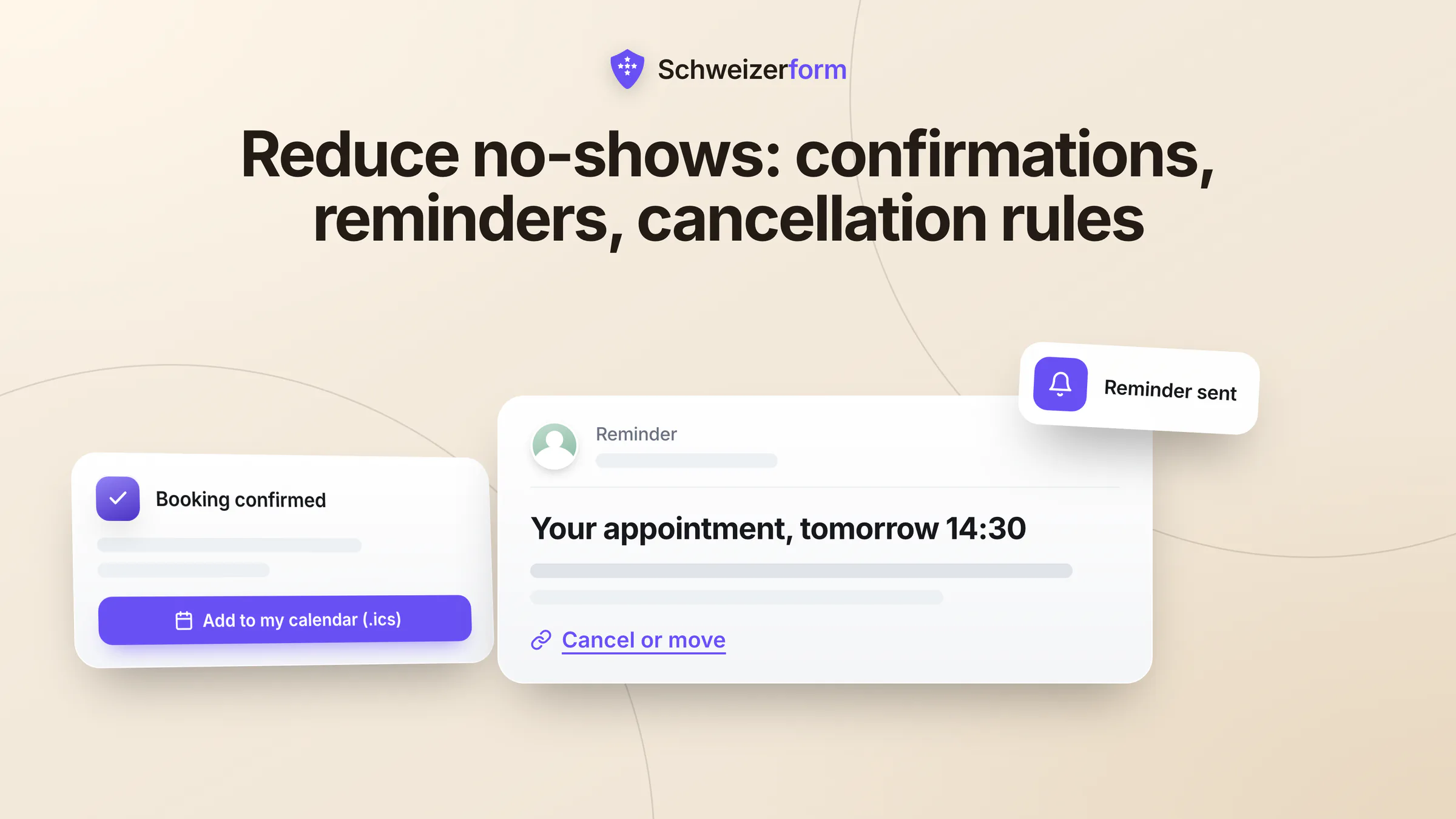
A client forgets the physiotherapy session, a customer never shows up for the tax consultation, a driver does not bring the car to the slot you held in the workshop: every missed appointment is a gap in the diary that cannot be sold twice. This guide shows how small Swiss practices and service businesses can reduce no-shows with instant confirmations, well-timed appointment reminders, easy cancellation and a few clear rules, without hype and without a single invented statistic.
The good news is that many missed appointments are not acts of disrespect. People forget, cannot find the cancel button, booked too far ahead or are unsure where to go. Each cause has a plain remedy, and most of them cost nothing but a little care in how you set up booking.
What you will learn
Why appointments get missed, seven levers compared by effect and effort, sample wording for confirmations and reminders, what Swiss law says about charging for a missed appointment (in plain words), how to keep reminders private, and how Schweizerform supports all this. Most of it is useful whichever booking tool you use.
Why People Miss Appointments
Before choosing a fix, name the cause. Four reasons come up again and again, and none of them is solved by a stern notice at the bottom of the booking page.
- They forgot. The appointment was booked weeks ago, nothing has mentioned it since, and the day filled up with other things.
- They could not cancel easily. If cancelling means phoning during opening hours or digging out an old e-mail, many people simply stay away and feel too awkward to call afterwards.
- They booked too far ahead. The further away the date, the more likely life gets in the way: a changed shift, an illness, a holiday.
- They were unsure where or when. An unclear address, an entrance at the back, the wrong floor, a time noted down wrongly, or an online appointment without a working link.
Seven Levers at a Glance
The table lists the levers covered in this guide, with a rough judgement of effect and effort. These are general, experience-based assessments, not measurements. Your own diary will tell you more than any average.
| Lever | Effect | Effort |
|---|---|---|
| Instant confirmation with a calendar file | Puts the date into the person's own calendar at once and removes the doubt whether the booking worked | Low once set up |
| Reminder at the right time | Brings the appointment back to mind while there is still time to react | Low if automatic, high if done by hand |
| One-click cancel and re-book link with a cut-off | Turns a silent no-show into an early cancellation that you can fill again | Low |
| Short booking horizon | Fewer things can change between booking and appointment | Very low, one setting |
| Owner confirmation for long slots | Adds a deliberate yes from both sides where an empty slot costs most | Medium, you must answer |
| Clear wording | Address, entrance, what to bring and how to cancel leave less room for misunderstanding | Low |
| Agreed cancellation terms | Sets expectations and, where valid, a basis for compensation | Medium, needs thought and perhaps advice |
Confirmations: Instant, Complete, With a Calendar File
The first message sets the tone. A confirmation shown right after booking, and by e-mail if the person agreed to it, answers the question every client has in that moment: did it work? A calendar file goes one step further. An appointment in a person's own calendar behaves differently from one buried in an inbox: it appears next to everything else, it can trigger the phone's own alert, and it moves along when the person re-plans the day.
- Date, time and duration, with the time zone if clients may be abroad
- The service and the person they will see
- The exact address, entrance, floor and a parking or public transport hint, or the link and dial-in for an online or phone appointment
- What to bring or prepare, kept short
- How to cancel or re-book, and until when
Sample confirmation wording
Sample: Your appointment is booked for Tuesday, 24 November, 14:30 to 15:15 with Anna Keller. Address: Bahnhofstrasse 12, 2nd floor, lift on the left. Please bring your insurance card. If your plans change, you can cancel or move the appointment free of charge until Monday, 14:30, using the link below. Add the date to your calendar with the attached file.
Appointment Reminders: The Right Time and the Right Content
A reminder works when it arrives while the person can still do something about it: attend, cancel or move. Too early and it is forgotten again. Too late and a cancellation can no longer be filled.
When to send a reminder
For appointments that need preparation or travel, a reminder the day before is the usual choice. For short, local appointments a few hours ahead can be enough, and a lead time of two days suits services where people must arrange time off or childcare. One reminder is normally enough; several start to feel like pressure. Whatever you choose, check it against your cancellation cut-off: the reminder should arrive before the point where cancelling is still free, so that the person can act on it.
Sample reminder wording
Sample: Reminder: your appointment is tomorrow, Tuesday 24 November, at 14:30, Bahnhofstrasse 12. If you cannot make it, please cancel or move it with this link so that someone else can take the slot. Thank you.
Make cancelling as easy as booking
A one-click link to cancel or re-book, with no phone call needed, is probably the most underrated lever. It changes what a no-show is: instead of an empty chair and a mystery, you get a free slot early enough to offer it again. Pair the link with a cut-off, for example 24 hours before the start, so that the rule means something. After the cut-off the person is asked to call you, which keeps last-minute changes a conscious decision.
Tone matters
Write “if you cannot make it” rather than “missed appointments will be charged”. A reminder is a service, not a warning. Put your terms on the booking page and in the confirmation, where people read them once, not in every message.
Booking Horizons, Notice Periods and Long Slots
How far ahead people may book is a quiet no-show setting. A booking page that offers slots six months out invites forgotten appointments; one that shows the next few weeks keeps the gap between decision and visit short. The opposite setting matters as well: a minimum notice stops same-hour bookings you cannot prepare for.
- 1
Choose a horizon that fits the service
Recurring check-ups may reasonably be booked further ahead than a one-off site visit. A few weeks to a couple of months is a sensible starting point for most small practices; adjust it once you see your own pattern.
- 2
Set a minimum notice
Decide how much lead time you need to prepare: an hour for a short call, a day for a workshop slot.
- 3
Let long or costly slots wait for your yes
For a 90-minute first consultation, or a block that occupies a whole workshop bay, consider a separate booking page on which you confirm each request yourself. The person gets a reserved slot and a clear “request received”, and you get the chance to ask a question before committing the time.
- 4
Review every quarter
Look at cancellations, lead times and the gaps in your diary. Change one setting at a time, so that you can tell what helped.
Can You Charge for a Missed Appointment in Switzerland?
Many owners ask this, and the honest answer is: it depends on the contract and on what was agreed in advance. This section stays conceptual and is not legal advice.
The legal starting point
Many service relationships, such as consulting, treatment or coaching, are legally mandates (Auftrag). Under Art. 404 of the Code of Obligations (CO), a mandate can be revoked or terminated by either party at any time. A client who cancels is therefore, as a rule, using a legal right. Compensation is generally owed only if the termination comes at an inopportune time and causes damage. Courts treat this right to revoke as mandatory, so a fee in your terms cannot simply override it. Whether a late cancellation or a no-show counts as inopportune, and what damage you can actually show, is judged case by case.
Other contract types follow other rules. For a contract for work (Werkvertrag), such as a repair ordered from a garage, Art. 377 CO as a rule lets the customer withdraw before completion against payment for the work done and compensation for the contractor's damage. Which contract type your service falls under is a question for your adviser.
Agree it beforehand, in writing
In practice many practices state a cancellation rule in their terms, often free cancellation until 24 hours before the start and a charge for later cancellations. A rule like this is easiest to defend, and easiest on the client relationship, when it is:
- Agreed before the booking, not announced after the missed appointment
- Visible: on the booking page, in the confirmation and in your terms
- Specific: the cut-off, the amount or how it is calculated, and the exceptions such as illness or an emergency
- Applied with judgement: many owners waive it for genuine emergencies and first-time cases
Sample term: Appointments can be cancelled or moved free of charge until 24 hours before the start. For later cancellations or missed appointments we may charge for the reserved time, unless there is a good reason such as illness or an emergency.
Check your own rules
Medical and therapeutic services have their own tariff and association rules on what may be invoiced for a missed appointment, and on whom it may be invoiced to. Other professions have their own guidance. Check your professional association's guidance and have your terms reviewed before you rely on them.
Privacy of Reminders: Say Less
Reminders travel by e-mail, and e-mail is not private. Phones show previews on the lock screen, and shared mailboxes such as a family account, an info@ address or an employer's inbox are read by more than one person. The simplest protection is to say little.
- A generic subject line, such as “Your appointment”, instead of the service, the practitioner or the reason
- No reason for the visit in the message: date, place and a link are enough
- Neutral service names where the service itself reveals something sensitive; “Consultation” says less than a named treatment
- Consent first: let clients opt in to e-mail updates and give them a simple way to stop them
An address collected only for reminders should not outlive its purpose; delete it soon after the appointment (see data retention for form data). For the wider picture under the nFADP, read data protection for online appointment booking.
How Schweizerform Handles Confirmations and Reminders
The Appointments module of Schweizerform covers the levers above. Booking itself is described in online appointment booking for Swiss SMEs; here is what matters for no-shows.
- Confirmation page with a calendar file (all plans): right after booking the client sees “Booked” (or “Request sent”) with an “Add to my calendar (.ics)” button. The file is built in the browser, not on our server.
- Manage link (all plans): the confirmation page offers a private link to cancel or reschedule until a cut-off you set, by default 24 hours before the start. No account is needed.
- E-mail confirmations and reminders (Pro and Business): if the client ticks the box for e-mail updates, they receive booked, moved and cancelled e-mails and a reminder 1, 24 or 48 hours before, with a generic subject line.
- Horizon and notice (all plans): book up to 1 to 365 days ahead (default 60), a minimum notice of 0 to 720 hours (default 2), and an optional daily maximum per person.
- Owner confirms each request (Pro and Business, set per booking page): the slot is reserved, you accept or decline, and an unanswered request expires after a time you choose, 12 to 168 hours (default 48).
- Outcome and insights: you can mark a booking as completed or no-show, and Insights shows cancellations and lead times.
What is encrypted and what is not
What the client writes (name, e-mail, phone, message) is encrypted in the browser, and only your Vault key opens it. The appointment time, the service name, the staff name and the status are readable by the server, because slots, calendar and e-mails need them. A service can get a neutral name, or its name can be hidden in e-mails and calendar feeds. The optional e-mail address for updates is stored readable and deleted one day after the appointment. E-mails are sent through a European e-mail provider (servers in the EU/EEA), not in Switzerland.
Good to know about reminders
Reminders go only to clients who opted in, so a client who skips the box gets none; keep the confirmation page and your wording clear for them. A reminder can arrive up to about 30 minutes later than planned, because reminders are sent in batches. Pro includes up to 30 client e-mails per day, shared with other client e-mails such as form confirmations, Business up to 1,000; Free includes none. A client receives at most three booking e-mails per address per day. The link in an e-mail lets the client view and cancel; moving the appointment needs the manage link from the confirmation page. See features and pricing for current plans.
What it does not do
No SMS reminders. No payments, deposits or no-show fees. No two-way sync with Google or Outlook calendars (there is a private one-way calendar link). No group bookings. If you want a deposit or a fee for missed appointments, that happens outside Schweizerform, under terms you have agreed with the client beforehand.
Common Questions About No-Shows
Are SMS reminders better than e-mail?
Many people read text messages quickly, which is why some practices use them. Whether that suits your clients is your call; SMS needs a phone number and calls for the same privacy care as e-mail. Schweizerform does not send SMS; e-mail with a calendar file is the route it supports.
Should every booking need my confirmation?
Usually not. Confirming by hand adds a step for the client and a task for you. Keep it for long, expensive or unusual slots, for example on a separate booking page, and let routine appointments confirm automatically.
Fewer Gaps, Calmer Days
Reducing no-shows is rarely about pressure. It is about making the appointment easy to remember, easy to keep and easy to give back. A clear confirmation, one well-placed reminder, a cancel link that works and a rule that was agreed in advance do more than a strict notice.
Your first step
Write your cancellation rule in two sentences and put it on your booking page and in the confirmation. If you want to see a booking flow with confirmation page and calendar file, try Schweizerform on the Free plan, and read the use cases for a physiotherapy practice or a garage workshop, or how to share your page via link, QR code or website embed.
Disclaimer: This article is general information and marketing content, not legal advice. It simplifies the Swiss Code of Obligations (CO, in particular Art. 404 and Art. 377), contract and consumer rules, and the nFADP. Professional tariffs and association rules differ and change. Responsibility for your terms, your reminders and your handling of personal data stays with your organisation; consult a qualified professional before relying on this summary.