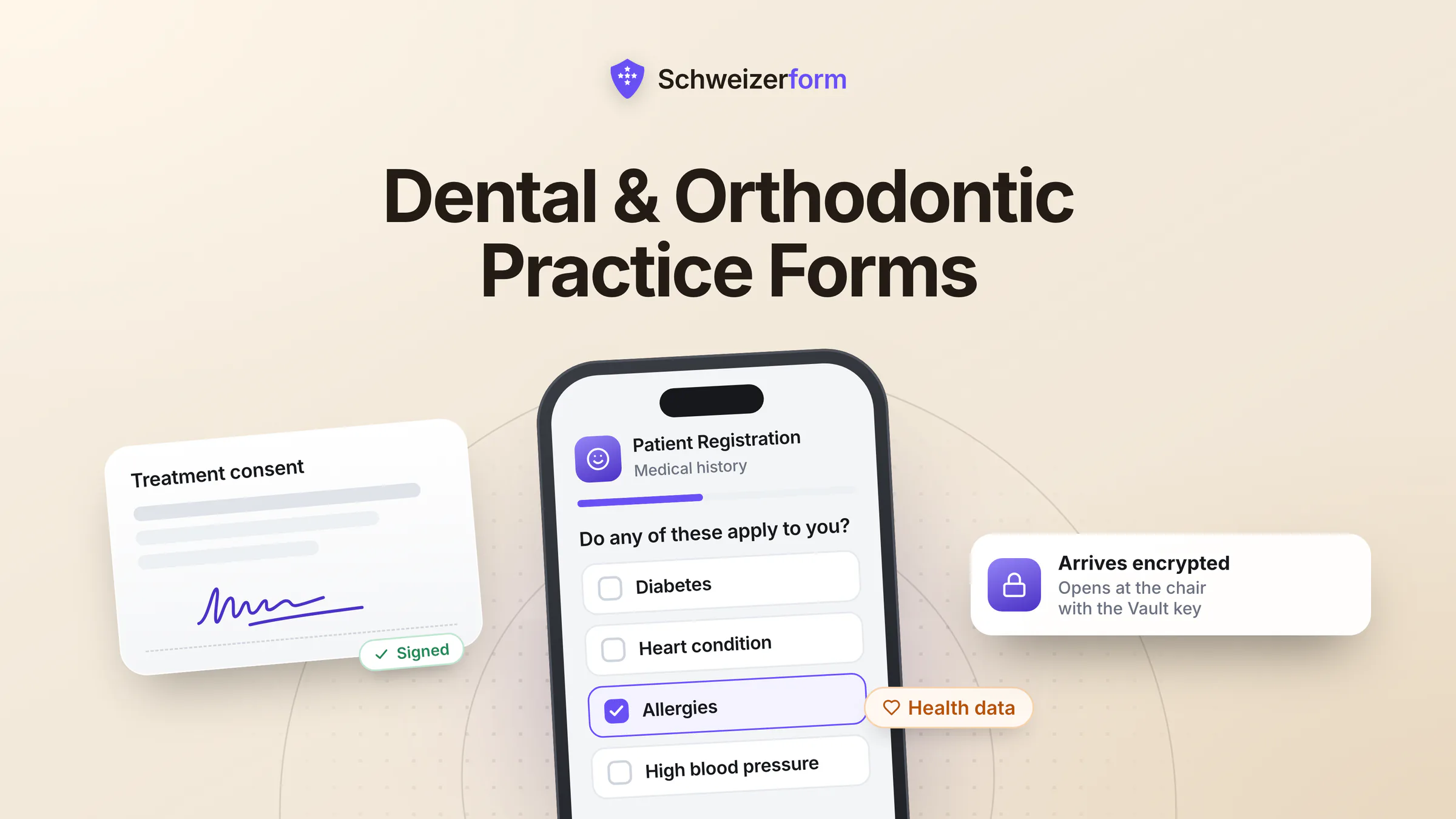
A modern dental or orthodontic practice processes some of the most sensitive personal information any small business handles: full medical history, current medications, allergies, prior diagnoses, mental-health notes, treatment photographs, identification, and payment information. Most practices still collect this through paper questionnaires handed over at the front desk, or via online tools that can read every word. Both have problems — and zero-knowledge digital intake solves both at once.
Schweizerform was built on a simple premise: every submission is encrypted in the patient's browser before it leaves the device. We physically cannot read intake forms, medical-history questionnaires, or treatment consents. For Swiss and European dental and orthodontic practices, that property — combined with Swiss hosting and a posture aligned with nFADP, GDPR, and Swiss professional-secrecy expectations (Art. 321 CP) — turns digital intake from a compliance worry into a quiet competitive advantage.
Who this page is for
Practice owners, principals, hygienists, dental nurses, practice managers, and IT consultants supporting dental, orthodontic, periodontic, paediatric-dental, oral-surgery, and aesthetic-dentistry practices — particularly in DACH and EU markets where patient-data protection is a daily expectation, not an annual audit topic.
Why Dental Practices Have an Outsized Data-Protection Profile
Dental data sits at the intersection of three categories that each carry strict protection rules:
- Health data — medical history, medications, allergies, mental-health flags, pregnancy, infectious disease status (HIV, hepatitis), bisphosphonate use, anticoagulants — the routine intake covers conditions a hospital ward would treat as confidential
- Biometric and image data — orthodontic photographs, intraoral scans, X-ray imagery, identifiable smiles — special-category data under GDPR Art. 9 in many configurations
- Financial and identity data — insurance numbers, ID copies, payment plans, invoicing details — the standard surface of any small business plus the medical overlay
Most online form tools — Google Forms, Microsoft Forms, JotForm, Typeform, Cognito Forms in default mode — operate on a conventional SaaS model: the patient's browser sends plain-text data over HTTPS, and the provider's server stores it. The provider can read everything. So can their staff with the right access, their integration partners, anyone who compromises their infrastructure, and any authority that serves a lawful order. For a dental practice collecting a patient's full medical history, that is a wider exposure surface than most patients understand.
The professional-secrecy angle
Dentists in Switzerland are bound by Art. 321 of the Penal Code (professional secrecy) — the same rule that binds physicians, lawyers, and clergy. Across the EU, equivalent professional-conduct rules and GDPR Art. 9 (special-category data) apply. A form tool that can read patient intake creates an analytical question you do not want to defend: have you preserved professional secrecy when a readable copy exists on a third-party server you do not control? Zero-knowledge tooling removes the question.
What Changes With Zero-Knowledge Intake in a Dental Practice
The technical shift is simple. Patient form data is encrypted in the patient's browser before transmission and lands in a vault only your practice can open. The server stores ciphertext. Only the practice — using its vault key, which never touches our servers — can open the vault and read the submission. The form provider becomes a courier of unreadable data, not a custodian of patient health information.
- 1
Patient fills in the intake form before the appointment
Patient opens a secure link (sent by email or shown on the practice website), completes the medical history, lists medications and allergies, uploads any prior records or X-rays. The medical history is sealed on the patient's own phone before it is sent.
- 2
Transmission and storage
What crosses the network is ciphertext, and it stops in a Swiss data centre. The server stores ciphertext only — no plain-text copy of patient health data exists anywhere on our infrastructure.
- 3
Practice retrieves the submission at the chair
The treating dentist or hygienist opens the submission in their browser before or during the appointment. The practice's vault key unlocks the vault and decrypts the data on the device. Reading and chart-creation happen practice-side.
- 4
Treatment, retention, deletion
Once the data is in the practice management system (PMS), the form-side submission can be retained for the time you've configured or deleted. No key on our side means a deleted patient record leaves no readable remnant.
The chairside speed advantage
Patients who fill the intake at home arrive ready. The dentist sees a complete, structured medical history before the patient sits down — fewer 10-minute consultations spent on paperwork, more time on the actual treatment. Practices report 5 to 15 minutes saved per new-patient appointment, multiplied across the schedule.
Where Dental and Orthodontic Practices Use Schweizerform
New-patient intake and medical history
The most common use. New patients complete a structured questionnaire covering personal details, current medications, drug allergies, anticoagulants, pregnancy status, prior surgeries, mental-health flags relevant to anaesthesia, and insurance information. Sent before the appointment via SMS or email link; arrives encrypted; opens in the practice's browser at chairside.
Treatment consent and informed-consent documentation
Implant consents, extraction consents, sedation consents, orthodontic treatment plans, aesthetic-treatment disclaimers — paperwork that is legally meaningful and historically lived in the front-desk filing cabinet. Encrypted digital consent gives you a tamper-evident, time-stamped, retrievable record without exposing it to a SaaS provider.
Orthodontic case-workups
Orthodontic and aligner cases involve face and intraoral photographs, identification, and clinical measurements. Patients can upload these from home using a secure, encrypted form — useful for first consultations, second opinions, and remote monitoring. The practice receives a full case packet without any of it ever being readable to the form vendor.
Recall, hygienist, and recare questionnaires
Recurring six-month-recall questionnaires (any change in medications? new diagnoses? pregnancy?) keep the medical history current without requiring a paper update at each visit. Patients fill in 90 seconds before arriving; the hygienist reviews while seating the patient.
Insurance, billing, and payment-plan applications
Insurance details, IBAN for direct debit, payment-plan applications — financial data that does not need to live on a third-party form vendor's disk. Encrypted submission means the data goes from patient browser to practice browser, with the vendor as courier only.
Aesthetic-dentistry assessment forms
Whitening, veneers, cosmetic-orthodontic, and full-mouth aesthetic assessments often capture before-and-after photographs, mental-health screening, body-image questionnaires, and detailed expectation-setting — sensitive even by dental standards. Zero-knowledge intake matches the discretion patients expect.
Paediatric dentistry — parental consent and history
Paediatric practices collect parental consent, the child's medical history, behavioural notes, and sometimes safeguarding-relevant context. The intake is filled by a parent before the appointment; data protection for minors applies on top of standard health-data rules.
What Patients, Regulators, and Insurers Actually See
Three audiences notice the difference between a generic form and zero-knowledge intake: patients who fill it in, the data-protection authority that supervises the practice, and the cyber-insurance underwriter who calculates the practice's risk profile.
| Perspective | Generic / paper / SaaS form | Schweizerform |
|---|---|---|
| Patient submitting medical history | "This goes somewhere — I'm told it's safe" | "The practice's form encrypts my entry in my browser; only the practice can read it" |
| Cantonal / national DPA | Has to assess the form provider's full readable copy, sub-processor chain, and DPA | Provider holds no readable copy — analysis collapses to the practice's own systems |
| Cyber-insurance underwriter | Standard SaaS risk profile (plain-text PHI on third-party servers) | Materially reduced breach-impact profile for form-tier patient data |
| Practice's professional-conduct lens (Art. 321 CP / equivalent) | Readable third-party copy complicates the secrecy analysis | No readable third-party copy — analysis is cleaner |
Features That Matter for Dental and Orthodontic Practices
- End-to-end encryption on every form, every plan, every submission — no paid upgrade for protecting patient data
- Swiss hosting in Swiss data centres — direct answer to where patient health data lives
- Encrypted file uploads up to 100 MB per file and 1 GB per submission — covers radiographs, intraoral photos, prior records, ID scans
- Native EN / DE / FR / IT — every label, error, and confirmation in the patient's language, not machine-translated, which matters in DACH and Swiss-French/Italian regions
- Mobile-first patient experience — most patients fill the form on their phone before the appointment
- Forms behind an unlock code for restricted intake (referral-only consultations, second-opinion channels)
- Audit logging of administrator actions and submission access — documentation for DPA inquiries and ISMS reviews
- No third-party trackers on public forms — the patient's browser is not pinging marketing analytics with their medical history
What dental practices ask first
"We use paper forms — they're already private"
Paper has its own risks: forms left at the front desk, handwriting that hides allergies, transcription errors into the PMS, slow appointments. Encrypted digital intake gives you the privacy of "only we can read it" with the speed and accuracy of structured data. It is not a step backwards from paper — it is a step forward on both axes simultaneously.
"Older patients will not use online forms"
Some will not, and they should not have to — keep paper as a fallback for patients who prefer it. The benefit is in the 70 to 90 percent of patients who do fill in online intake, the time saved, and the protection given to those submissions. A blended workflow is fine.
"Our practice management system has a patient portal — isn't that enough?"
Most PMS portals were designed for appointment booking and recare reminders, not for cryptographically protected intake of new patients. They typically encrypt in transit and at rest, but the PMS vendor still holds a readable copy. Schweizerform is a specialised intake layer that can sit in front of any PMS — encrypted intake, then standard export into the practice's system of record.
"What happens if the practice loses the key?"
This is the honest trade-off of zero-knowledge architecture. Because the vault key never touches our servers, we cannot reset it — lose it and your recovery code, and even we cannot open the vault. We support a recovery-key flow: a second key set up in advance and stored separately (typically a printed copy in the practice's safe). Most practices treat the vault key the same way they treat the master key to the medication cabinet — formal procedure, two trusted custodians (e.g. principal and practice manager), regular review.
"We need everything to land in our PMS automatically"
Authorised staff decrypt submissions in the browser, then export to the PMS through standard channels — copy/paste, structured CSV, or webhook (post-decryption). The point of the zero-knowledge layer is that decryption happens practice-side; once decrypted, the data flows into your PMS like any other input. Most practices set this up once and never touch it again.
Getting Started in a Dental or Orthodontic Practice
- 1
Pilot with the new-patient intake form
The most common starting point. The free tier (3 forms, 100 submissions/month) is enough for a single-chair practice's pilot, or a controlled rollout in a multi-chair practice. Send the form link from your existing appointment-confirmation email or SMS.
- 2
Document the processor relationship
List the practice's intake channel in your processing register. Write down where submissions are stored, that the provider holds no key, and that no US sub-processor touches them. For DPOs and external compliance consultants, this typically simplifies the analysis compared to US-hosted intake tools.
- 3
Train two custodians on the vault key
Most practices designate the principal and the practice manager. Establish a recovery-key procedure analogous to the practice's other critical credentials. Brief chairside staff on how to open and read submissions.
- 4
Add forms over time
Once the new-patient intake is steady, add treatment-consent forms, recall questionnaires, orthodontic case-workups, and aesthetic-assessment forms as they come up for review. Paid plans lift the form and submission caps.
- 5
Set retention to match practice policy
Once data has been transferred to the PMS, the form-side submission rarely needs to live forever. A 30 to 90-day form-side retention plus permanent storage in the PMS is a clean pattern. With no key on our side, a deletion cannot be quietly undone.
The two forms a dental practice should move first
Dental and orthodontic practices handle protected health data on a daily basis: medical histories, medications, allergies, intraoral images, sedation records, paediatric consent. A form tool that can read this information creates an avoidable weakness in the practice's data-protection posture, and an uncomfortable explanation to patients, regulators, and insurers if anything goes wrong.
Schweizerform offers a direct answer: zero-knowledge end-to-end encryption on every form, Swiss hosting, native four-language support, and a posture designed around the realities of clinical practice. No paid upgrade for protection. No US cloud dependency for patient health data. No readable third-party copy of medical histories sitting on a server you cannot control.
Start with a single new-patient intake form on the free tier. Encrypted submissions stored in Switzerland, medical histories the provider cannot read, and a free tier to start with one form.
Disclaimer: This page is general information and marketing content, not legal, regulatory, or clinical advice. References to nFADP, GDPR, Art. 321 of the Swiss Penal Code, and dental professional-conduct frameworks are summarised at a conceptual level and subject to jurisdictional interpretation. Responsibility for patient-data protection remains with the practice. Consult a qualified data-protection or dental-law specialist in your jurisdiction before relying on any summary here for compliance or procurement decisions. Competitive details were last verified on 25 July 2026. All product and company names are trademarks of their respective owners and are used here for factual comparison only.