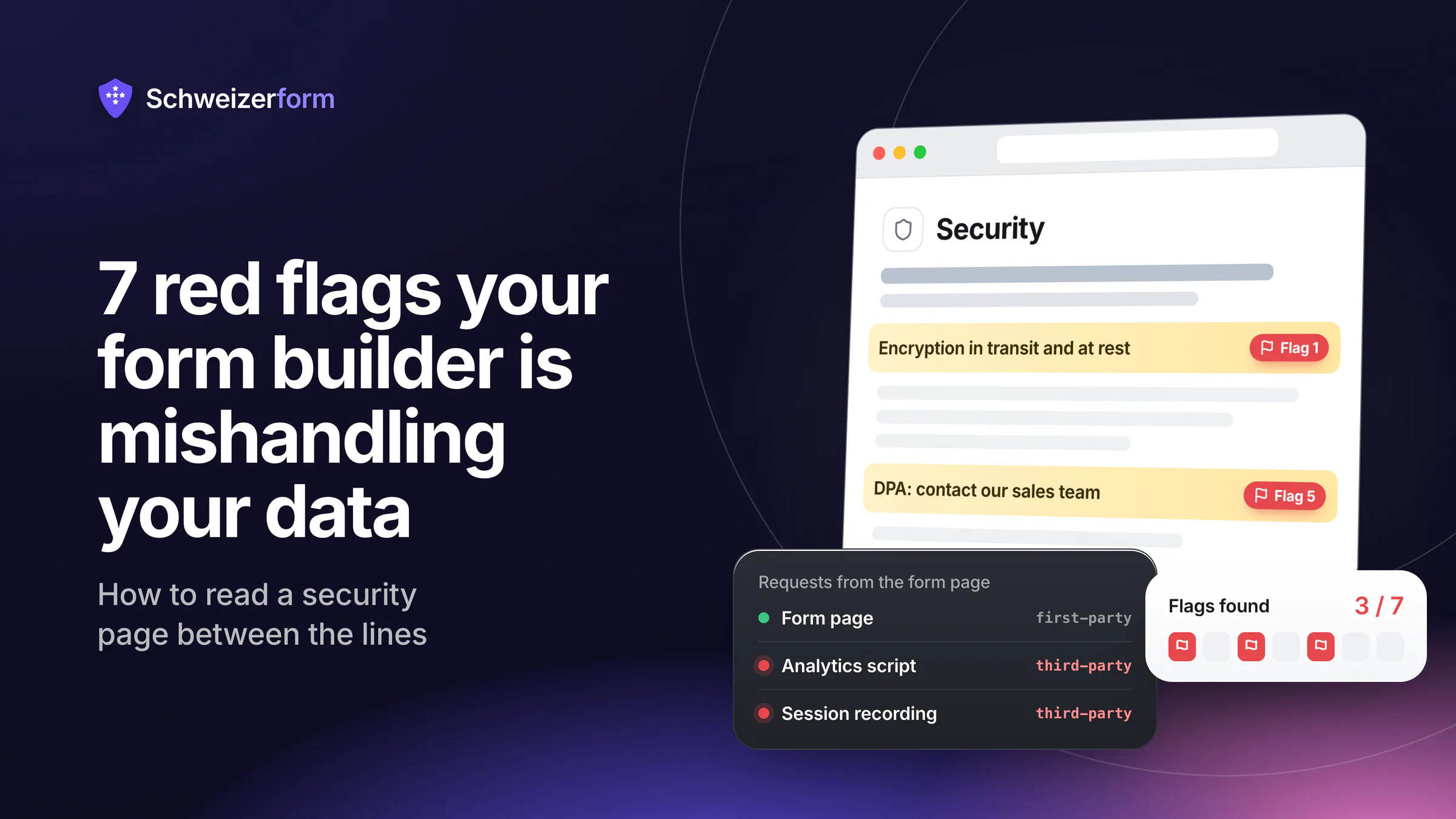
On the surface, every modern form builder looks broadly the same: a clean editor, a friendly homepage, a security page that mentions encryption and uptime. Look one layer deeper and the differences are stark — the difference between a tool that takes your respondents' data seriously and one that has merely written a security page about it. This is a checklist of seven specific red flags. If your current form provider trips three or more, the trust you have placed in them deserves a second look.
How to use this checklist
Open your form builder's security, privacy, and DPA pages in another tab. Run through each red flag below and mark which ones apply. The point is not to disqualify any tool — it is to translate marketing language into honest answers about data handling.
Red Flag 1 — "Encryption" Means TLS and AES at Rest, Nothing More
Almost every form builder advertises encryption. Read carefully and the claim is usually narrower than it sounds: TLS in transit (HTTPS) and AES-256 at rest on disk. That is the modern industry minimum — not a security feature, just baseline hosting hygiene. It protects the data on the wire and from disk theft, but it does nothing about the most common threat: the provider, the provider's staff, the provider's sub-processors, or any party that can compel the provider, all of whom can read submissions because the keys live with the provider.
What you actually want — and what you almost never get on standard SaaS form tools — is end-to-end / zero-knowledge encryption. That means the data is encrypted in the respondent's browser before transmission, with keys held by you, the form owner. The provider stores ciphertext only and physically cannot read submissions.
How to spot it
If a provider's security page says "encryption in transit and at rest" without saying "end-to-end" or "zero-knowledge", they are describing the industry baseline. The vendor can still read every submission. That is not a deal-breaker for low-stakes forms, but it is a non-starter for anything sensitive.
Red Flag 2 — Encryption Is a Paid Upgrade
A subtler signal: a few providers do offer something resembling stronger encryption — sometimes called "encrypted forms", "HIPAA-grade encryption", or "field-level encryption" — but lock it behind a paid tier. That tells you something about the company's posture: encryption is a revenue lever, not a baseline. Customers on lower tiers pay for the form-building feature with their own data privacy.
Real protection should be free, on every plan, on every form. If a provider charges extra for the security property that matters most, the question is not whether the feature works — it is whether their priorities align with yours.
Red Flag 3 — Public Forms Run Third-Party Trackers
Open one of your live forms in a private browser window with developer tools. Look at the network panel. Are there requests going to Google Analytics, Facebook, Hotjar, Segment, Mixpanel, or any analytics service you did not put there? If yes, your form vendor is broadcasting respondent behaviour — and sometimes form contents — to third parties before the respondent has even hit "submit".
The vendor will defend this as "product analytics". For a marketing tool, fine. For a form your respondents fill in with medical history, financial details, or legal information, it is a quiet leak the respondent never agreed to and never sees.
How to spot it
Open browser DevTools → Network tab → Filter by "third-party". A clean form-tool should be loading from one or two first-party domains only. Tens of third-party hosts is a tell.
Red Flag 4 — There Is No Honest Answer to "Where Is the Data Hosted?"
Many form vendors host data on AWS or GCP and choose the region opaquely. The marketing page says "world-class security". The DPA, if you find it, says something vaguer: "we use industry-standard cloud providers". For GDPR or nFADP analyses, that is not enough. You need to know specifically which jurisdiction your data sits in, and equally importantly, which sub-processors might touch it.
A responsible vendor names their hosting region, names their primary infrastructure provider, names their sub-processors, and explicitly states what is in scope. An evasive vendor markets around the question.
What good looks like
"Submission data is hosted in Switzerland on Swiss-operated infrastructure. We do not use US sub-processors for submission storage." That sentence — or its equivalent for any jurisdiction — should appear in the public security or privacy page, not buried in a custom enterprise contract.
Red Flag 5 — The DPA Is Hidden Behind a Sales Conversation
Under GDPR Art. 28 and equivalent provisions in the nFADP, you need a data-processing agreement (DPA) with any vendor handling personal data on your behalf. A responsible vendor publishes a standard DPA prominently — often a click-through PDF on the privacy page or a one-line acceptance in the dashboard. A less responsible vendor makes the DPA a sales call: "contact our enterprise team".
Why does this matter? Because if a small dental practice or a four-person law firm cannot get a DPA without an enterprise sales motion, the vendor is signalling that small customers' compliance posture is not their priority. They will sell you a form-building product but make legal compliance your problem.
What to look for
Search the vendor's site for "DPA" or "data processing addendum". You should find a public, signable document at every plan level — not a contact form leading to enterprise pricing.
Red Flag 6 — There Is No Configurable Retention
GDPR Art. 5(1)(e) and the nFADP both require that personal data not be kept longer than necessary. Practically, that means your form tool should let you set a retention period per form (or at least globally) and delete submissions automatically when it elapses.
Most form builders silently default to forever. There is no auto-delete, no easy bulk-delete, and the dashboard nudges you to keep responses for analytics. If your only path to retention compliance is manual cleanup on a recurring calendar invite, the tool is making you do work it should be automating.
What good looks like
Per-form retention windows. Automatic deletion at the horizon. Cryptographic finality on deletion (the data is actually gone, not just hidden from your view). Bonus: a retention column in your record of processing activities that you can quote to a regulator.
Red Flag 7 — Privacy and Security Are Reactive, Not Foundational
Read the vendor's blog. Are privacy and security topics part of the routine writing — explainers about encryption, deletion, sub-processor changes, retention — or do they only appear after a regulator complains, a breach happens, or a competitor publishes something? The texture of a security culture shows up in what a company writes about when there is no immediate crisis.
Reactive vendors update privacy policies after PR incidents. Foundational vendors structure their product around hard guarantees and explain them publicly. The first kind eventually gets caught up by an incident; the second was already prepared.
- Does the vendor have a public, dated security or privacy blog?
- Are sub-processor changes announced before they happen, with a notice window?
- Is there a published incident-response policy, or only a generic "we take security seriously" line?
- When a competitor or peer publishes a credible analysis of risks in the category, does this vendor respond substantively or stay silent?
Quick-Score Your Current Vendor
Print this list and tick the red flags that apply. The threshold is informal — but a useful guide:
- 0–1 flags: the vendor is doing better than most. Verify your specific use case still fits.
- 2–3 flags: there are real gaps. For sensitive forms (health, legal, HR, finance), look at alternatives.
- 4+ flags: you are running on a tool whose posture does not match the data you are collecting. Migrate the highest-risk forms first.
How Schweizerform Reads Against This Checklist
Because we wrote the checklist, you should be sceptical of how we score against it. Here is the honest scoring — verifiable on our security page and DPA:
| Red flag | Schweizerform | How to verify |
|---|---|---|
| 1. Encryption is just TLS + at rest | End-to-end / zero-knowledge on every form | Browser DevTools — submission body is ciphertext before it leaves the page |
| 2. Encryption is a paid upgrade | Included on every plan, including free | Pricing page |
| 3. Public forms run trackers | No third-party trackers on respondent-facing forms | DevTools network panel on a live form |
| 4. Hosting is opaque | Submission data hosted in Switzerland; no US sub-processors for submission storage | Security page + DPA |
| 5. DPA hidden behind sales | Public, click-through DPA at all plan levels | Privacy / DPA page |
| 6. No configurable retention | Per-form retention with cryptographic deletion | Form settings page |
| 7. Reactive privacy posture | Public, dated security & privacy blog with substantive explainers | /blog |
The point of this article is not to win on a checklist. It is to give you a vocabulary for reading any vendor honestly — including ours. Apply the same scrutiny to Schweizerform that you apply to any other tool.
What to Do Next
- Run this checklist against your current form vendor today
- Identify the top three forms collecting the most sensitive data
- If your vendor trips three or more flags, plan a migration of those three forms
- Document the new processor relationship in your record of processing activities
- Repeat annually — vendor postures change in both directions
What to do with the red flags you found
Form builders are easy to evaluate on features and hard to evaluate on data handling — by design. The marketing pages are written to obscure the small set of distinctions that actually matter: who can read submissions, where data lives, who else touches it, and how long it stays. The seven red flags above are the shortcut. They translate vendor language into honest answers, and they let you make a reasoned choice rather than a vibe-based one.
Schweizerform was built to score well on every flag, by construction rather than by marketing. End-to-end encryption on every plan. Swiss hosting. Public DPA. Configurable retention with cryptographic deletion. No trackers on public forms. We will keep writing about this category honestly, including pieces like this one that invite you to apply the same scrutiny back to us.
Try Schweizerform on the free tier — encrypted submissions stored in Switzerland, zero-knowledge encryption, native EN / DE / FR / IT — and run the seven-flag checklist on it yourself.
Disclaimer: This article is general information and marketing content, not legal or compliance advice. Vendor capabilities change over time; verify current behaviour against the vendor's own published security and privacy pages before making a procurement decision. Consult a qualified data-protection specialist for jurisdiction-specific obligations.